Everything you bill hangs off a customer record: services, invoices, payments, credits and contacts. The Customers menu holds the customer list and the modules that work on it. Use this page to find the right one.
¶ The Customers menu
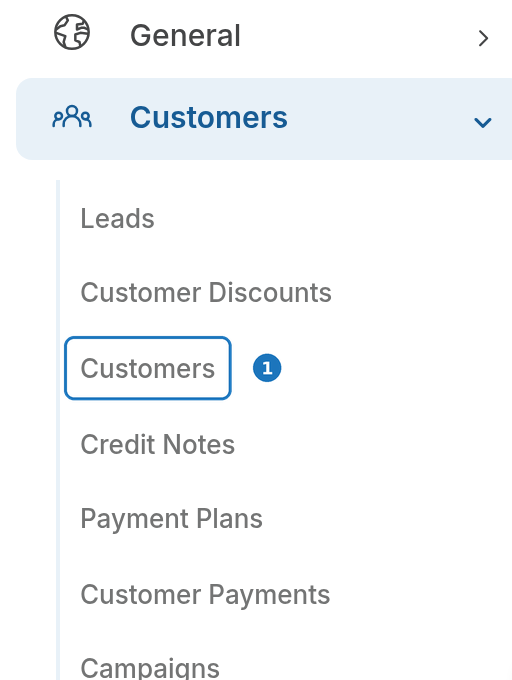
- In the sidebar open Customers, then click Customers for the list.
| Page | What it covers |
|---|---|
| Create a customer | Add a new customer record (Getting started). |
| Customer details | Every field on the customer form, contacts and the accounts contact for invoice emails. |
| Payment methods | Saved bank accounts and cards, primary and backup methods, automated payments. |
| Customer payments | Take a payment against the account, import payments, find failed payments. |
| Credit notes and credits | Three ways to credit a customer, including credit notes with approval. |
| Miscellaneous charges | One-off charges (or credits) that go on the next invoice. |
| Customer CDR exports | Export a customer's rated call records as CSV, on demand or daily. |
| Leads | Prospects before they become customers. |
| Resellers and commissions | Link customers to a reseller and report the commission owed. |
The menu also holds Customer Discounts, Payment Plans, Campaigns, Loyalty Programs and Mailchimp; those are covered in their own sections.
¶ Find a customer
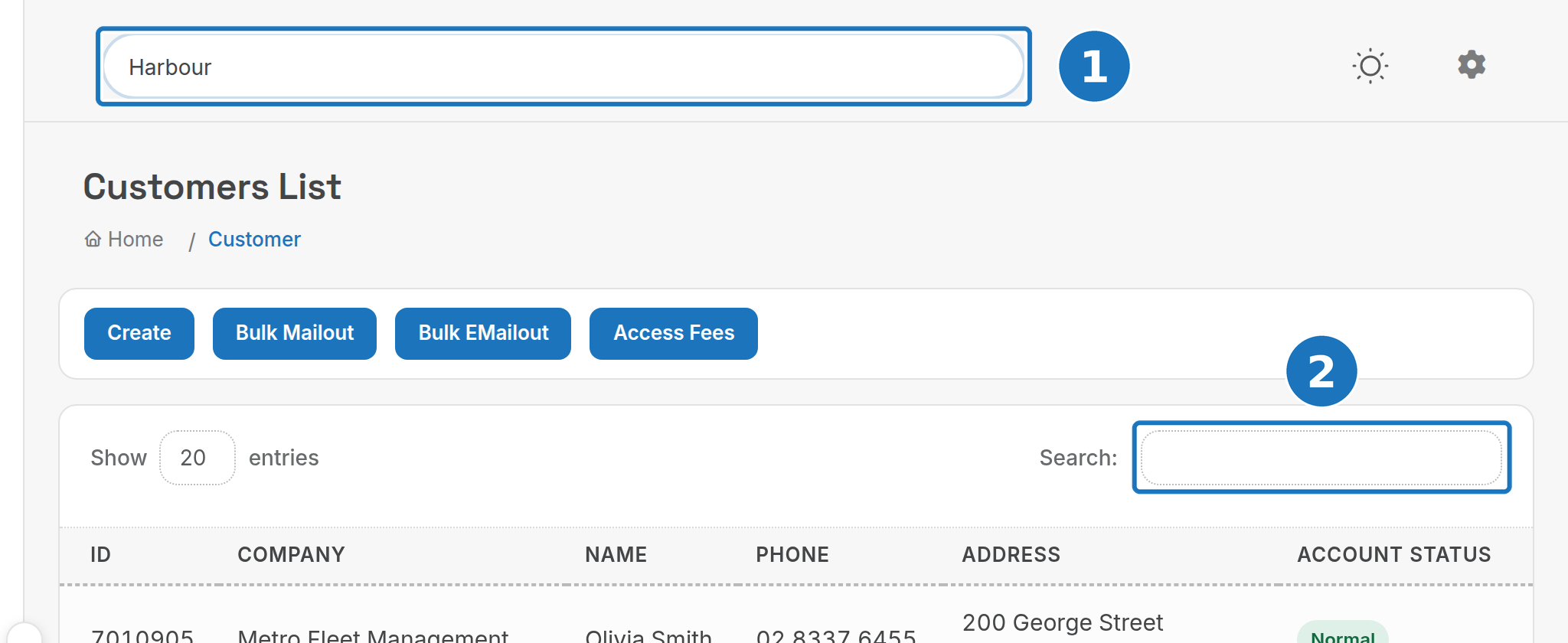
- Type any detail in the Search bar at the top of any page: company name, email, service ID or invoice number, then pick the customer from the results.
- In the customer list, the table Search box filters by ID, company, name, phone, address or account status.
¶ View a statement
- On the customer's page click Statement.

- The statement opens for the current financial year. Click Change Dates to pick another Date From and Date To.
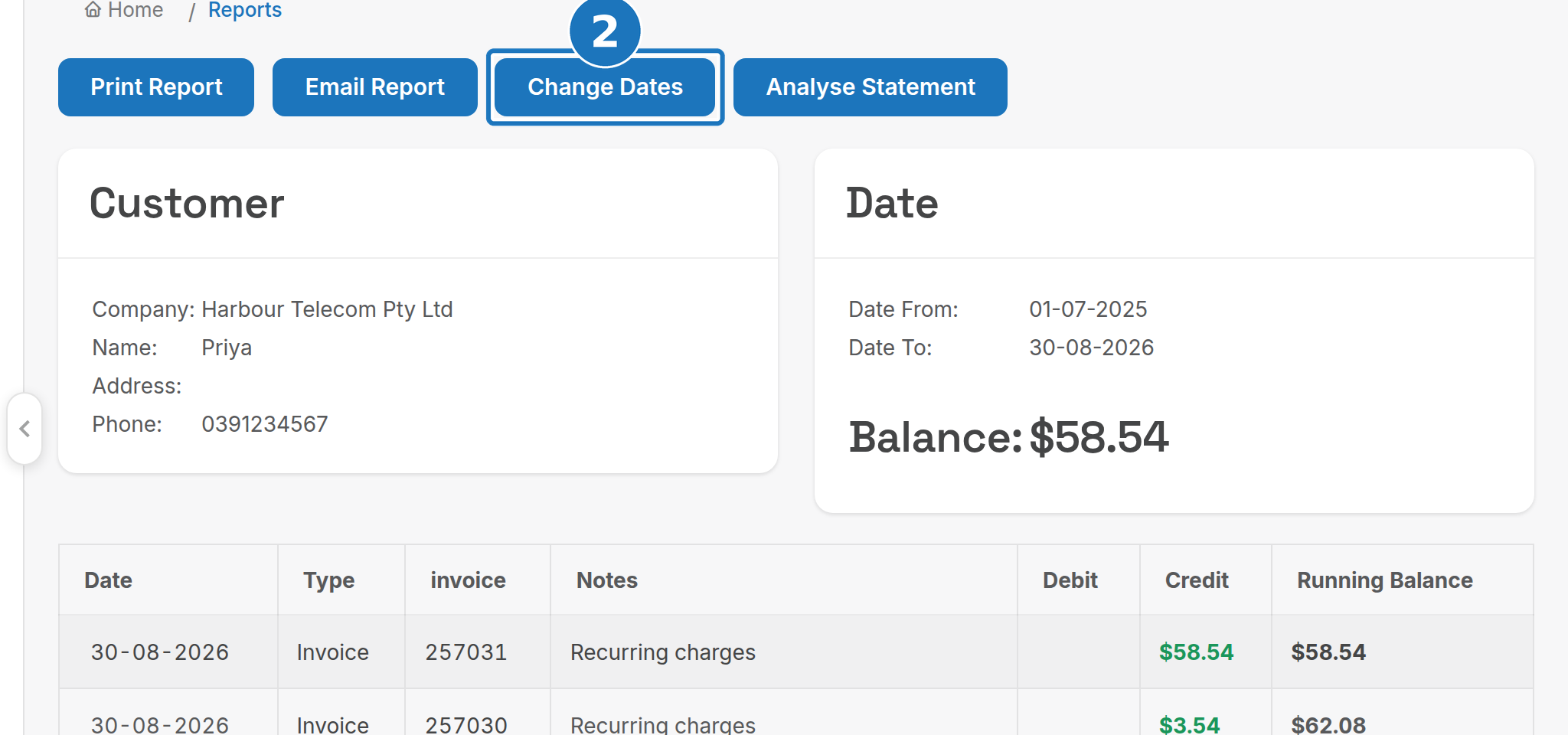
Print Report produces a PDF and Email Report sends the statement to the customer's email address. Each invoice number in the statement links to the invoice.
Next: Customer details.