A CDR export gives a customer their rated call records as a CSV: every call with its destination, duration, rate and cost. Export on demand from the customer page, or ask PracBill to set up a daily export to a folder.
¶ Export on demand
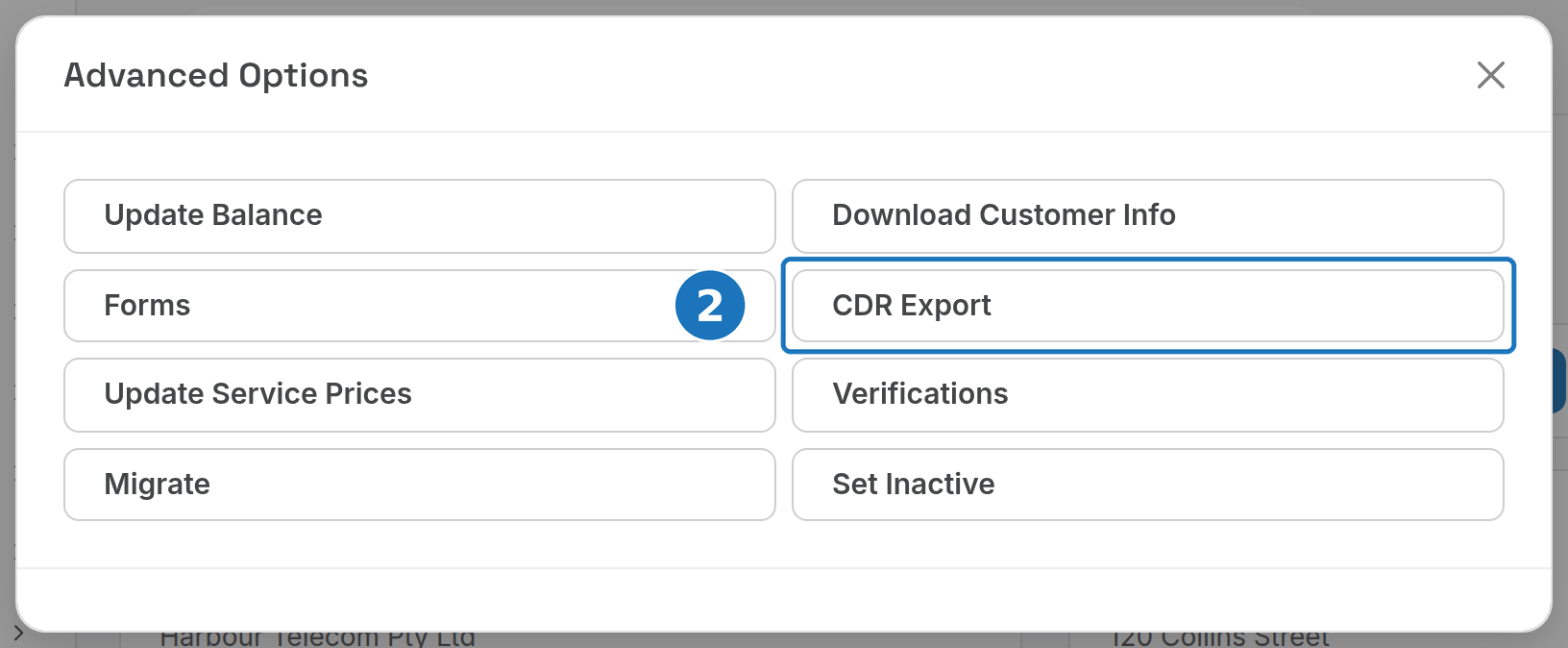
- On the customer page click Advanced Options.

- Click CDR Export.
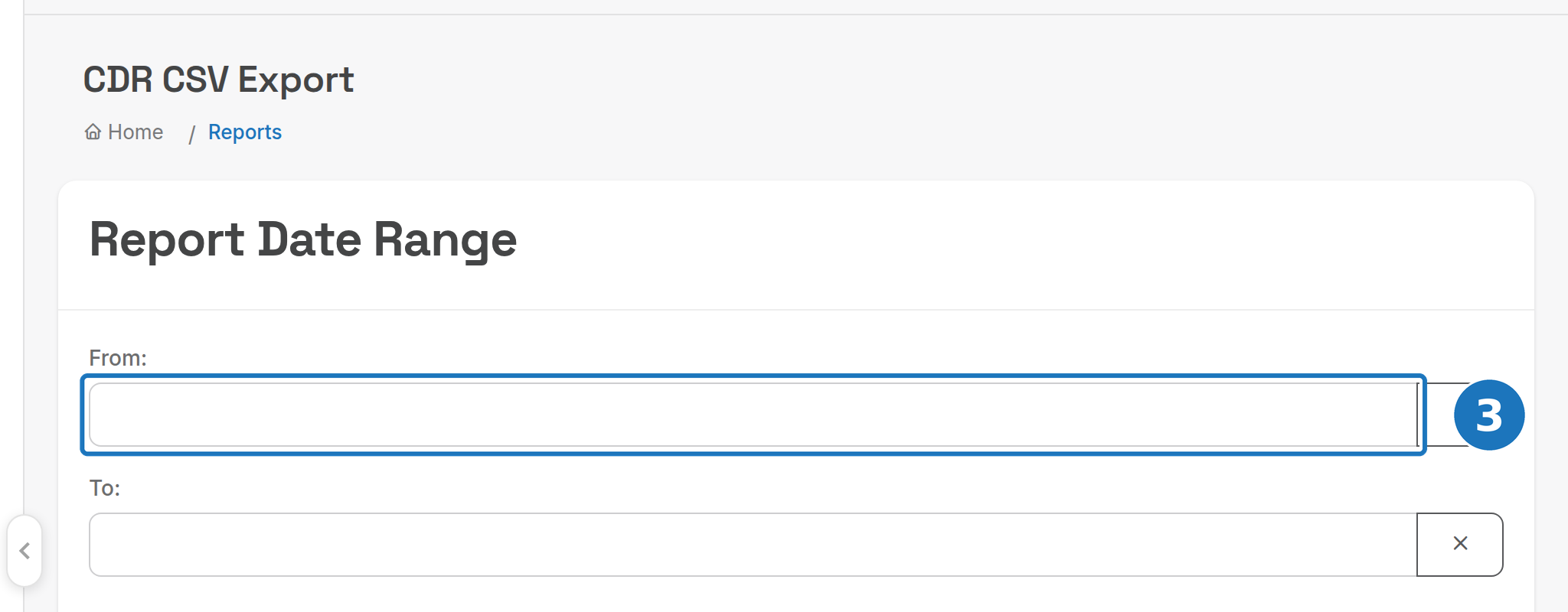
- Set From and To (or use the quick dates: This Year, Today, Week, Month, or a quarter) and click Export.
¶ Daily exports
PracBill can drop a CSV for the customer every day, in the basic format below or a custom format built with PracBill's help. Two settings on the customer record control it; ask support to set them.
| Setting | Meaning | Example |
|---|---|---|
cdr_export_format |
Export format to use. | basic_export |
cdr_export_dir |
Folder for this customer, usually the customer ID. | 646888 |
¶ Basic export format
| Column | Type | Notes |
|---|---|---|
| CDR ID | integer | |
| Date Start | datetime YYYY-MM-DD HH:MM:SS |
|
| Date End | datetime YYYY-MM-DD HH:MM:SS |
Calculated from Date Start and Duration. |
| Duration | integer | Answered or billable seconds. |
| Account Code | string | Account code from the CDR import. |
| Caller ID | string, E.164 | String because it can be Anonymous. |
| Destination | string, E.164 | |
| Direction | string | inbound or outbound. |
| Application | string | Often blank; sms is the common value. |
| Rate | string | Rate code applied to the call. |
| Cost | decimal | Amount the customer was charged. |
| Description | string | Detailed description of the rate. |
Related: Call rating, Customer details.