A customer payment settles one or more invoices and updates the account balance. Most arrive on their own through a payment gateway; this page covers the ones you handle: paying an account by hand, importing payments in bulk and finding the ones that failed. To pay a single invoice from the invoice itself, see Take a payment.
¶ Take a payment on the account
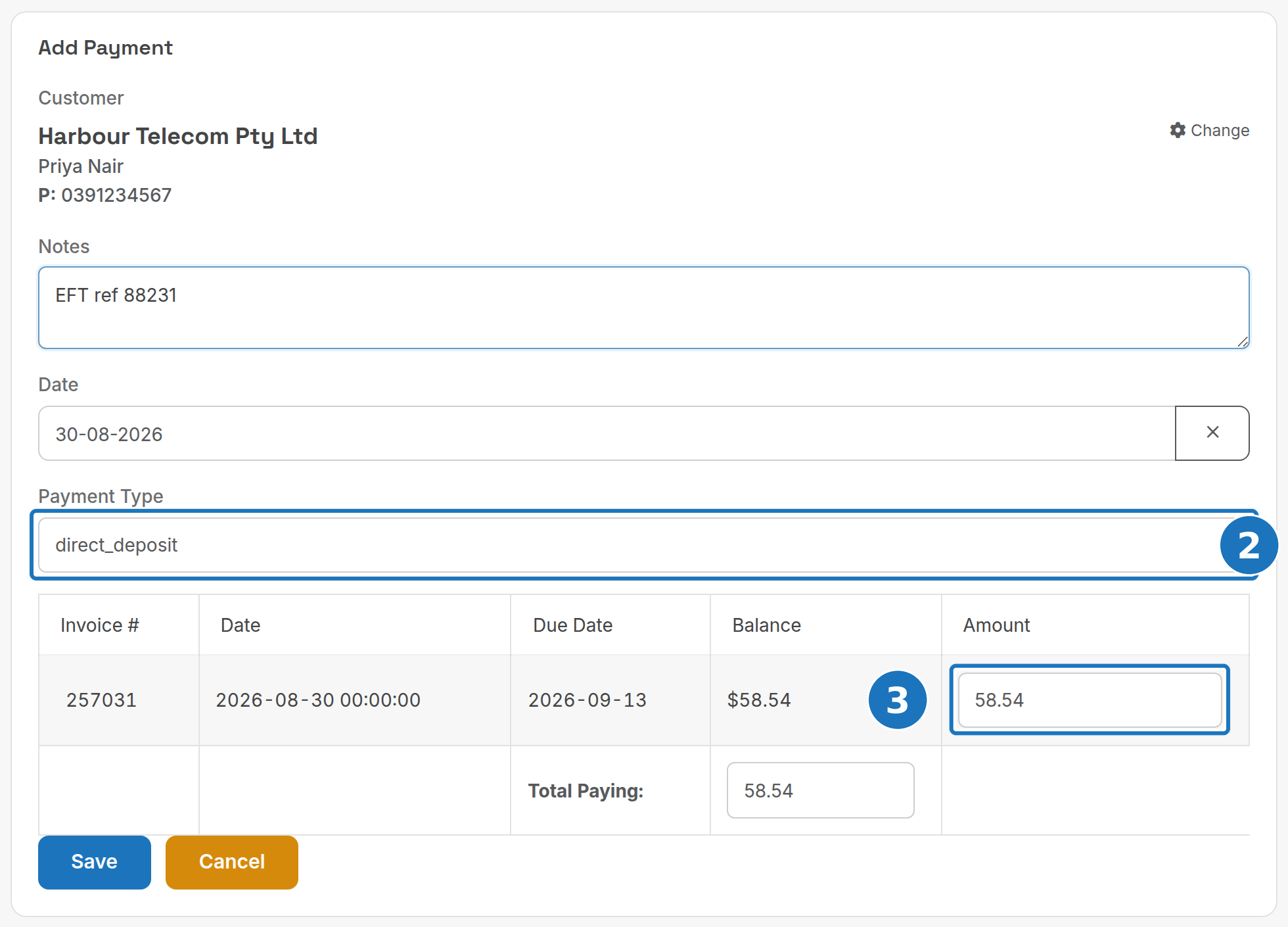
- On the customer page click Pay Account. (Or open Customers → Customer Payments and search for the customer.)

- Choose the Payment Type. The list is your department's payment options plus Bad Debt.
- Check the Amount against each unpaid invoice. It defaults to the invoice balance; lower it for a part payment. Total Paying adds them up.
- Add a reference in Notes, check the Date, then click Save.
Card payments through a gateway return a result straight away. Bank and direct debit payments usually settle in 3 to 5 business days, depending on the gateway.
¶ Import payments from CSV
Use this when migrating into PracBill or loading a batch from another system.
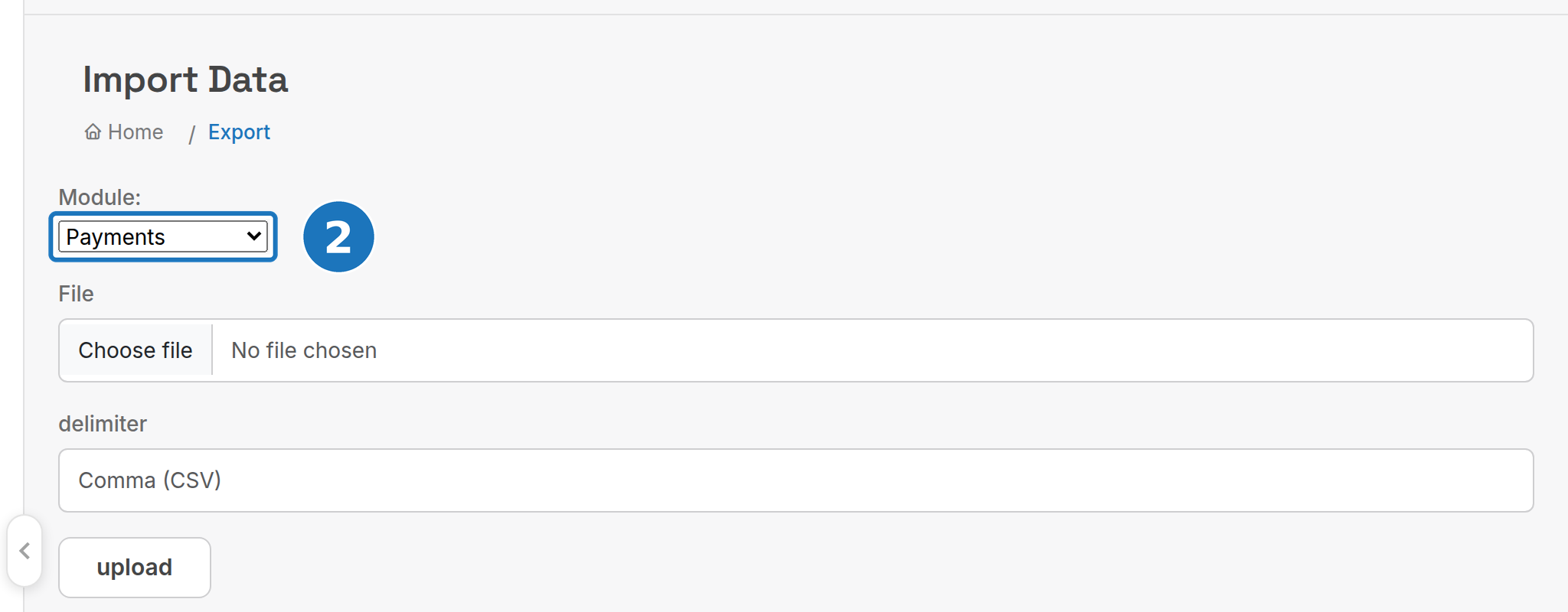
- Open General → Export/Import and click Import Data.
- Set Module to Payments, choose the file and the delimiter, then click upload.
| Column | Type | Meaning |
|---|---|---|
cid |
integer | Customer ID. Either cid or iid is required. |
iid |
integer | Invoice ID to apply the payment to. |
date |
datetime | Date (and optional time) of the payment. |
type |
string | Payment type: the name or integration name of a payment option set up in your department. |
amount |
float | Positive for a payment, negative for a refund. |
notes |
string | Payment notes. |
The import only creates payments; it never updates or deletes. Errors are listed once, at the end of the import, with the row number and reason. Copy them before leaving the page.
¶ Find failed payments
- Go to Management → Reports, click New Report and choose Failed Payments under Accounting.
- Pick the period in Report (the date is when the payment was attempted) and click Run Report.
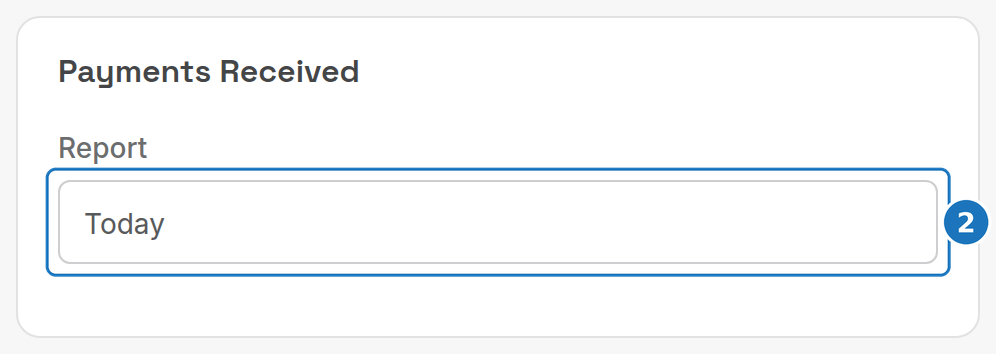
The report lists every gateway payment (card or direct debit) that failed in the period, with the gateway message after the note, for example Online Payment [The transaction ID already exists!]. Negative payments are ignored. A payment that was retried successfully later still appears here.
Related: Payment methods, Payment gateways.