Record a payment against an invoice and PracBill marks it paid, updates the customer's balance and, if the customer pays by card, charges it. Most payments arrive on their own (see Automated payments below), but you can always take one by hand.
¶ Take a payment on an invoice
- Open the invoice: type the customer's name or the invoice number in the Search bar at the top of any page, or go to Sales → Invoices.
- Scroll to the Payments panel and click Click Here.

- Check the Amount. It defaults to the invoice balance; lower it for a part payment.
- Choose the Payment Type. The list is your department's payment options. Add a reference in Notes if you have one.
- Click Save.
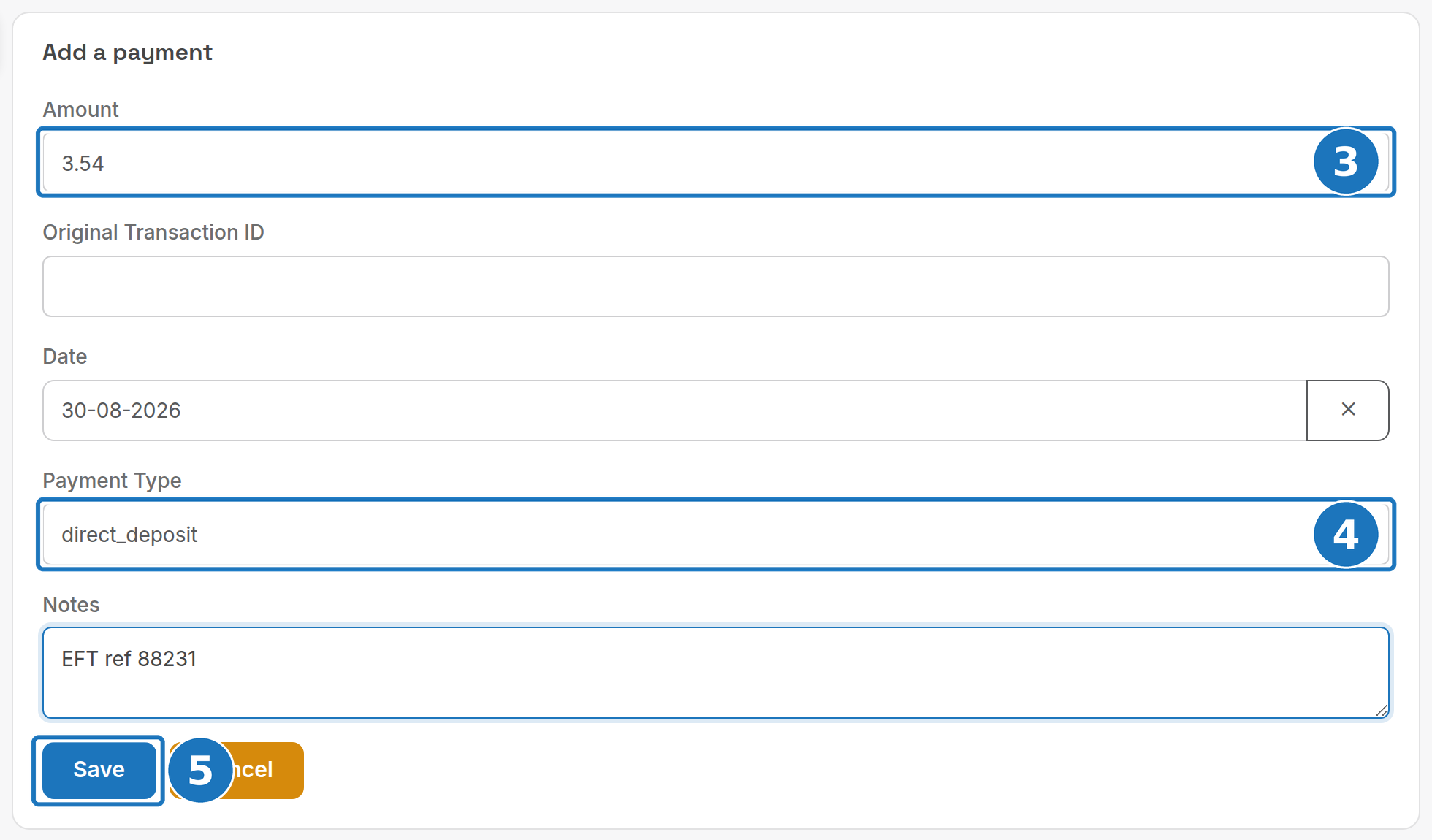
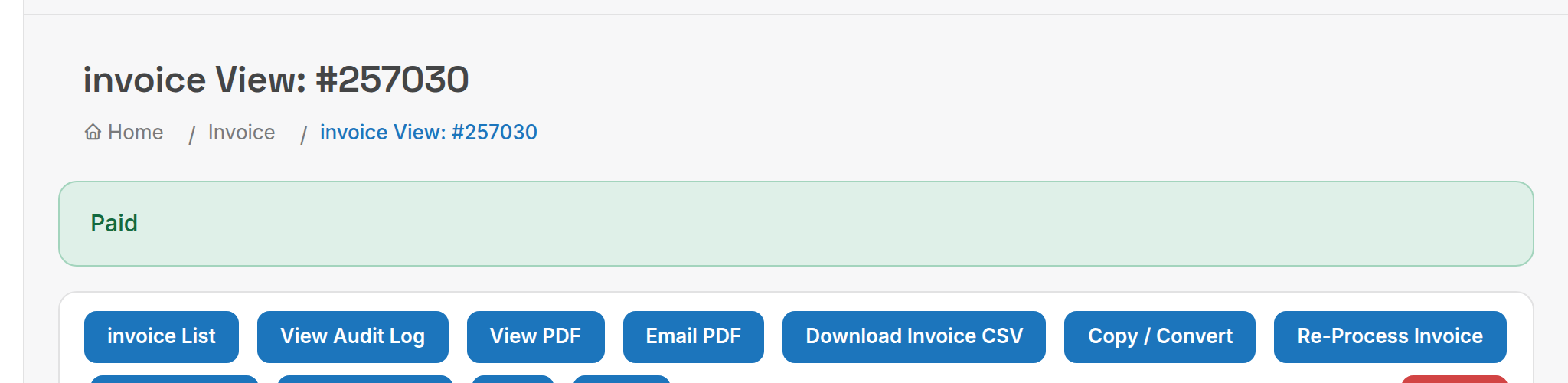
The payment appears in the Payments panel with its type, notes and result, and the invoice banner changes to Paid once the balance reaches zero.

Card payments through a gateway return a result immediately. Bank and direct-debit payments usually take 3 to 5 business days to settle, depending on your gateway.
The Payment Type list comes from Admin → Payment Options. If it only shows Bad Debt, add your bank, cash and gateway options there first: see Payment gateways.
¶ Automated payments
PracBill takes a payment automatically when all three are true:
- The invoice is a normal issued invoice (not an opening balance or similar).
- It is unpaid and today is its due date.
- The customer has a Payment Method linked to a payment gateway (Ezidebit, BPOINT, Stripe, GoCardless and so on).
The amount taken is the account balance. Failed attempts (insufficient funds, closed accounts, details missing at the gateway) are normal; find them in the Failed Payments report and take the payment manually as above. See Payment methods for setting up a customer's card or bank account.
Next: end a service when a customer cancels.