A lead is a prospect you are working to sign up. It holds the same contact details as a customer, plus where the lead came from and who is chasing it, without creating a billable account until the deal is done.
¶ Create a lead
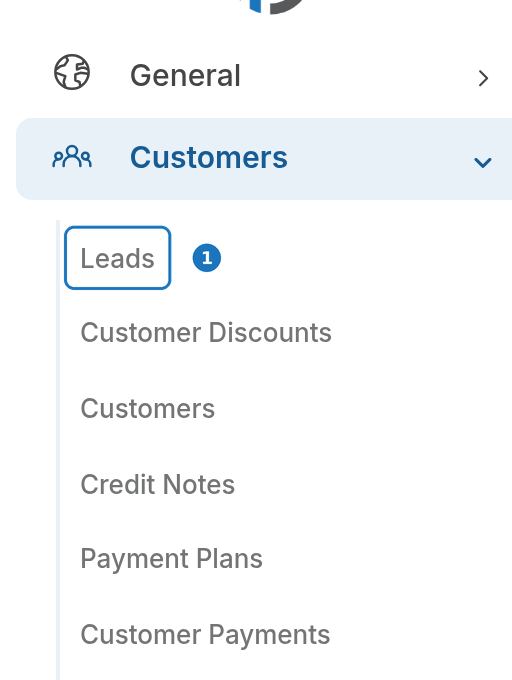
- In the sidebar open Customers, then click Leads.
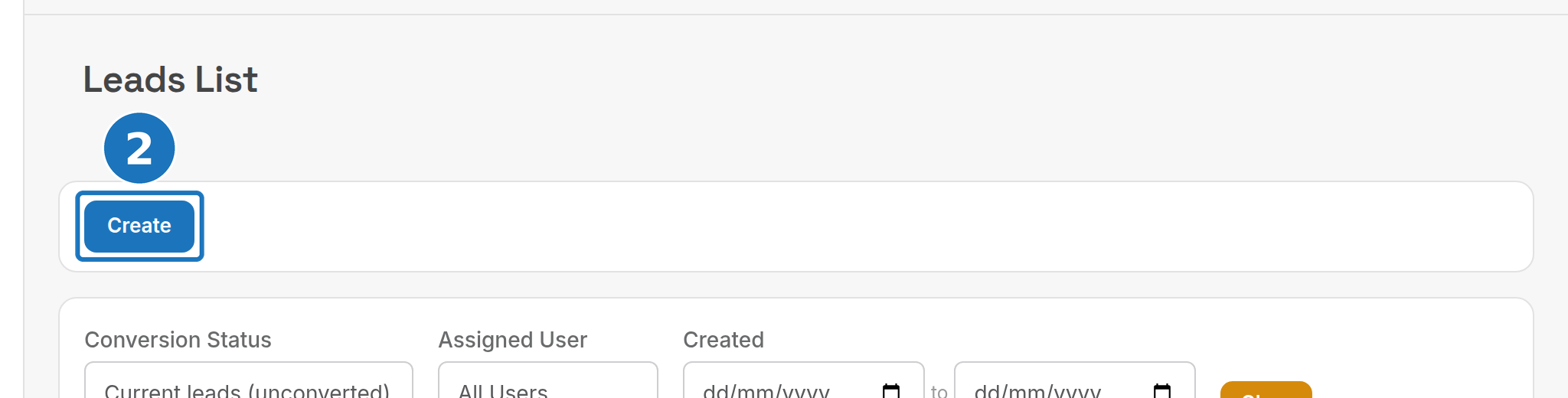
- Click Create.
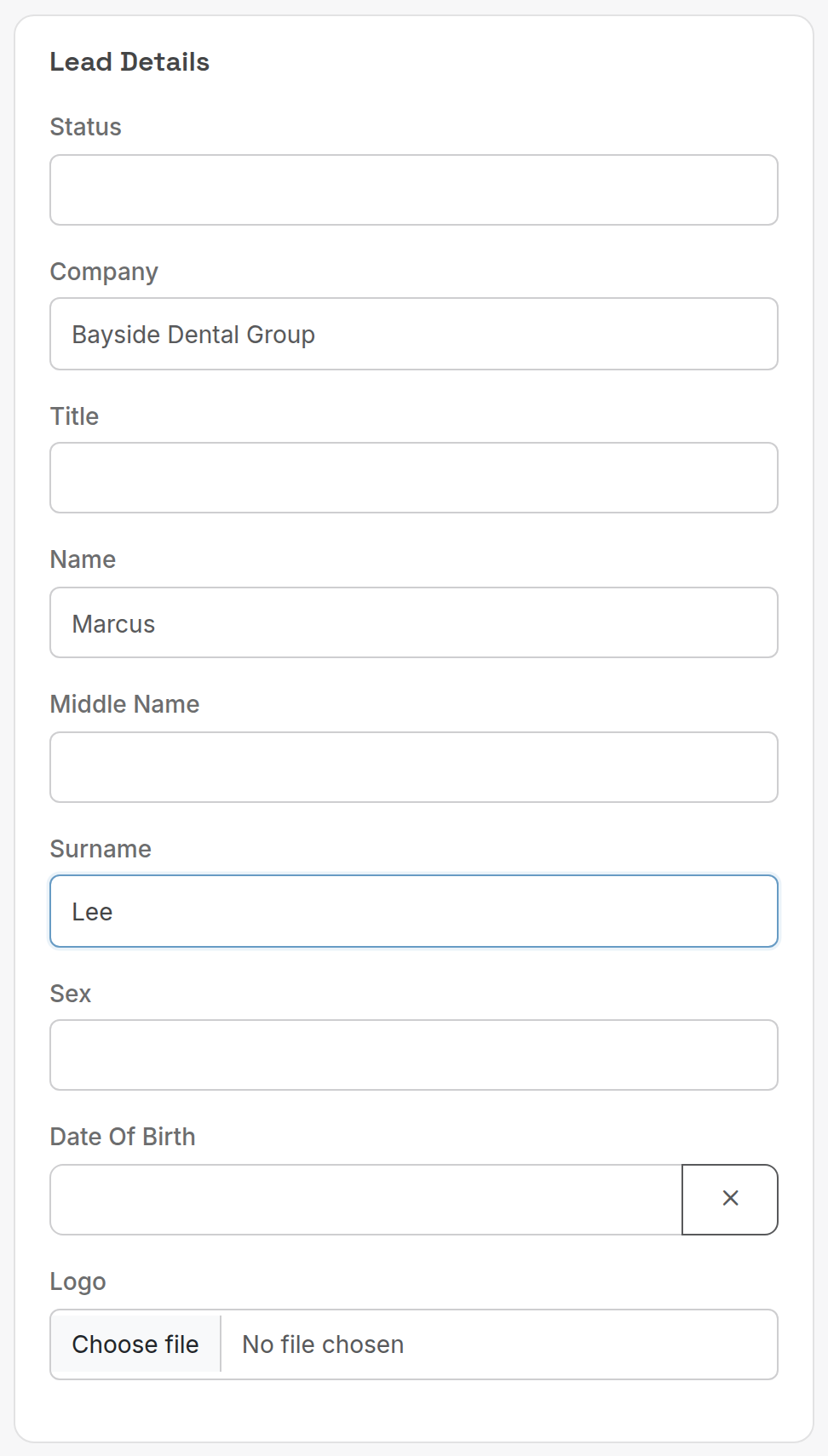
- Under Lead Details enter the Company and the contact's Name and Surname. Pick a Status if your department has set lead statuses up.
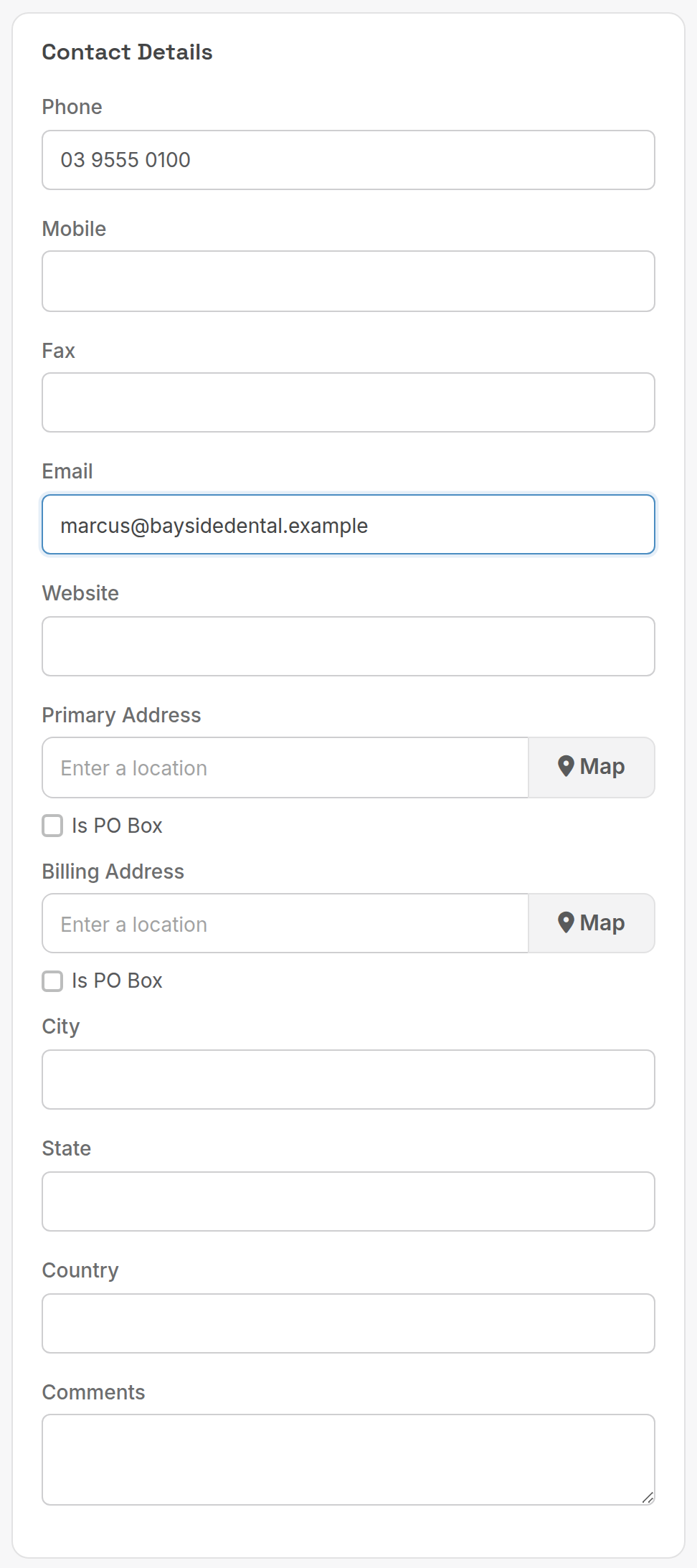
- Under Contact Details enter at least a Phone or Email, and the Primary Address if you have it.
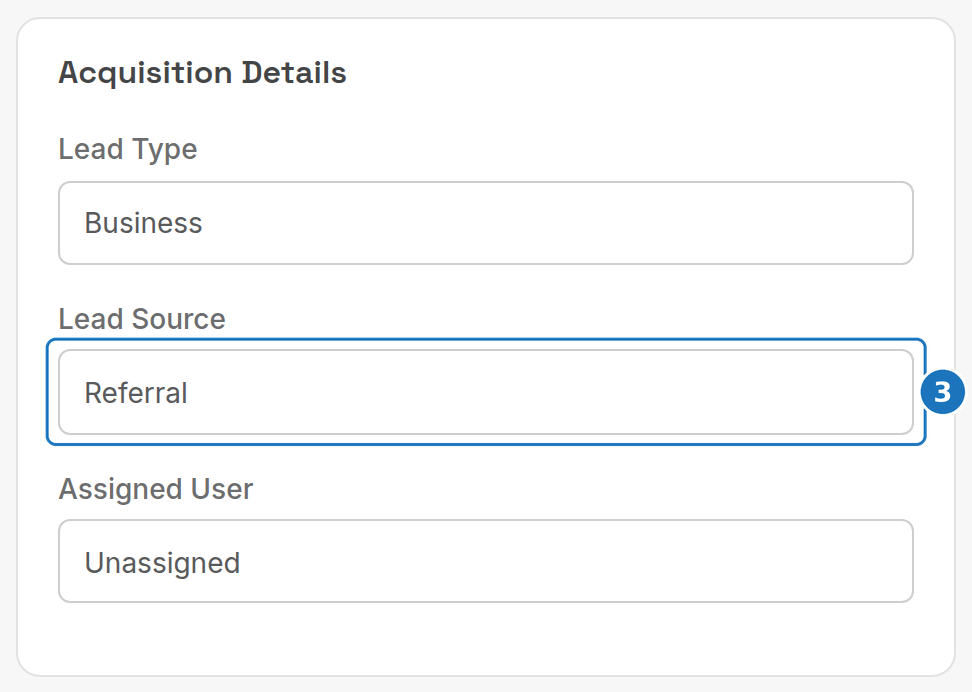
- Under Acquisition Details set the Lead Type, the Lead Source and the Assigned User who owns the lead.
- Click Save.
¶ Fields
| Card | Fields |
|---|---|
| Lead Details | Status, Company, Title, Name, Middle Name, Surname, Sex, Date Of Birth, Logo. |
| Contact Details | Phone, Mobile, Fax, Email, Website, Primary Address (with Is PO Box), Billing Address, City, State, Country, Comments. |
| Acquisition Details | Lead Type (Business, Commercial, Residential), Lead Source (Facebook, Google, Referral, Unknown), Assigned User. |
| Security | Security Question, Security Answer, Security. Carried over to the customer record for caller verification. |
Statuses, types and sources are lookup tables: Admin → Lookup Tables → Leads Status, Lead Types and Lead Sources.
¶ Work the list
The Leads list filters by Conversion Status (current leads or converted), Assigned User and Created date range. Open a lead to update it, add notes, or convert it into a customer once they sign.
Related: Create a customer, Customer details.