Department Settings holds every setting that belongs to one billing entity: identity, telephony, stock, payment defaults, invoicing, billing behaviour, helpdesk mailbox and the accounting integrations. This page is the field-by-field reference for the administrator; for the first-time walkthrough see Set up your department.
Open it from Admin, Department Settings, then Edit. Only the department administrator role can change it (Department Settings and Company & Department Settings permissions: see Roles and users).
¶ Action bar

| Button | What it does |
|---|---|
| Department Settings List | Back to the list of departments you can access. |
| View Audit Log | Every change to the department record, with who and when. |
| PACMAN | Edits the public access templates (customer portal pages) for this department. Department settings themselves are not changed. See Public website. |
| New Department Wizard | Step-by-step setup of a new department. |
| Set Default Tax Rates | Resets the department's tax rates to the defaults. It overrides all previous tax rates. |
| Set Customer Payment Gateways | Gives every customer who has no gateway the department's default debit and credit card providers. It cannot be undone. |
| Edit | Opens the form below. |
| Emails the department page. |
¶ Department Details
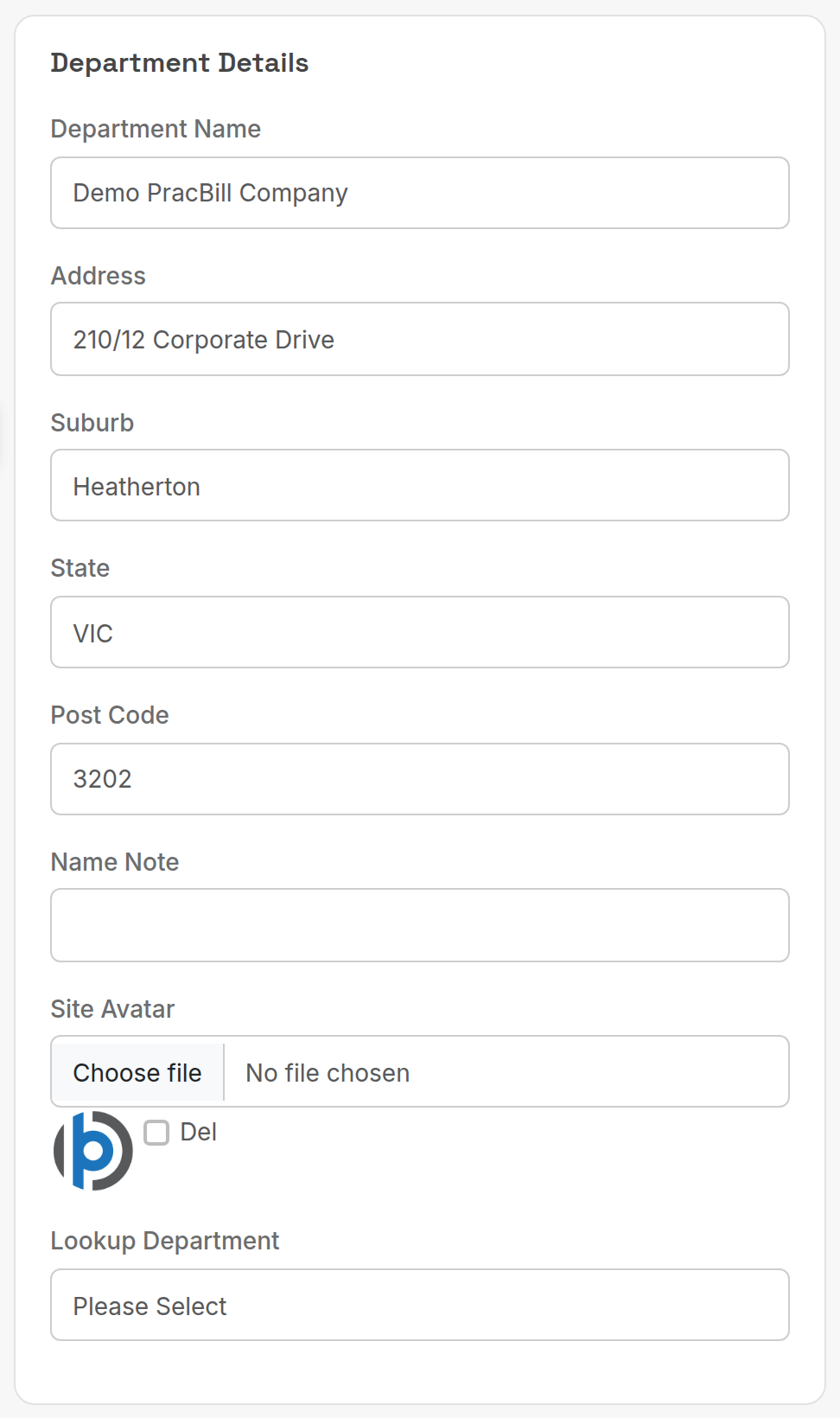
| Field | What it does |
|---|---|
| Department Name | Printed on invoices and shown in the department list. |
| Address, Suburb, State, Post Code | Sender address on invoices. |
| Name Note | Internal note shown next to the department name. |
| Site Avatar | Logo shown top-left on every PracBill page; 200 x 200 px, transparent background, about 15 px padding. Tick Del to remove the current one. |
| Lookup Department | Another department whose lookup tables (invoice types, terms and so on) this department shares. |
¶ Telephony
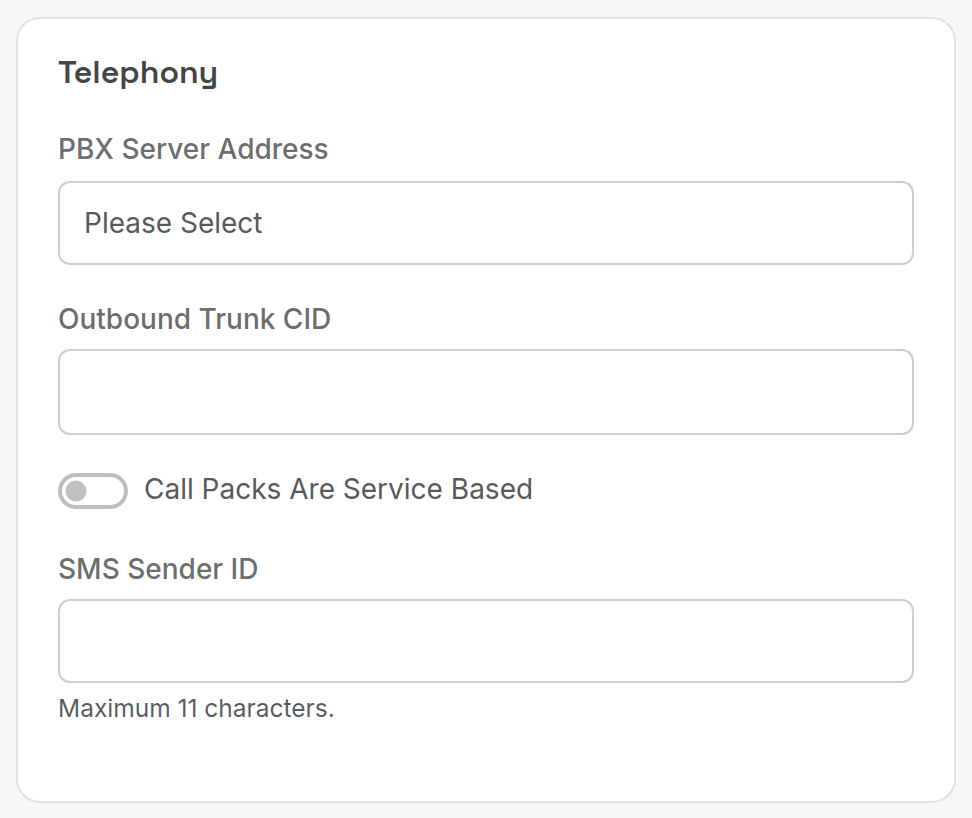
| Field | What it does |
|---|---|
| PBX Server Address | The Asterisk server (from Admin, Asterisk Servers) used for click-to-dial and call centre features. |
| Outbound Trunk CID | Caller ID sent on outbound calls from that PBX. |
| Call Packs Are Service Based | Call packs attach to individual services rather than to the customer. |
| SMS Sender ID | Sender name on outbound SMS, maximum 11 characters. |
¶ Point of Sale & Stock
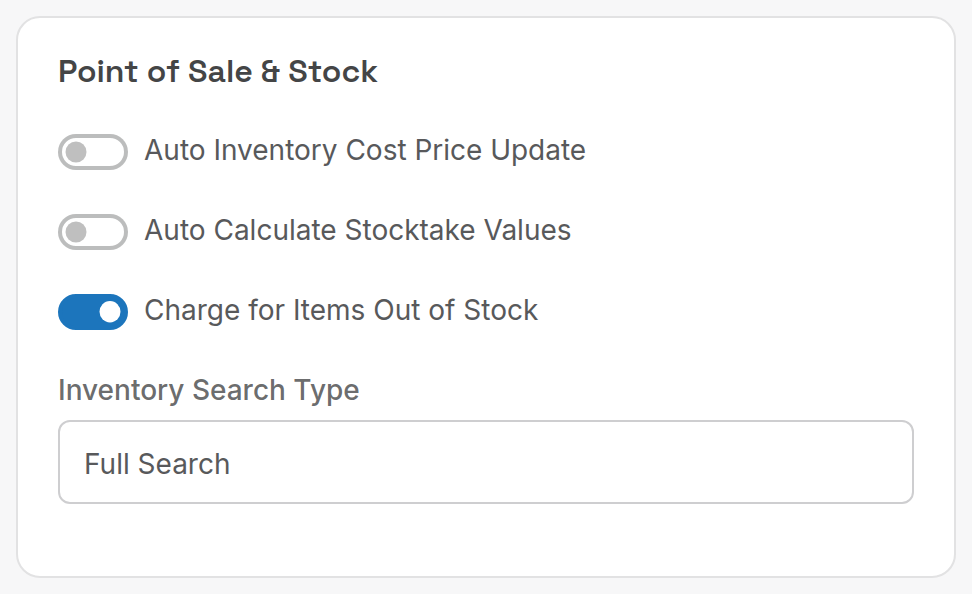
| Field | What it does |
|---|---|
| Auto Inventory Cost Price Update | Update a product's cost price from each purchase received. |
| Auto Calculate Stocktake Values | Pre-fill stocktake counts from current stock levels. |
| Charge for Items Out of Stock | Allow a sale to go through when there is no stock (ignore back-orders). On by default. |
| Inventory Search Type | Full Search matches any product text; Part Number matches part numbers only. |
¶ Payment Gateways
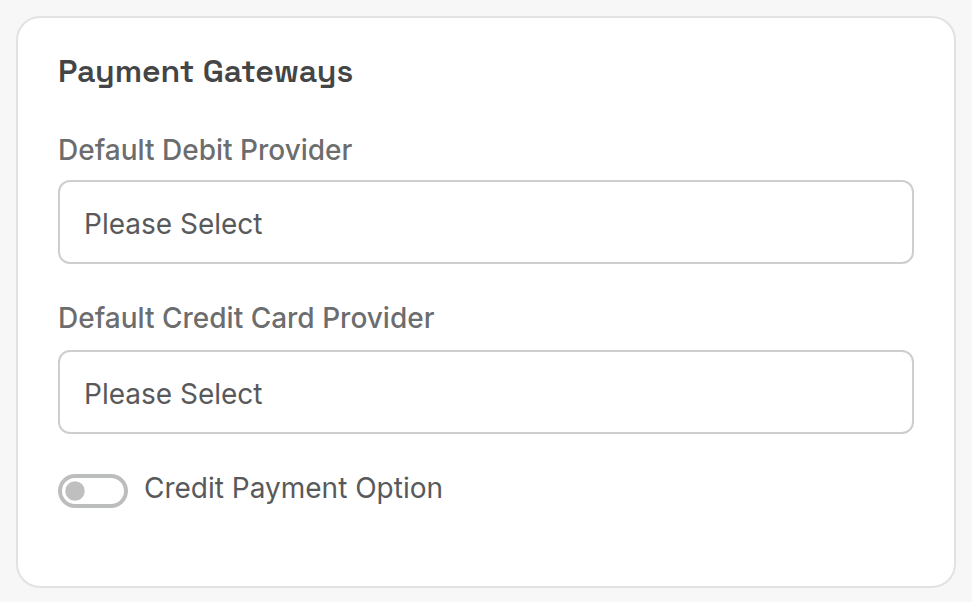
| Field | What it does |
|---|---|
| Default Debit Provider | Payment option used for new direct debit payment methods. |
| Default Credit Card Provider | Payment option used for new card payment methods. |
| Credit Payment Option | Enables the built-in credit payment type. Turn off in Xero-integrated departments: see Xero integration. |
Both provider lists come from Payment gateways.
¶ Company & Invoicing
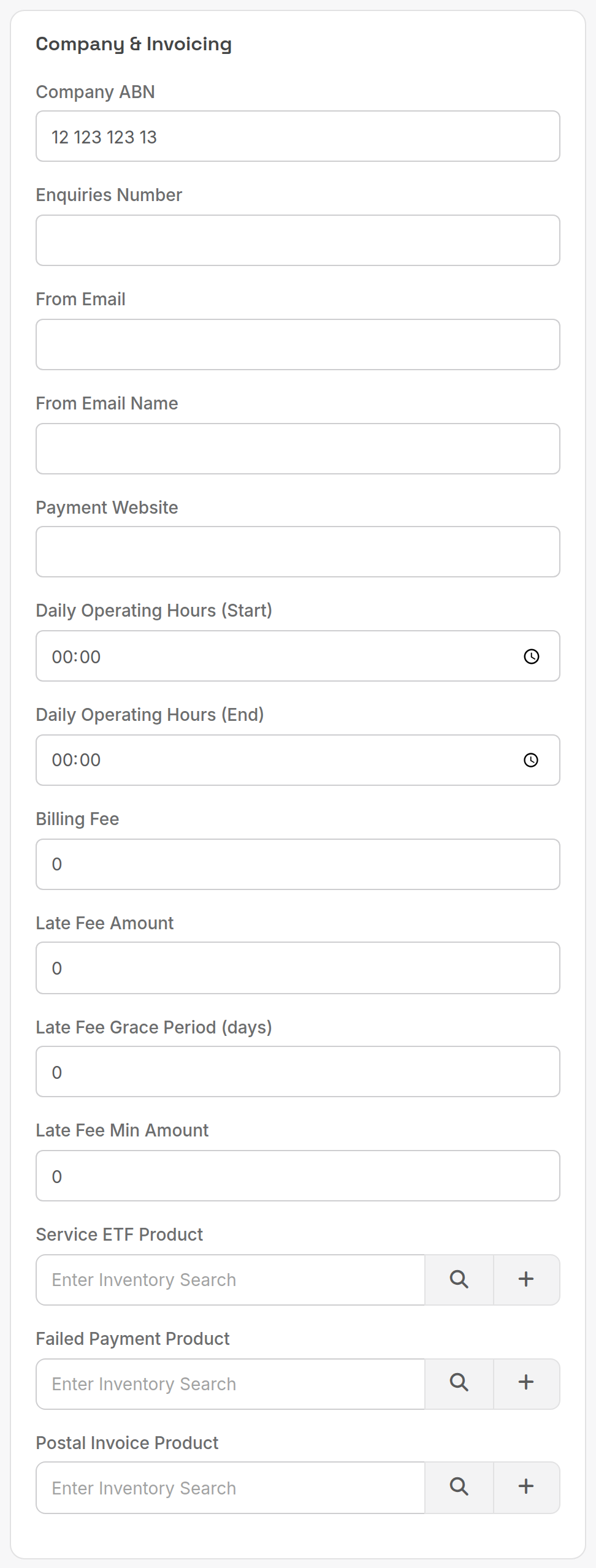
| Field | What it does |
|---|---|
| Company ABN | Printed on invoices. |
| Enquiries Number | Phone number printed on invoices. |
| From Email / From Email Name | Sender of invoice and notification emails. Also receives the daily Xero failure summary. |
| Payment Website | URL printed on invoices for online payment. |
| Daily Operating Hours (Start / End) | Business hours used by scheduled jobs and the helpdesk. |
| Billing Fee | Flat fee added to each invoice; a customer record can override it. |
| Late Fee Amount | Fee charged when an invoice is still unpaid after the grace period. |
| Late Fee Grace Period (days) | Days after the due date before the late fee applies. |
| Late Fee Min Amount | Smallest overdue balance that attracts the late fee. |
| Service ETF Product | Product used to bill early termination fees. |
| Failed Payment Product | Product used to bill failed payment fees. |
| Postal Invoice Product | Product used to charge for posted invoices. |
The three product fields search your products; click + to create one on the spot.
¶ Billing Behaviour
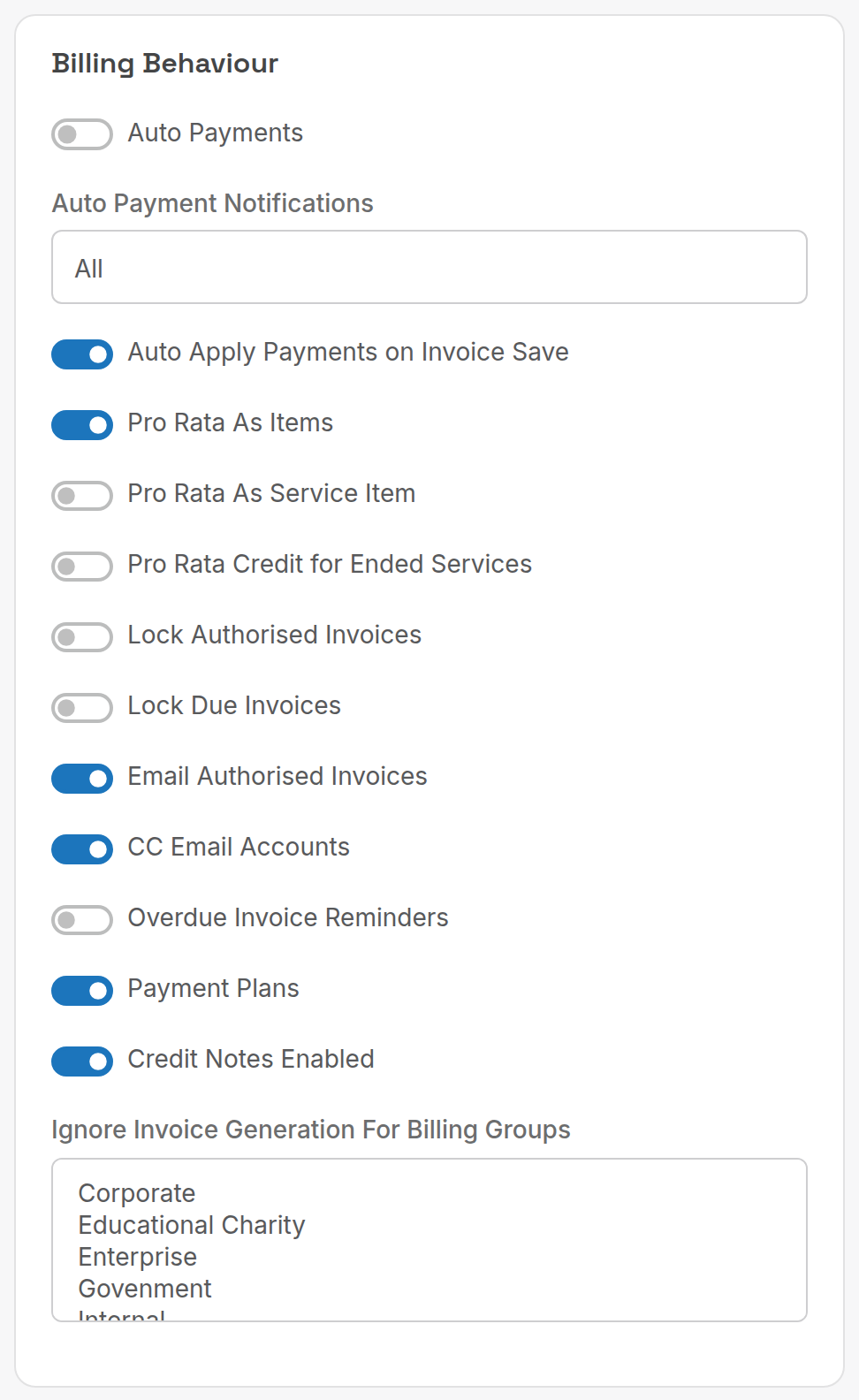
| Field | What it does |
|---|---|
| Auto Payments | Charge stored payment methods on the due date. |
| Auto Payment Notifications | Which automatic payment emails go to customers: All, No Notifications or Failed Only. |
| Auto Apply Payments on Invoice Save | Allocate unallocated payments when an invoice is saved. |
| Pro Rata As Items | Show partial-period charges as separate invoice items. |
| Pro Rata As Service Item | Show the pro rata amount as part of the service line instead. |
| Pro Rata Credit for Ended Services | Credit unused days when a service ends. |
| Lock Authorised Invoices | No edits once the bill run is approved. |
| Lock Due Invoices | No edits once the invoice is due. Recommended with Xero. |
| Email Authorised Invoices | Email invoices as soon as a bill run is approved. |
| CC Email Accounts | Copy the customer's accounts contacts on invoice emails. |
| Overdue Invoice Reminders | Send the overdue reminder email sequence. |
| Payment Plans | Enable payment plans on customers. |
| Credit Notes Enabled | Enable credit notes. |
| Ignore Invoice Generation For Billing Groups | Billing groups that bill runs skip (for example Internal). |
¶ Invoice Printing
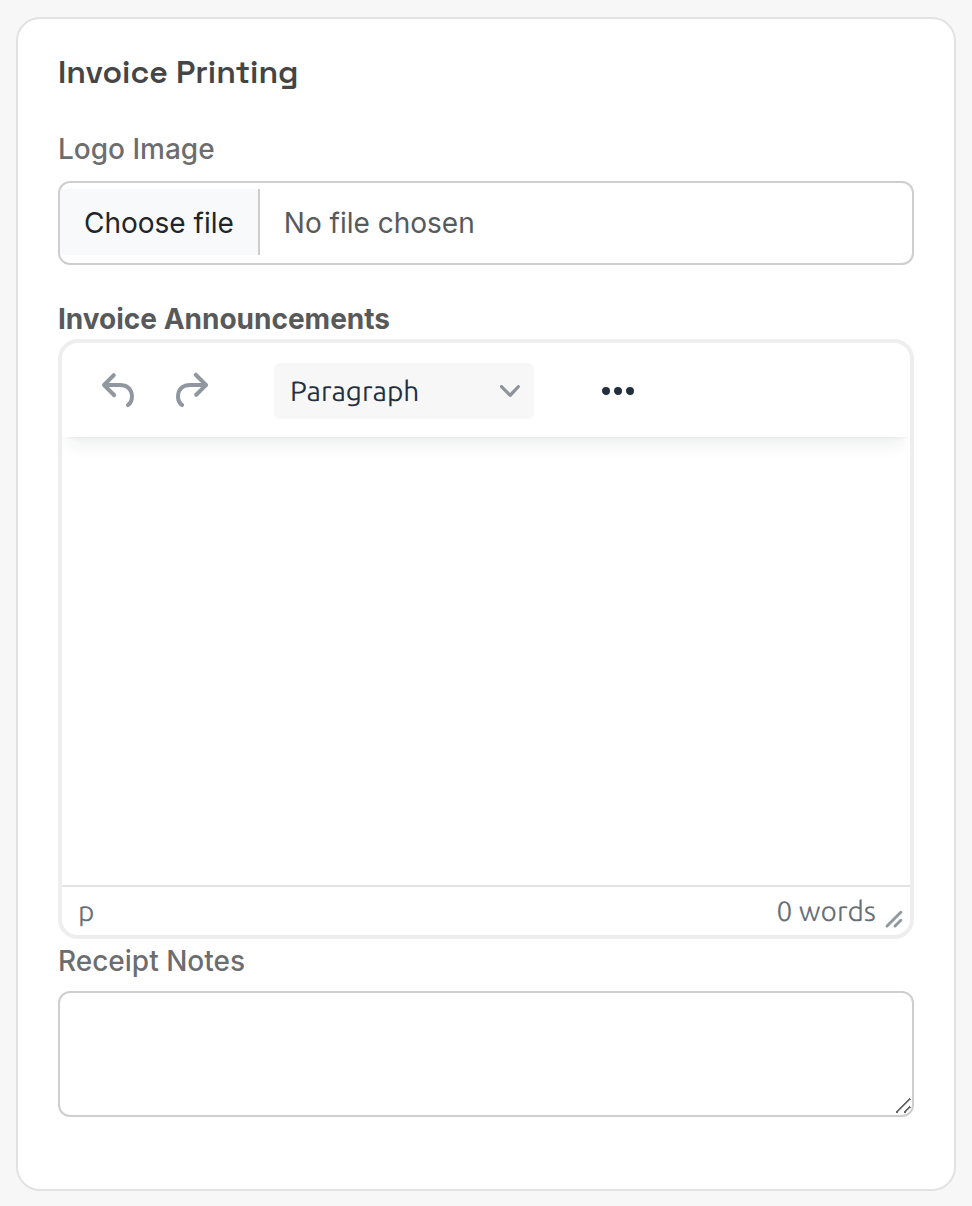
| Field | What it does |
|---|---|
| Logo Image | Logo printed on invoices (separate from the site avatar). |
| Invoice Announcements | Rich text printed on every invoice. |
| Receipt Notes | Text printed on receipts. |
¶ Helpdesk Mailbox
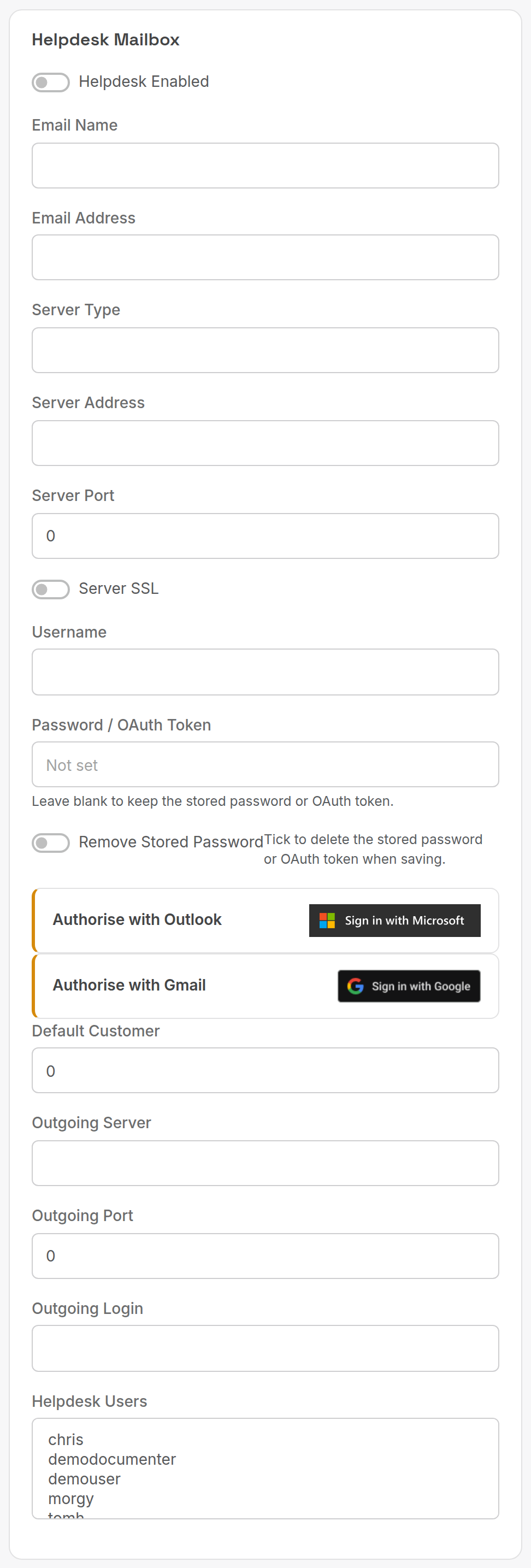
The mailbox the helpdesk polls for new tickets and sends replies from. See Helpdesk for the setup steps.
| Field | What it does |
|---|---|
| Helpdesk Enabled | Turns mailbox polling on. |
| Email Name / Email Address | Display name and address of the helpdesk mailbox. |
| Server Type, Server Address, Server Port, Server SSL | Incoming mail server (IMAP or POP). |
| Username | Mailbox login. |
| Password / OAuth Token | Leave blank to keep the stored value. |
| Remove Stored Password | Deletes the stored password or token on save. |
| Authorise with Outlook / Authorise with Gmail | OAuth sign-in instead of a password. |
| Default Customer | Customer ID that tickets from unknown senders are filed under. |
| Outgoing Server, Outgoing Port, Outgoing Login | SMTP server for replies. |
| Helpdesk Users | Users who receive and handle helpdesk jobs. |
¶ Xero
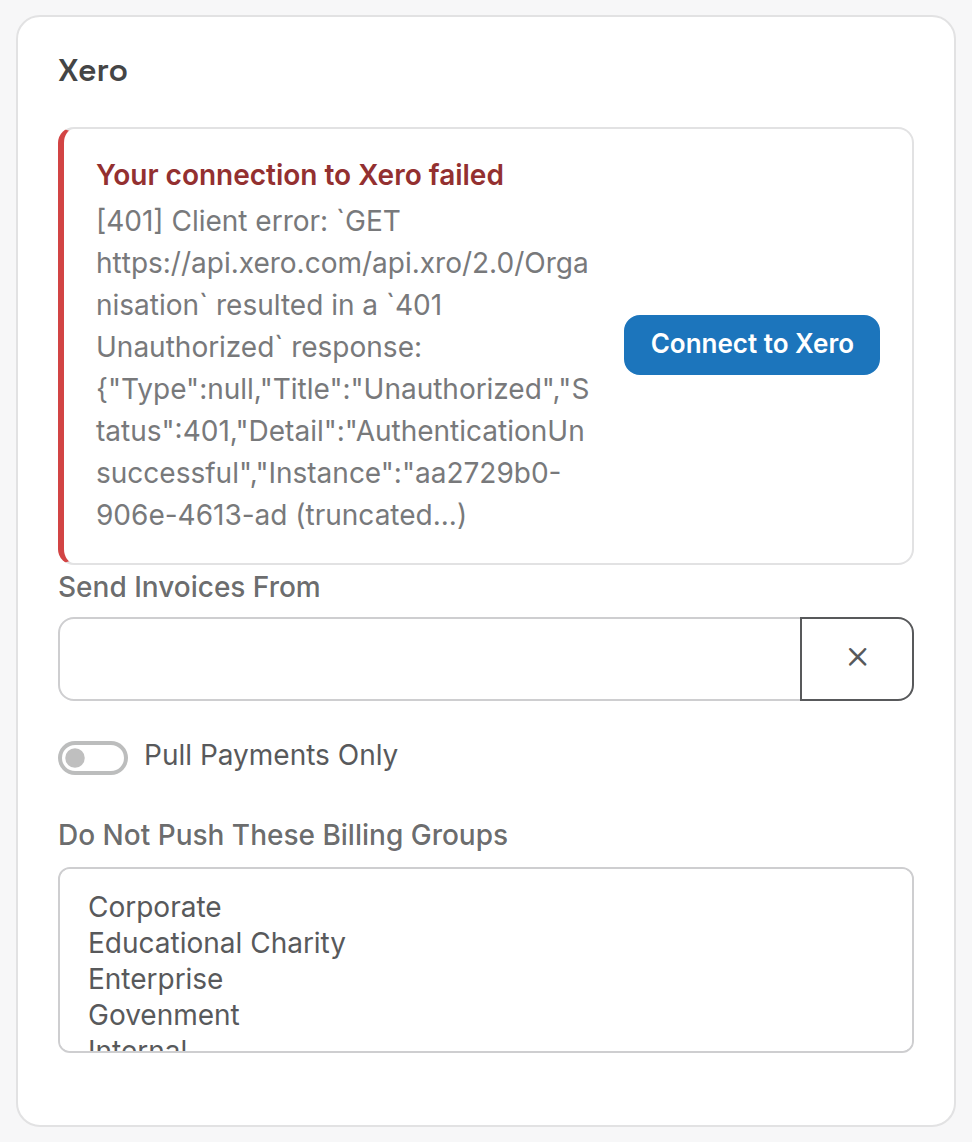
| Field | What it does |
|---|---|
| Connect to Xero | Authorises PracBill with your Xero organisation. |
| Send Invoices From | Earliest invoice date pushed to Xero. |
| Pull Payments Only | Only pull reconciled payments; push nothing. |
| Do Not Push These Billing Groups | Customers in these groups are never pushed. |
See Xero integration.
¶ Accounting
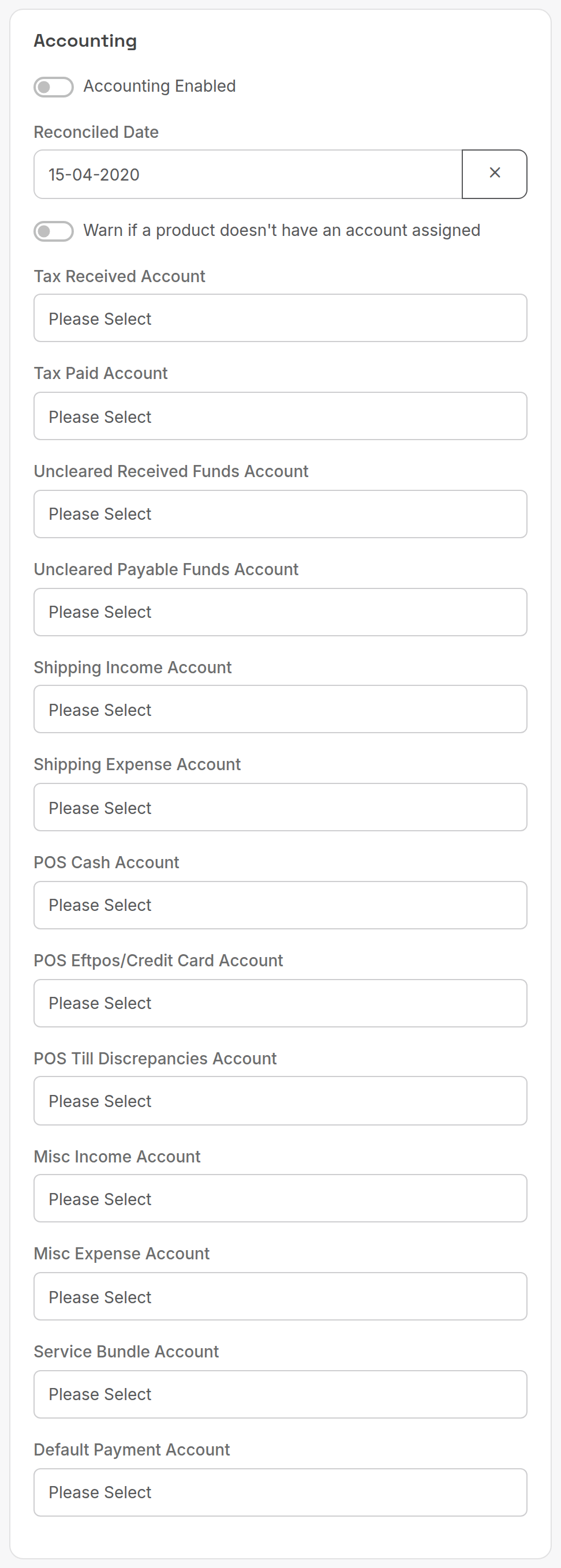
| Field | What it does |
|---|---|
| Accounting Enabled | Turns on the accounting module (chart of accounts, journals, GL posting). |
| Reconciled Date | Closes the books: nothing dated before it can be created or edited. |
| Warn if a product doesn't have an account assigned | Warn when a product without a GL code is sold. |
| Tax Received Account / Tax Paid Account | GST on sales and purchases. |
| Uncleared Received Funds Account / Uncleared Payable Funds Account | Unallocated receipts and payments. |
| Shipping Income Account / Shipping Expense Account | Shipping charged and paid. |
| POS Cash Account, POS Eftpos/Credit Card Account, POS Till Discrepancies Account | Point of sale takings and variances. |
| Misc Income Account / Misc Expense Account | Miscellaneous charges and purchases. |
| Service Bundle Account | Income from service bundles. |
| Default Payment Account | Account for payments whose payment option has none. |
¶ Autotask
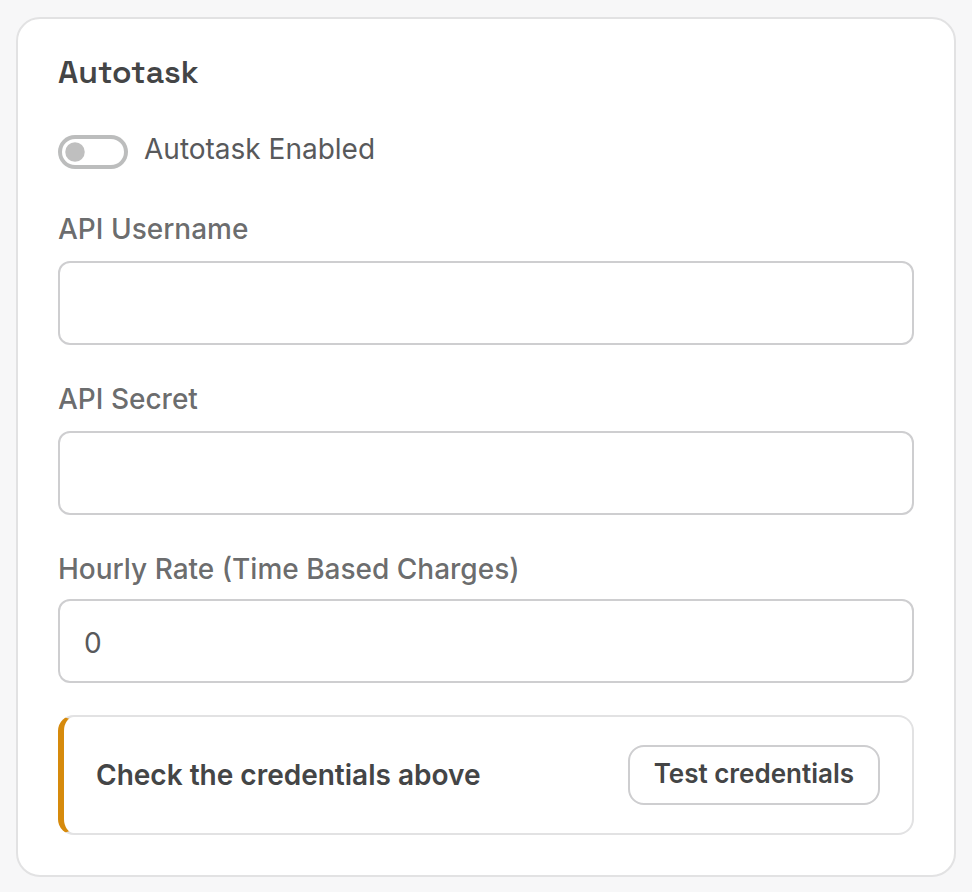
| Field | What it does |
|---|---|
| Autotask Enabled | Master switch for the Autotask PSA sync. |
| API Username / API Secret | Autotask API user credentials; the secret is stored encrypted. |
| Hourly Rate (Time Based Charges) | Rate applied to imported time entries. |
| Test credentials | Checks the credentials before you save. |
See Autotask. NetSuite and ConnectWise are configured from the Integrations Marketplace.
Click Submit at the bottom of the form to save.
Next: Roles and users.