The public website is the customer-facing portal on your own domain: customers log in to see invoices, pay, and update their details. This page is for the administrator who sets the domain, branding and SSL.
¶ Create the website record
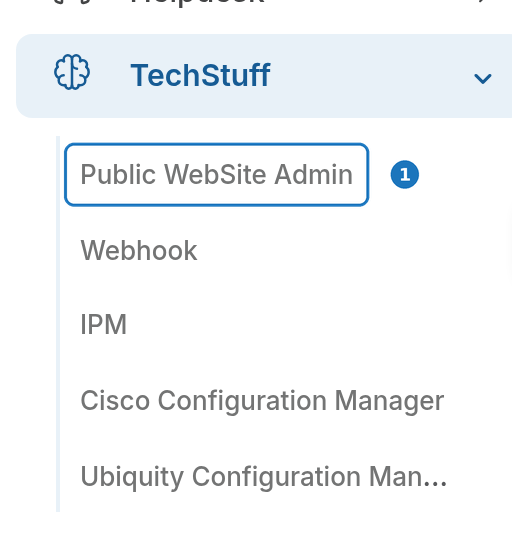
- In the sidebar open TechStuff, then click Public WebSite Admin.
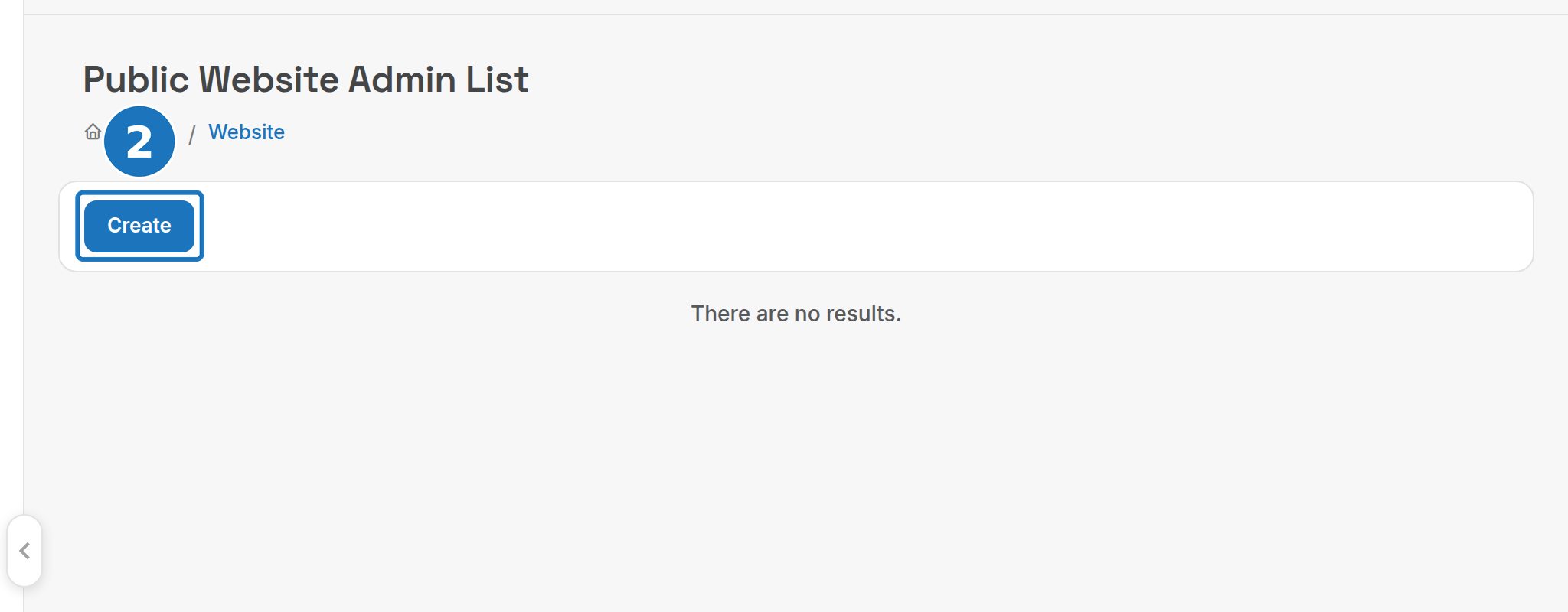
- Click Create.
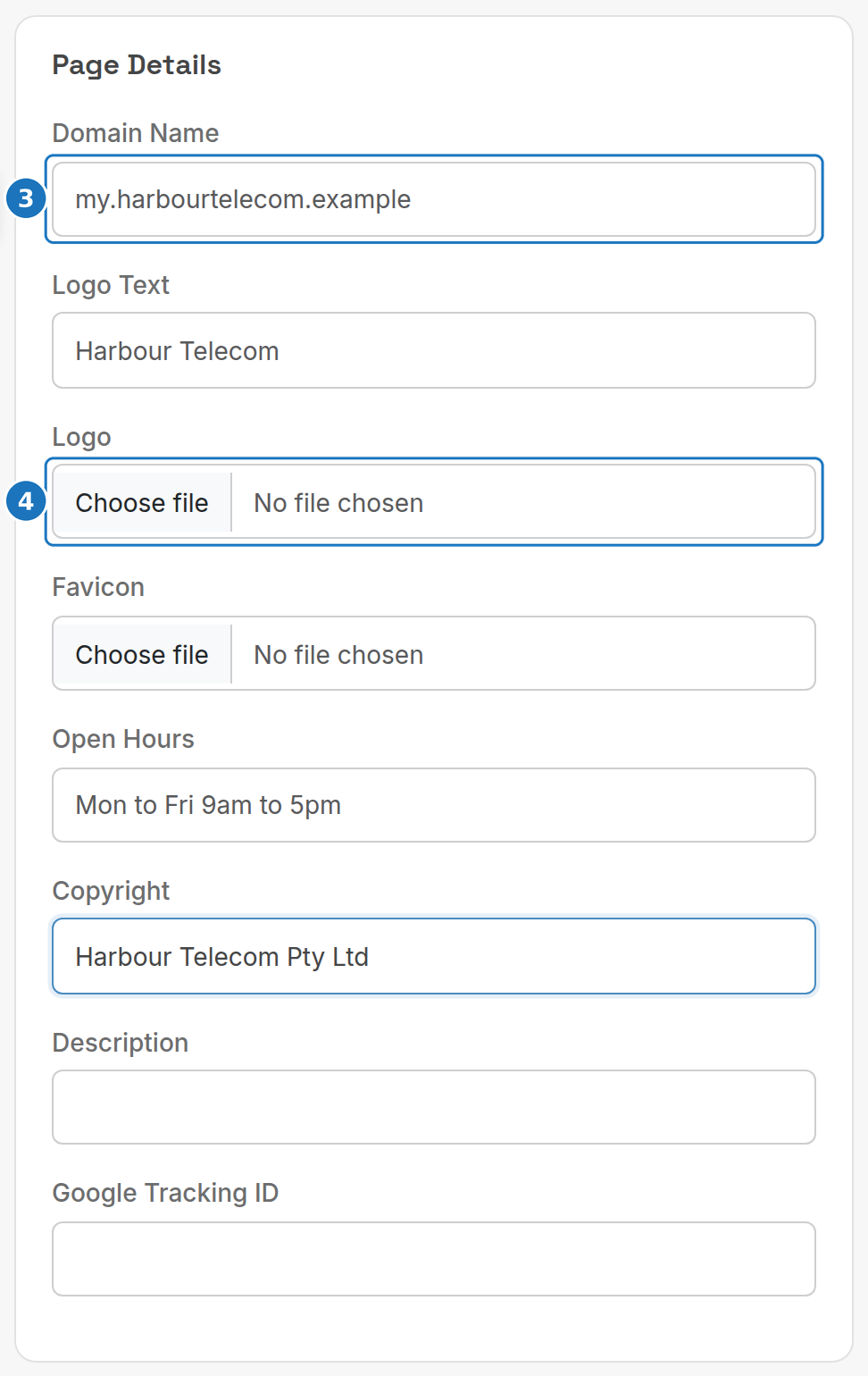
- Under Page Details enter the Domain Name the portal will answer on.
- Upload a Logo and Favicon, and fill in the text fields.
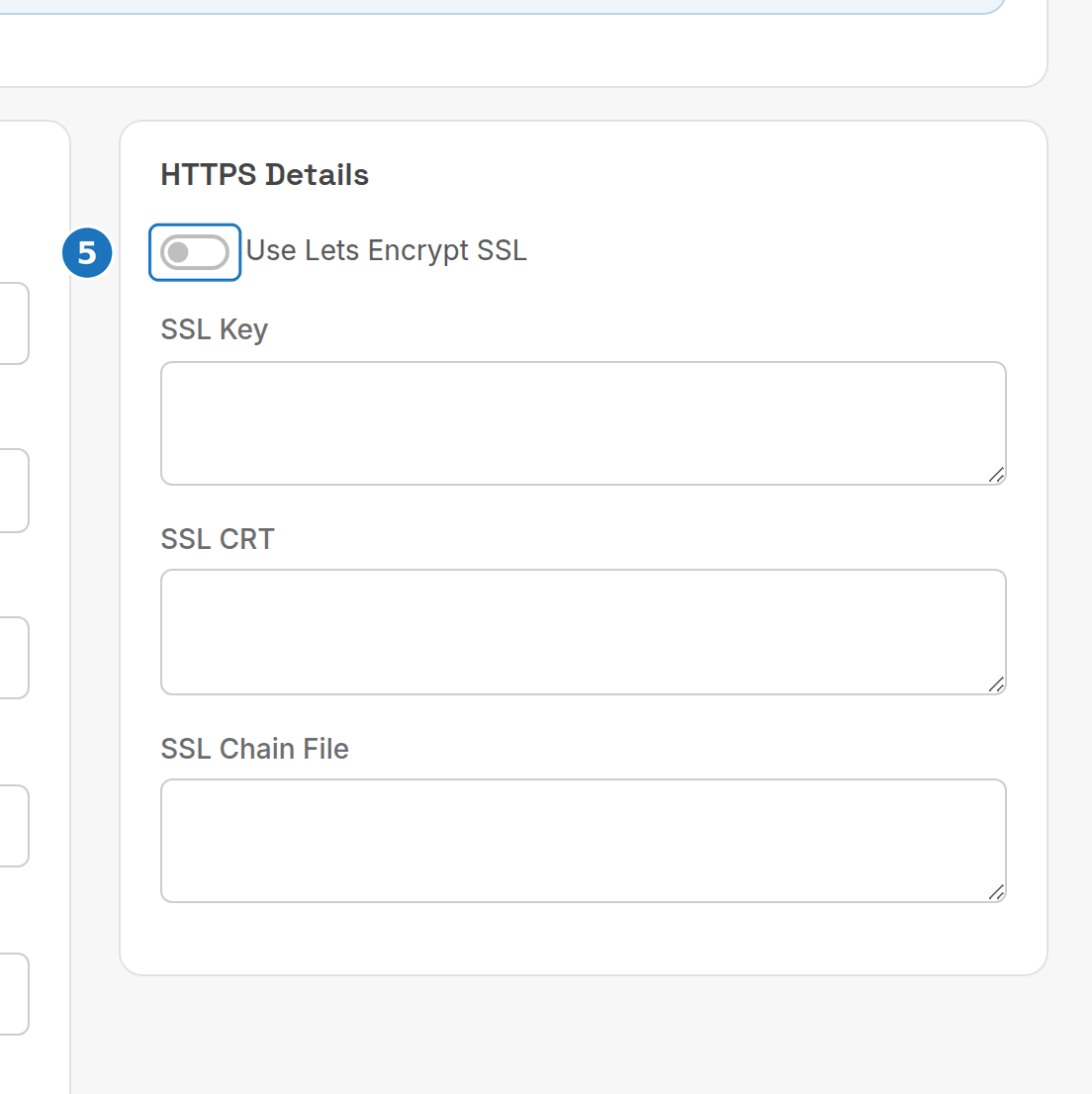
- Under HTTPS Details turn on Use Lets Encrypt SSL, or paste your own certificate, then click Save. Saving continues to the theme selector, where you choose the theme the site is built from.
| Field | What it does |
|---|---|
| Domain Name | Host name of the portal, e.g. my.yourcompany.com.au. Point its DNS at PracBill before enabling SSL. |
| Logo Text | Text shown where no logo image is uploaded. |
| Logo / Favicon | Site logo and browser tab icon. |
| Open Hours, Copyright, Description | Footer text and the page description. |
| Google Tracking ID | Google Analytics property ID. |
| Use Lets Encrypt SSL | PracBill issues and renews the certificate for you. |
| SSL Key, SSL CRT, SSL Chain File | Paste your own private key, certificate and chain instead. |
¶ SSL
Tick Use Lets Encrypt SSL and PracBill does the rest, including renewals. If your domain cannot complete the automated challenge, email support@pracbill.com.au: they set up a manual DNS challenge with you and send you the record to add to your DNS.
¶ Public access templates (PACMAN)
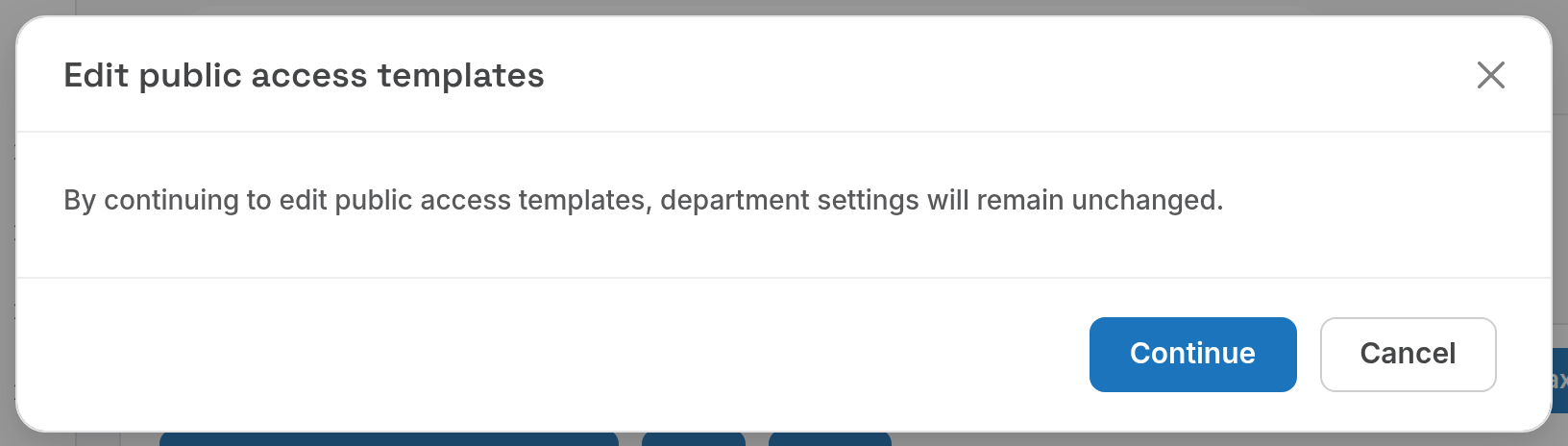
The pages customers see are built from public access templates. To edit them, open Admin, Department Settings and click PACMAN, then Continue. Department settings are not changed by this.
Which payment options appear on the portal is set per option with Your Public Website: see Payment gateways. The Website landing page for staff logins is set in Roles and users.