Users are the staff logins for your PracBill departments; roles decide what each of them can see and do, module by module. This page is for the administrator who adds staff and sets their access.
¶ Add a user
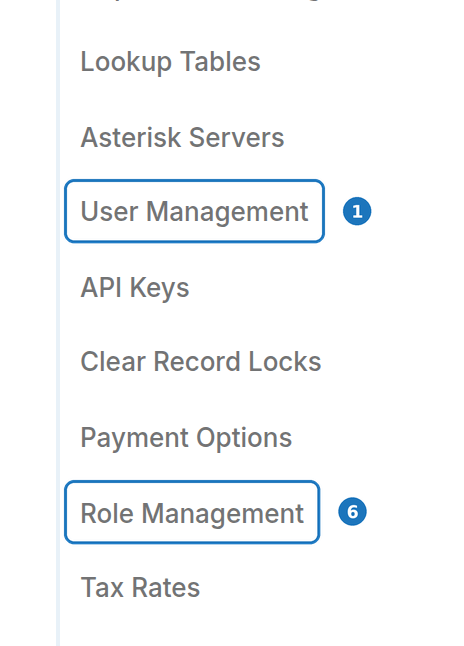
- In the sidebar open Admin, then click User Management.
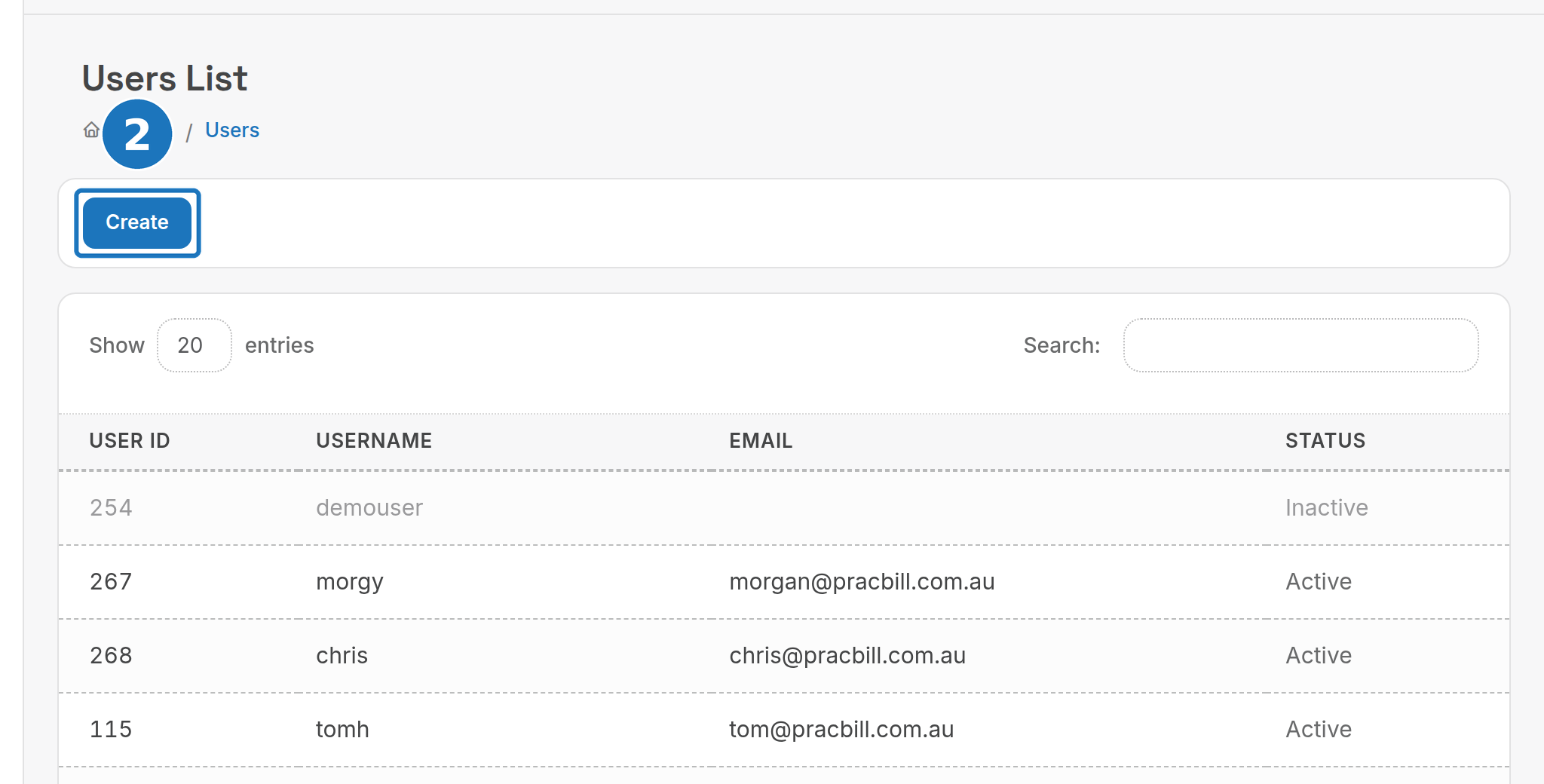
- Click Create.
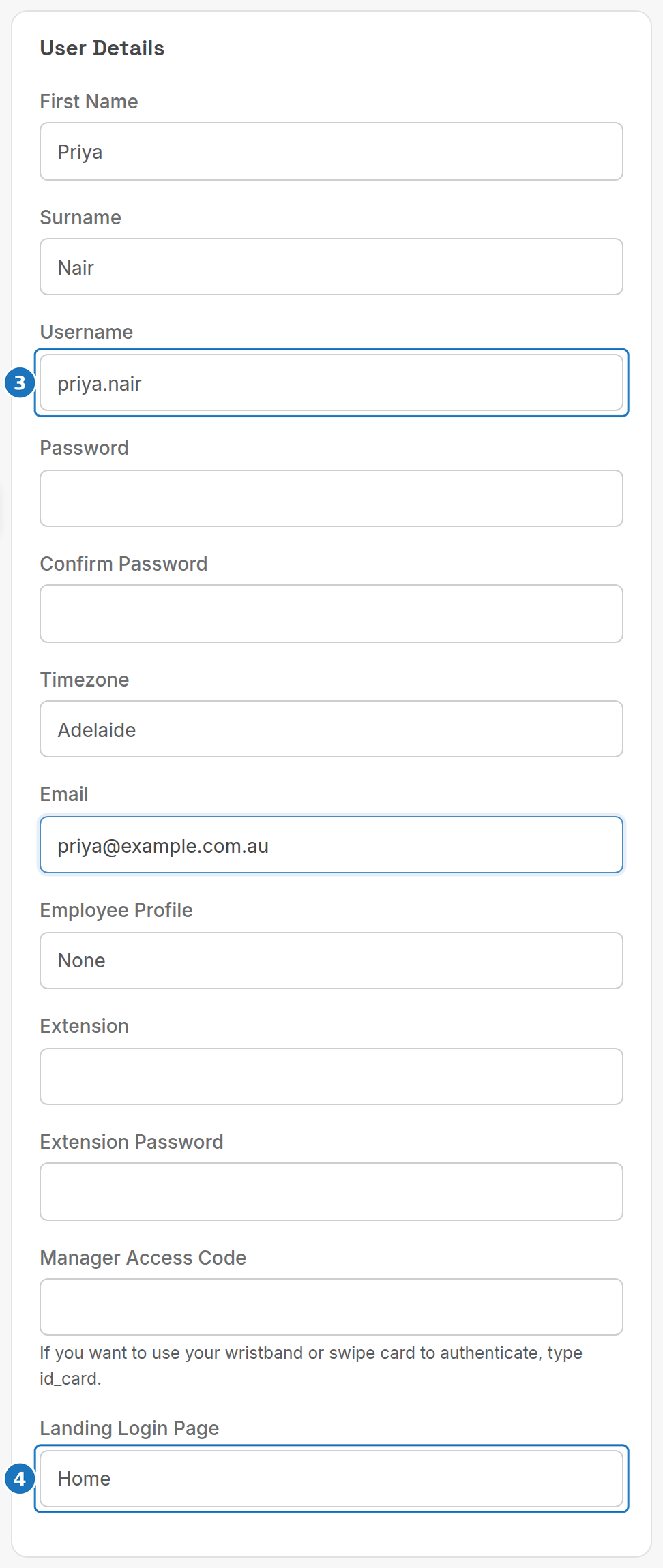
- Under User Details enter the name, Username, Password (twice), Timezone and Email.
- Pick the Landing Login Page the user sees after signing in.
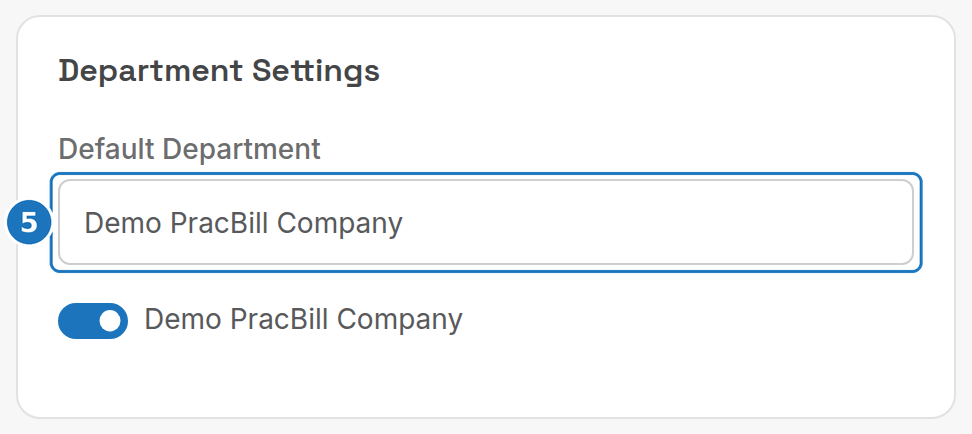
- Under Department Settings choose the Default Department and turn on every department the user may switch to.
- Tick the roles the user holds under Roles, then click Save.
| Field | What it does |
|---|---|
| Username | Login name; cannot be reused. |
| Timezone | Australian city used for the user's dates and times. |
| Where PracBill sends the user's notifications. | |
| Employee Profile | Links the login to an employee record (Management, Employees). |
| Extension / Extension Password | The user's PBX extension for click-to-dial and the call centre. |
| Manager Access Code | Code a manager types to authorise point of sale overrides; type id_card to authorise with a wristband or swipe card instead. |
| Landing Login Page | Home, Call Centre, POS User, Main Kitchen Display, Stocktake or Website. |
| Account Manager | Lets the user be chosen as a customer's account manager. |
| Allow legacy wristband / magstripe login | Off by default. When on, scanning the Access Pass ID logs the user in without a password. Only for users who sign in with a wristband or swipe card. |
The list shows each user's Status; inactive users keep their history but cannot log in.
¶ Create a role
A role is a named set of permissions. Every module gets one of four levels; a user with several roles gets the highest level from any of them.
| Level | What it allows |
|---|---|
| None | The module is hidden. |
| Read Only | View records, no changes. |
| Read / Write | Create and edit records. |
| Admin | Read/write plus the module's admin actions (delete, approve, refund and similar). |
- In the sidebar open Admin, then click Role Management.
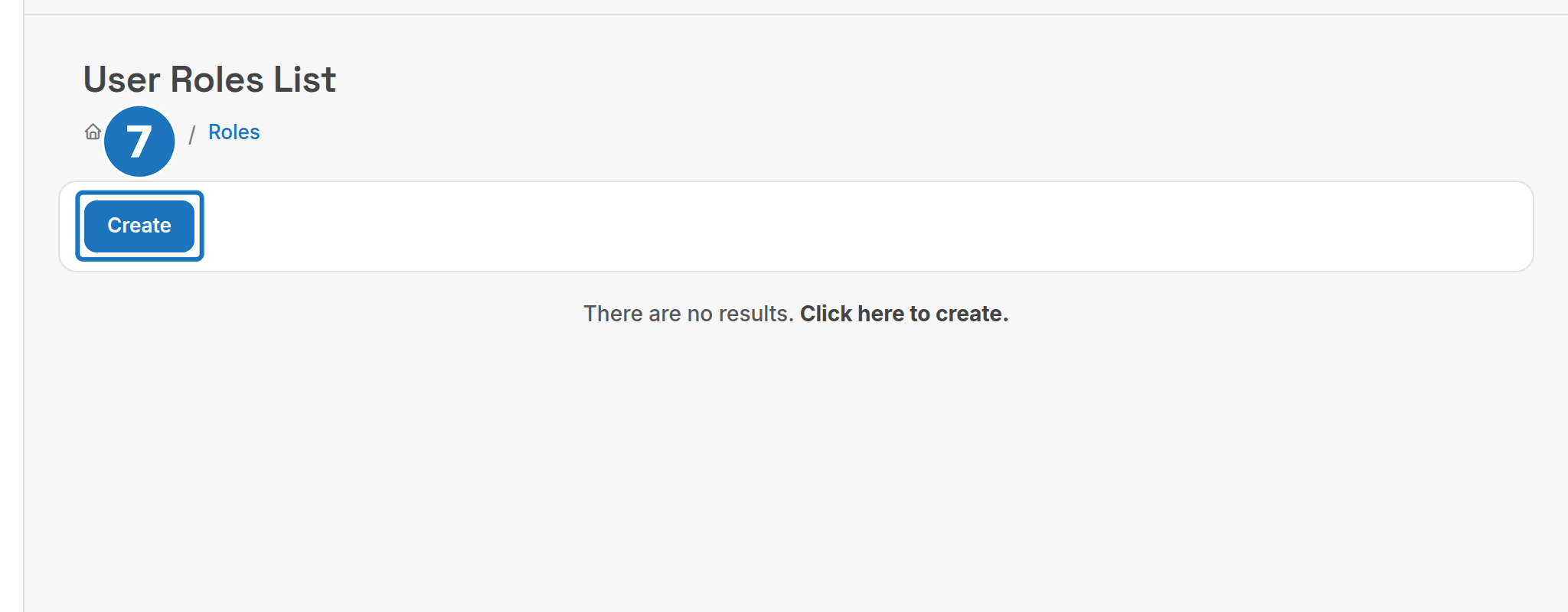
- Click Create.
- Enter a Name for the role.

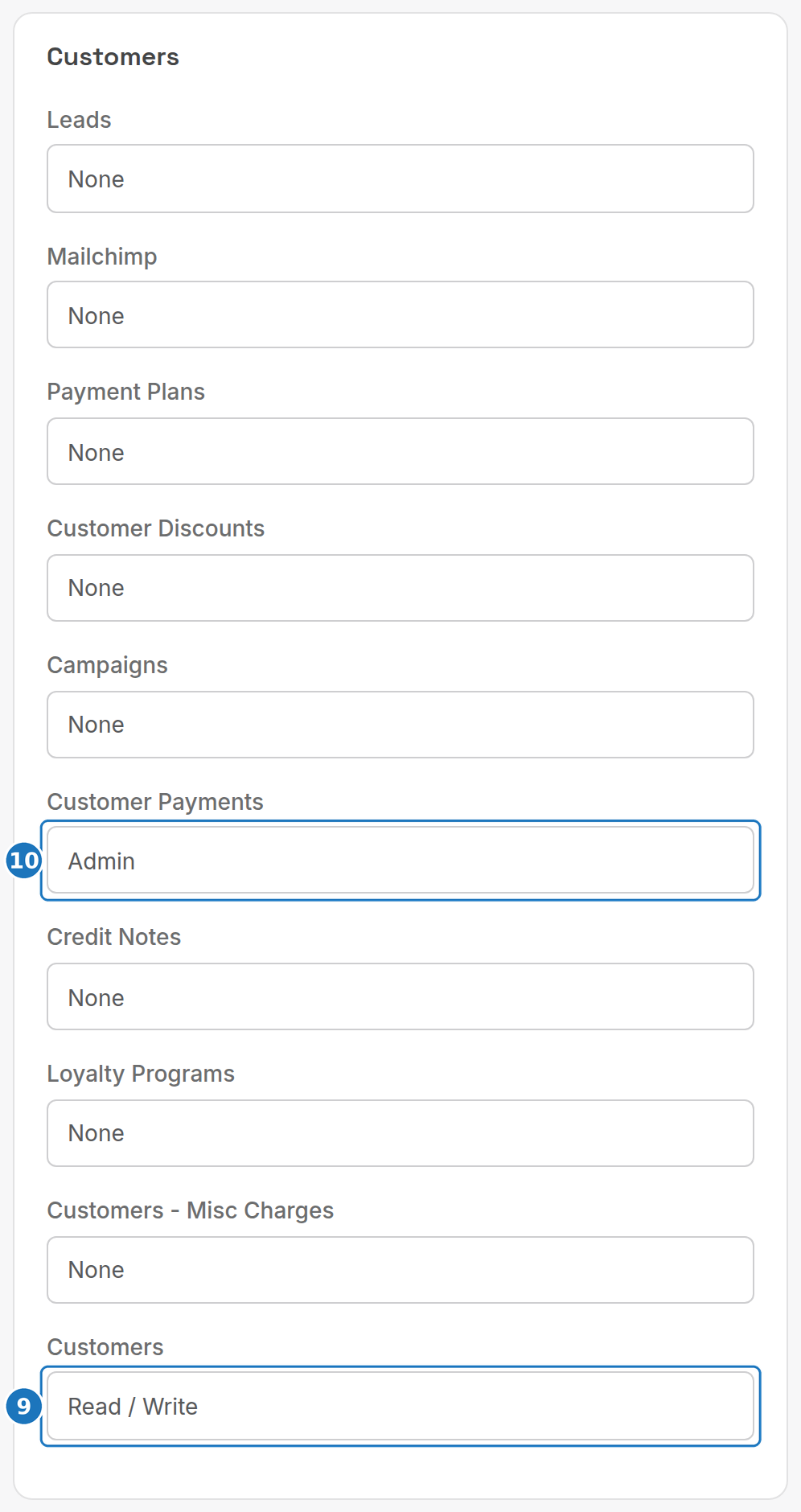
- Work down the module groups and set a level for each module the role needs, for example Customers to Read / Write.
- Set the admin-only modules, such as Customer Payments to Admin, then click Save.
Modules are grouped the same way as the sidebar:
| Group | Modules |
|---|---|
| (top) | Canned Response Categories, Service Type Promotions, Search, Exports, Department Settings, Promo Assignments |
| Accounting | Chart Of Accounts, Bank Reconcile, Non-Inventory Purchases, Bank Statements, BPay Payments, Xero Logs, Direct Debit, General Journal |
| Admin | Screen Displays |
| Administration | Bill Run Schedules, SMS Templates, Payment Run Schedules, System Payment Options, User Management, Canned Responses, Notification Run Schedules, API Access Keys, Settings, Tax Rates, Asterisk Servers, Integrations, Autotask Integration, SMS Gateways, Email Templates, Role Management, Company & Department Settings |
| Calendar | Calendar, Events Management |
| Call Centre | Call Centre Reports, Call Centre Agents, Call Centre, Groups |
| Customers | Leads, Mailchimp, Payment Plans, Customer Discounts, Campaigns, Customer Payments, Credit Notes, Loyalty Programs, Customers - Misc Charges, Customers |
| General | Time Logs, SMS, Postage Tracker, Phone Messages, My Notes |
| Management | Wholesale Analytics, Bill Runs, Bad Debt, Employees, PPSR, Notification Runs, Reports, Credit Level Access Team, Payment Runs |
| Sales | Order Tracker, Order Type Workflows, Price Books, Vouchers/Gift Cards, Quotes, Quotes Templates, Order Types, Commissions Price Books, Invoices |
| Services | Assets, Bolt-Ons, Usage Action Rules, Call Pack Types, Service Sites, Service Types, Service Bundles, Services, Service Promos, Service Types Usage Scripts, Bolt-On Groups, Call Packs |
| Stock | Product Bundles, Stock Movement, Products, Stock Categories, Stock Items, Stocktake Items, Product Grouping, Product Shipping, Inventory - Assembly, Bundle Tracking, Stocktake, Stock Locations, Product Barcode Printing |
| Subdirectories | Inventory - Serial Numbers, Voucher - Admin |
| Suppliers | Purchase - Receive Stock, Vendor Payments, Purchases, Supplier Accounts |
| Support | Attached Documents, Helpdesk |
| Techstuff | Cisco Configuration Manager, IP Address Allocation List, Support Sites (Menu Items, Products, Pages, Product Info Items, Info Types), Webhook, Website Information Override, Ubiquity Configuration Manager, Public WebSite Admin |
| Telco | TMC Records, Exception Calls, Indial Allocation List, MDF - IDF Records, Call Rates, Vocus, Call Types, Telco Tools |
Give Department Settings and Company & Department Settings only to the department administrator: they unlock every setting in Department settings.
Next: Helpdesk.