The Helpdesk is an email-based ticketing system: customer emails become jobs, replies and notes go back out from your helpdesk mailbox, and every job is tied to a customer. This page is for support staff and the administrator who connects the mailbox.
¶ Open the helpdesk
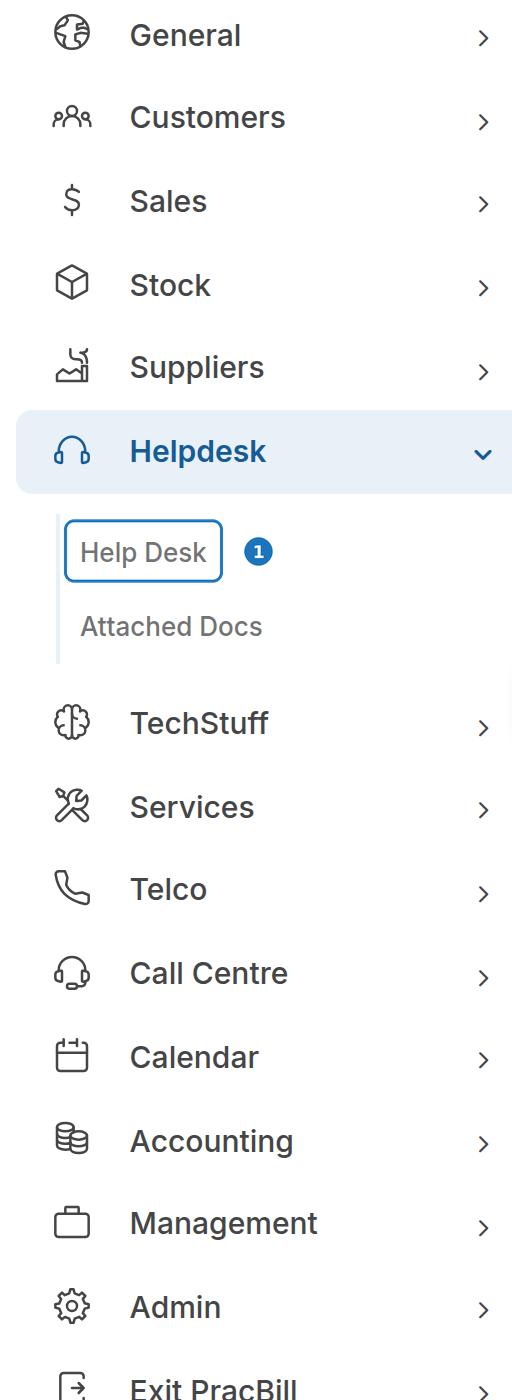
- In the sidebar open Helpdesk, then click Help Desk.
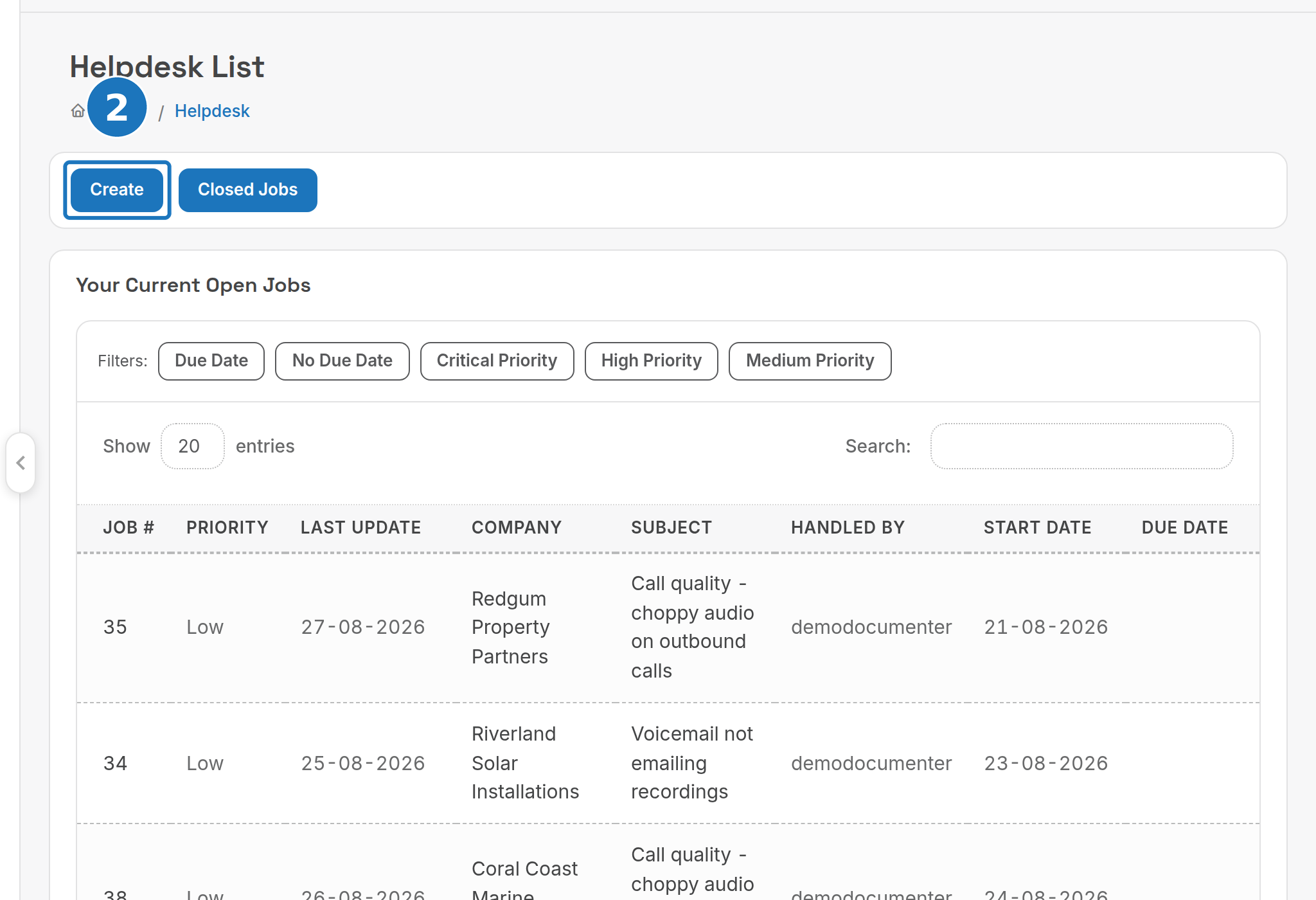
The home page lists Your Current Open Jobs, Jobs Requiring Input / Action, Jobs Requiring Supplier Input / Action and Overall Currently Open Jobs in the system, with filters for due date and priority. Closed Jobs opens the archive.
¶ Create a job
- Click Create (or New Helpdesk Job on a customer record).
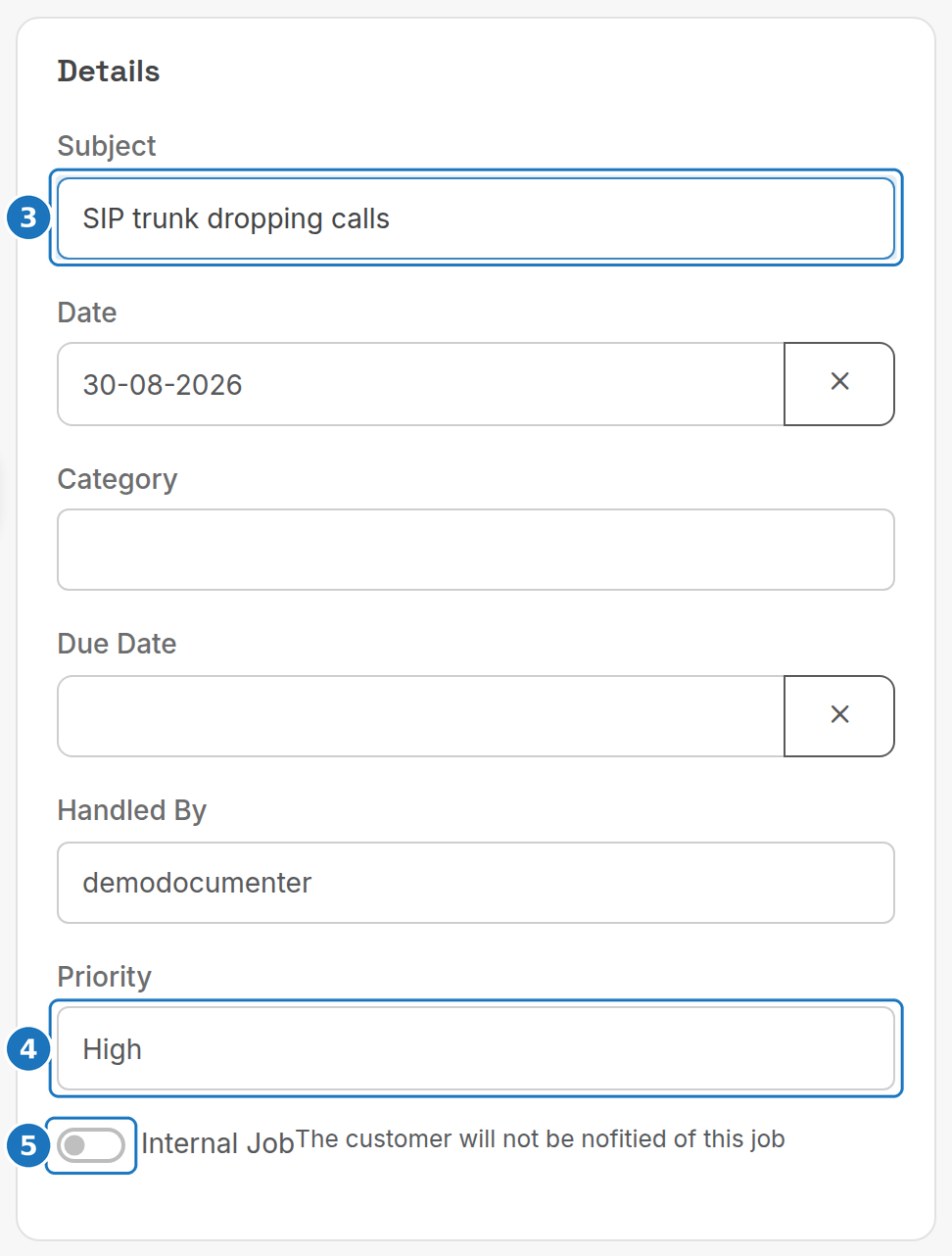
- Enter a Subject.
- Set the Priority (Low, Medium, High or Critical), and optionally a Category, Due Date and who it is Handled By.
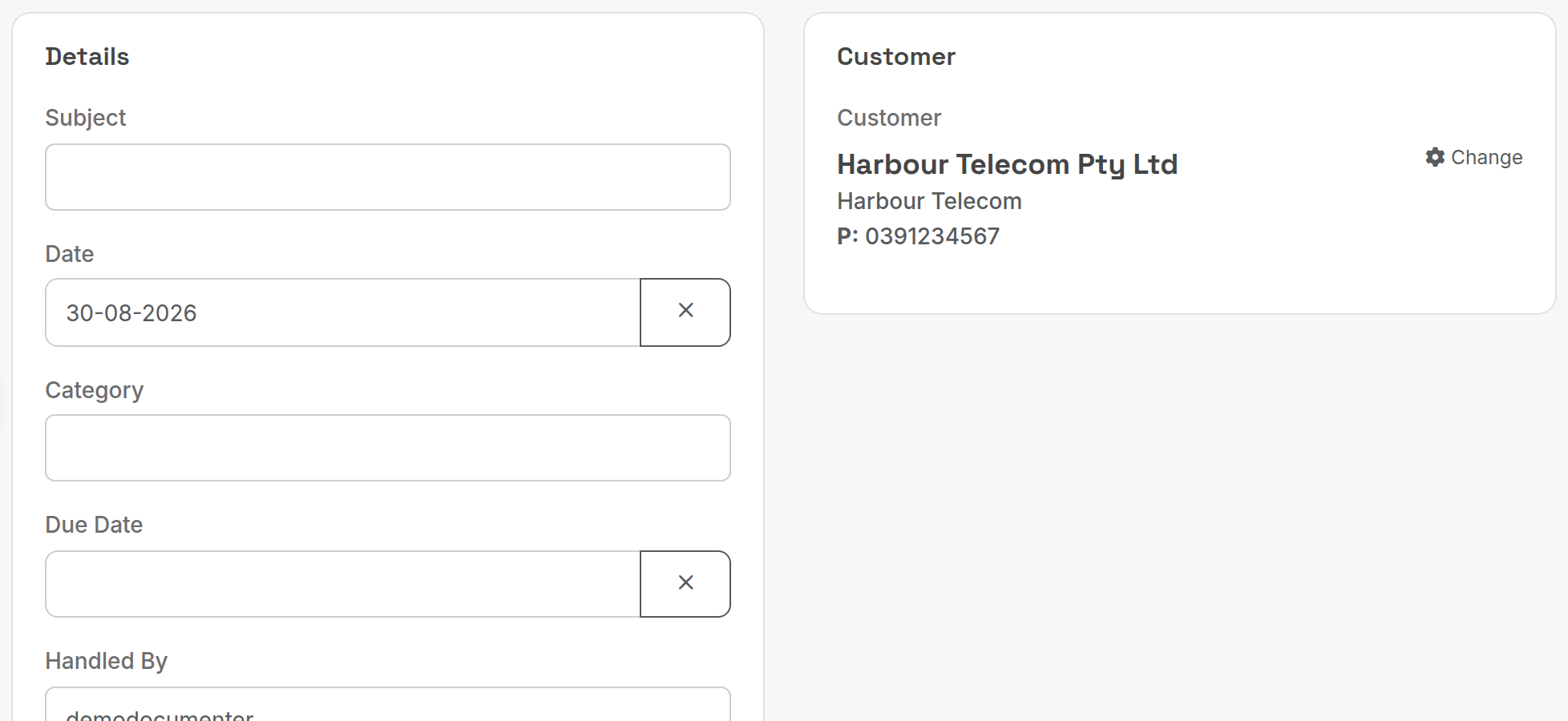
- Turn on Internal Job if the customer must not be notified, then pick the Customer, add any extra Contacts and click Save.
Attach File accepts one file of up to 10 MB with the job.
¶ Internal jobs
On an internal job every note becomes an internal note and the job is hidden from the customer portal. Switching a job to internal later removes it from public view but leaves the existing timeline as it was; switching it back keeps the internal items marked as internal.
¶ Contacts
Updates go to the contacts listed on the job. Once you add a contact, only those contacts are emailed, not the customer's primary address. Click Add Contact to pick an existing contact, use Search to find one on another customer, or type new details: a contact added here belongs to this job only, not the customer record. When a ticket arrives from someone not on the account, the job carries the customer's address; click the blue + next to their name to add them as a contact.
¶ Work a job
- Open the job. The action bar offers Merge, Close Job, Void Job, Special Close Job, Convert To Order, Edit and Email.

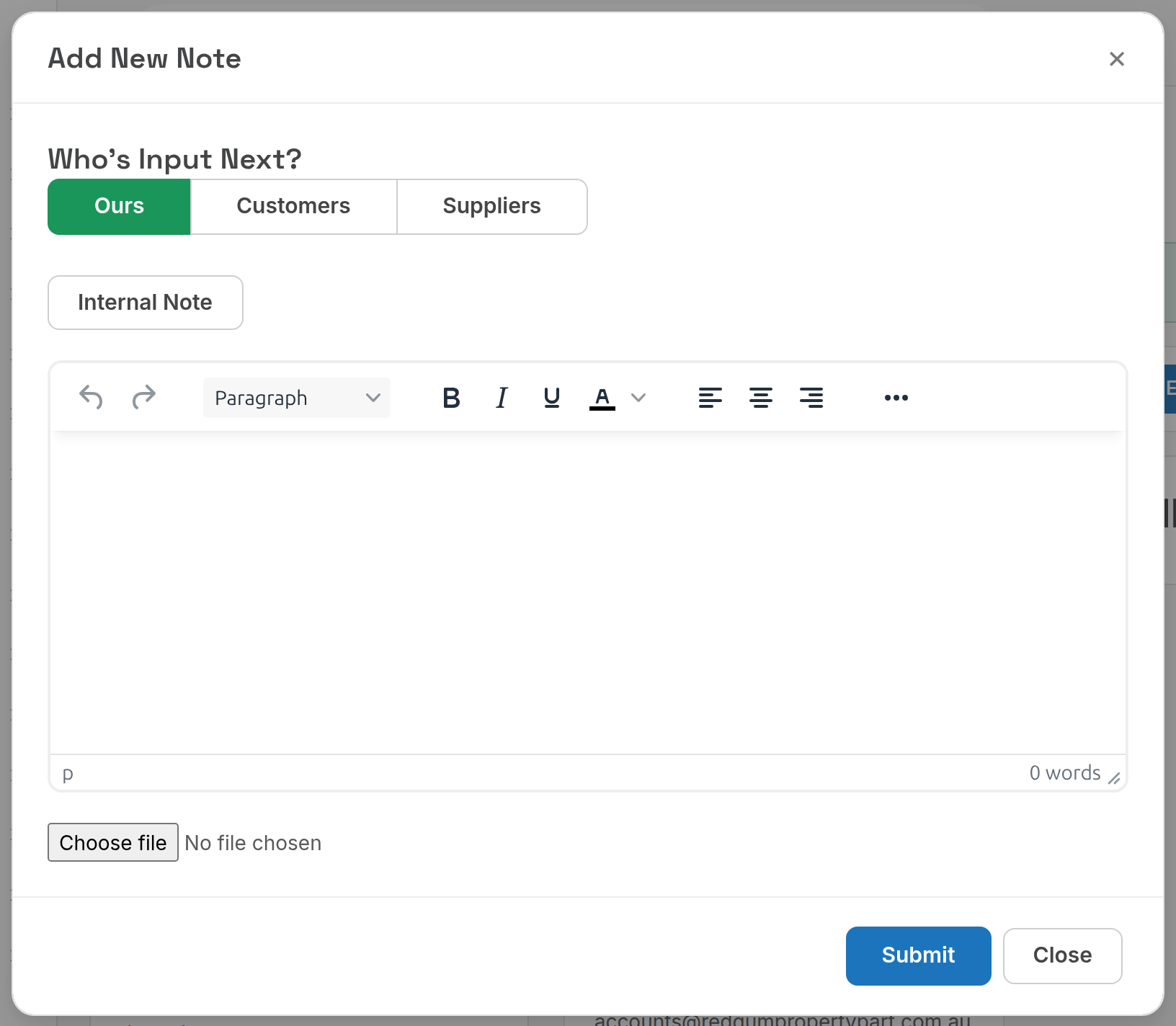
- Click Add Helpdesk Note to reply. Under Who's Input Next? choose Ours, Customers or Suppliers so the job lands in the right queue. Click Internal Note to keep the note off the customer's emails and portal; internal notes show an "i" icon in the timeline.
| Action | What it does |
|---|---|
| Merge | Folds this job into another. |
| Close Job | Resolves the job and notifies the customer. |
| Void Job | Closes the job as not valid (spam, duplicate). |
| Special Close Job | Closes without the usual customer notification. |
| Convert To Order | Starts a sales order for the customer from this job. |
¶ Connect the helpdesk mailbox
The mailbox is set in Admin, Department Settings, Edit, under Helpdesk Mailbox. Only the department administrator can change it.
- Turn on Helpdesk Enabled.
- Enter the Email Name and Email Address the helpdesk sends from.
- Enter the incoming Server Type, Server Address, Server Port and Server SSL, then the Username and Password / OAuth Token, or click Authorise with Outlook / Authorise with Gmail to sign in with OAuth instead.
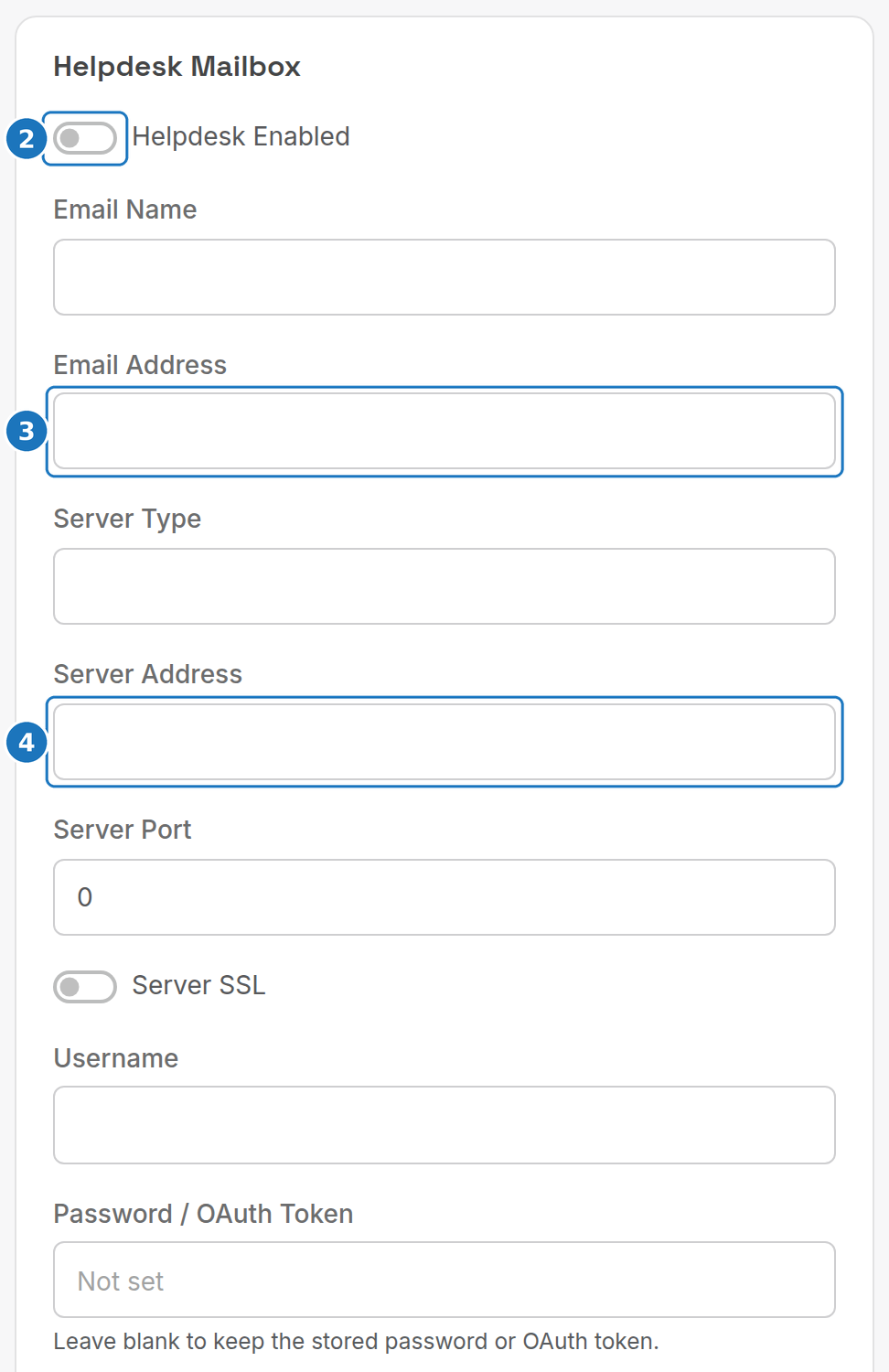
- Set the Default Customer for tickets from unknown senders, the Outgoing Server, Outgoing Port and Outgoing Login, choose the Helpdesk Users who handle jobs, and click Submit.
Leave the password blank on later edits to keep the stored one; tick Remove Stored Password to clear it. Field details are in Department settings.
Next: Public website.