Products are the one-off items you sell (hardware, activation fees, shipping); suppliers are who you buy from, and a wholesale provider is a supplier attached to a service so its cost and commission can be tracked. This page is for whoever maintains the catalogue and supplier records.
¶ Products
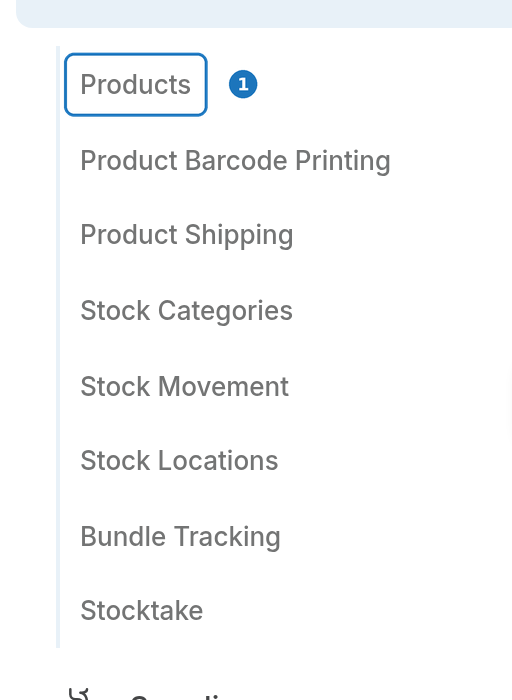
- In the sidebar open Stock, then click Products.
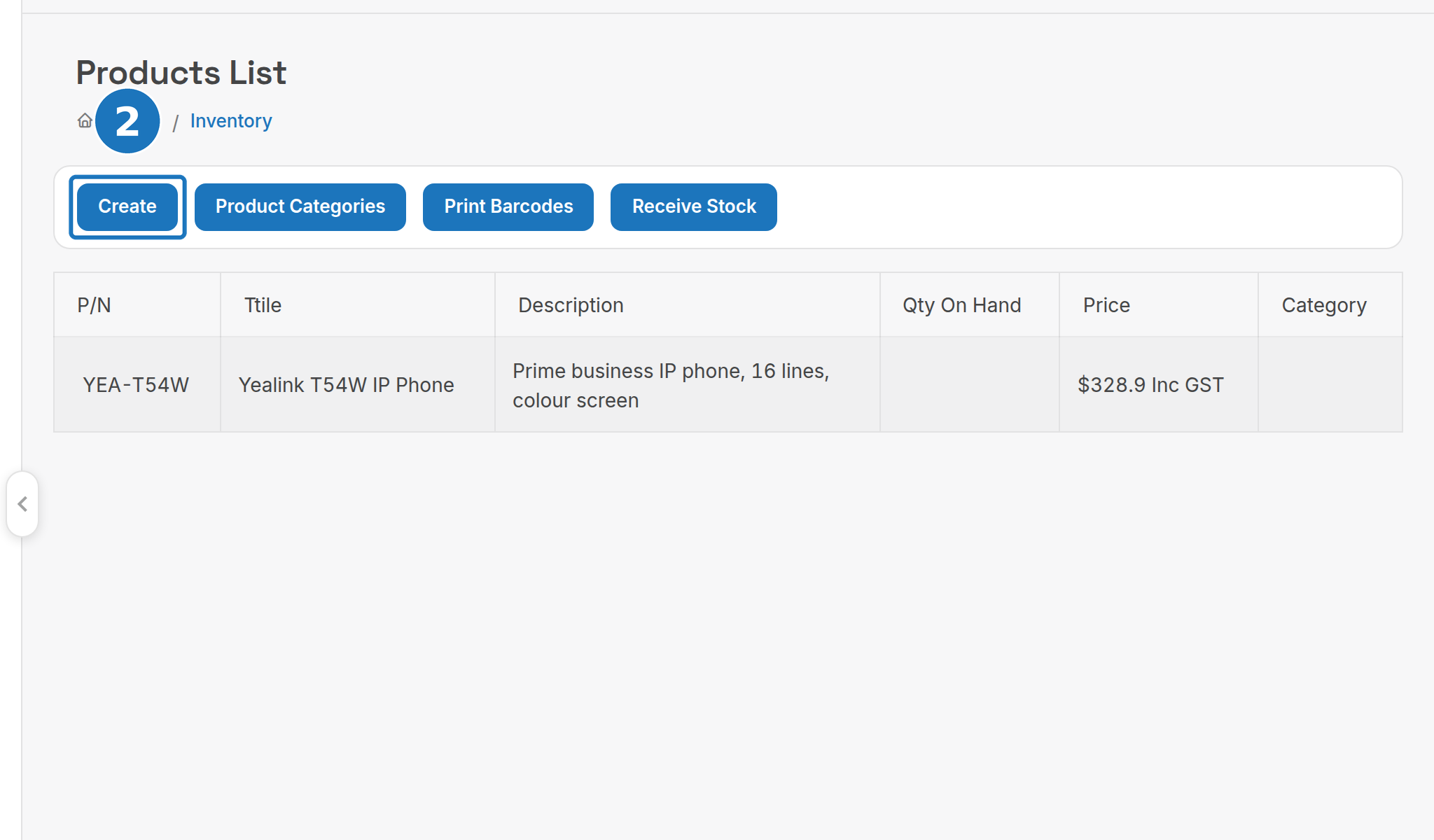
- Click Create. The list also offers Product Categories, Print Barcodes and Receive Stock.
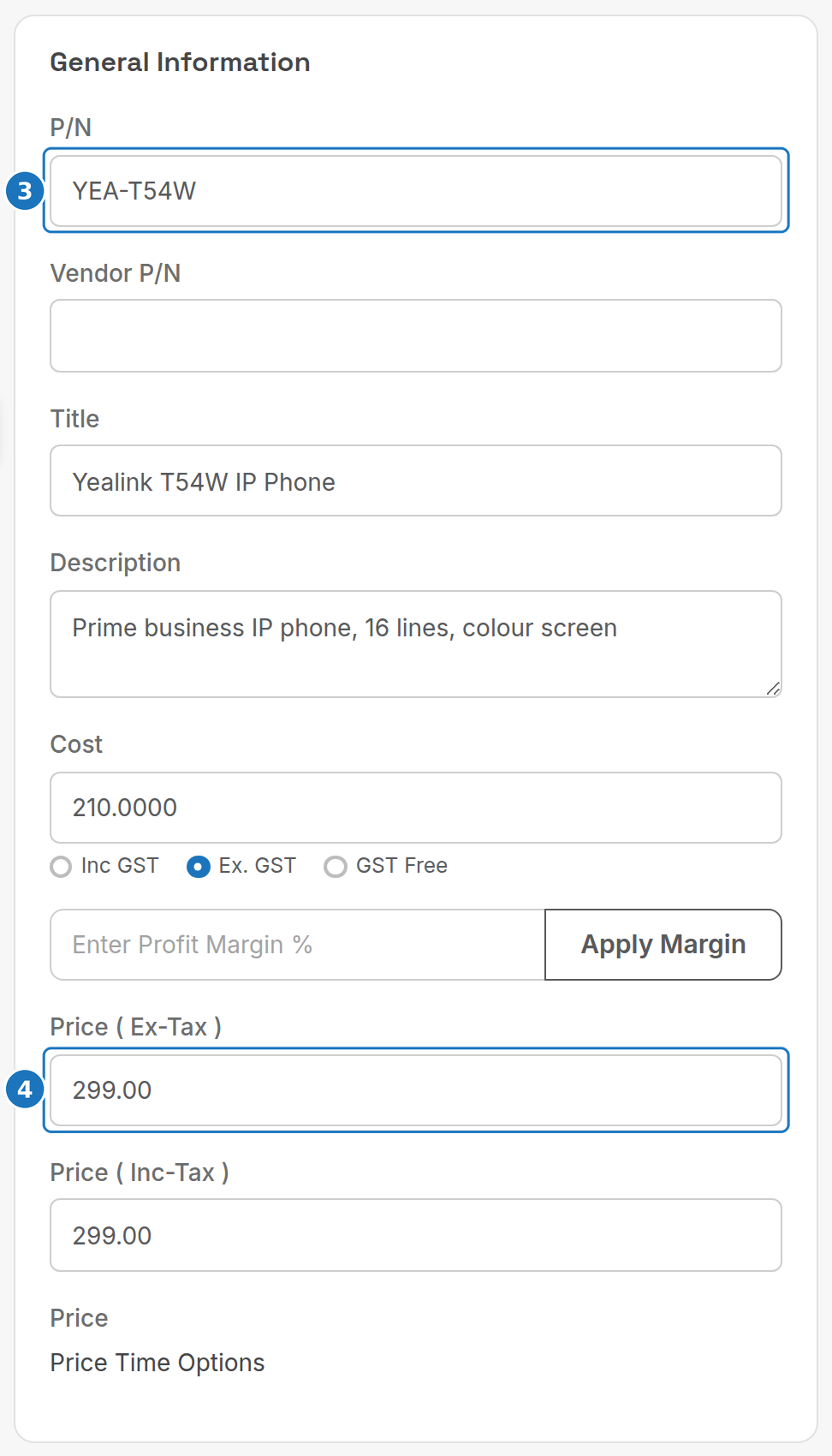
- Under General Information enter the P/N (part number), Title and Description.
- Enter the Cost (choose Inc GST, Ex. GST or GST Free) and the Price (Ex-Tax); the inc-tax price fills itself from the tax code. Apply Margin sets the price from a profit margin percentage.
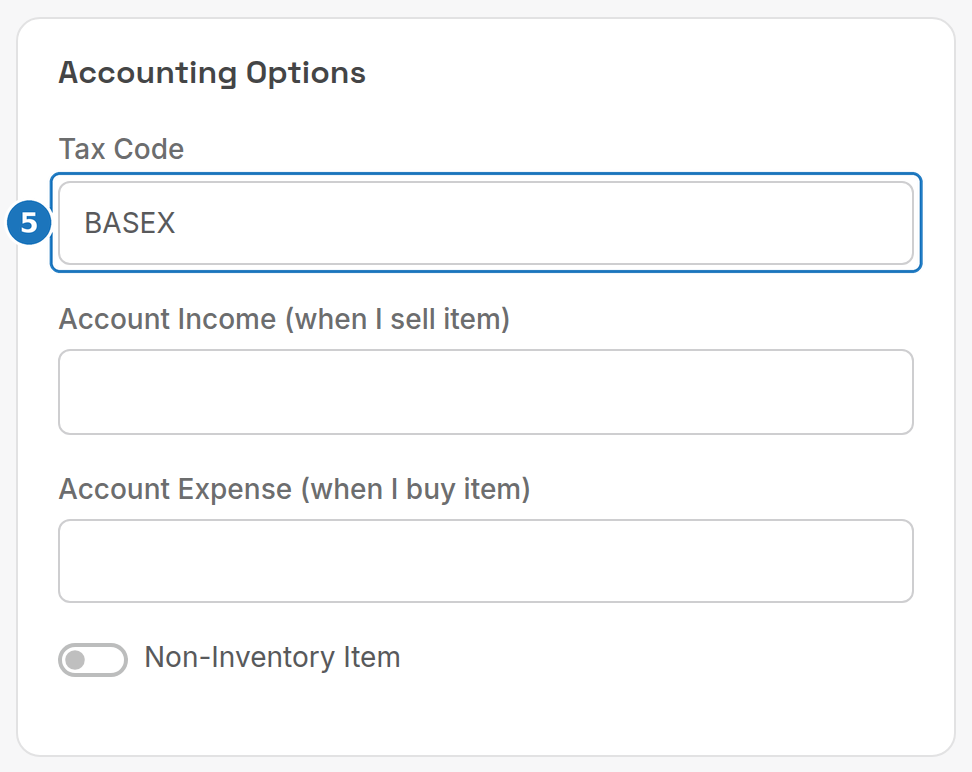
- Under Accounting Options pick the Tax Code, and the income and expense GL accounts if you use an accounting integration.
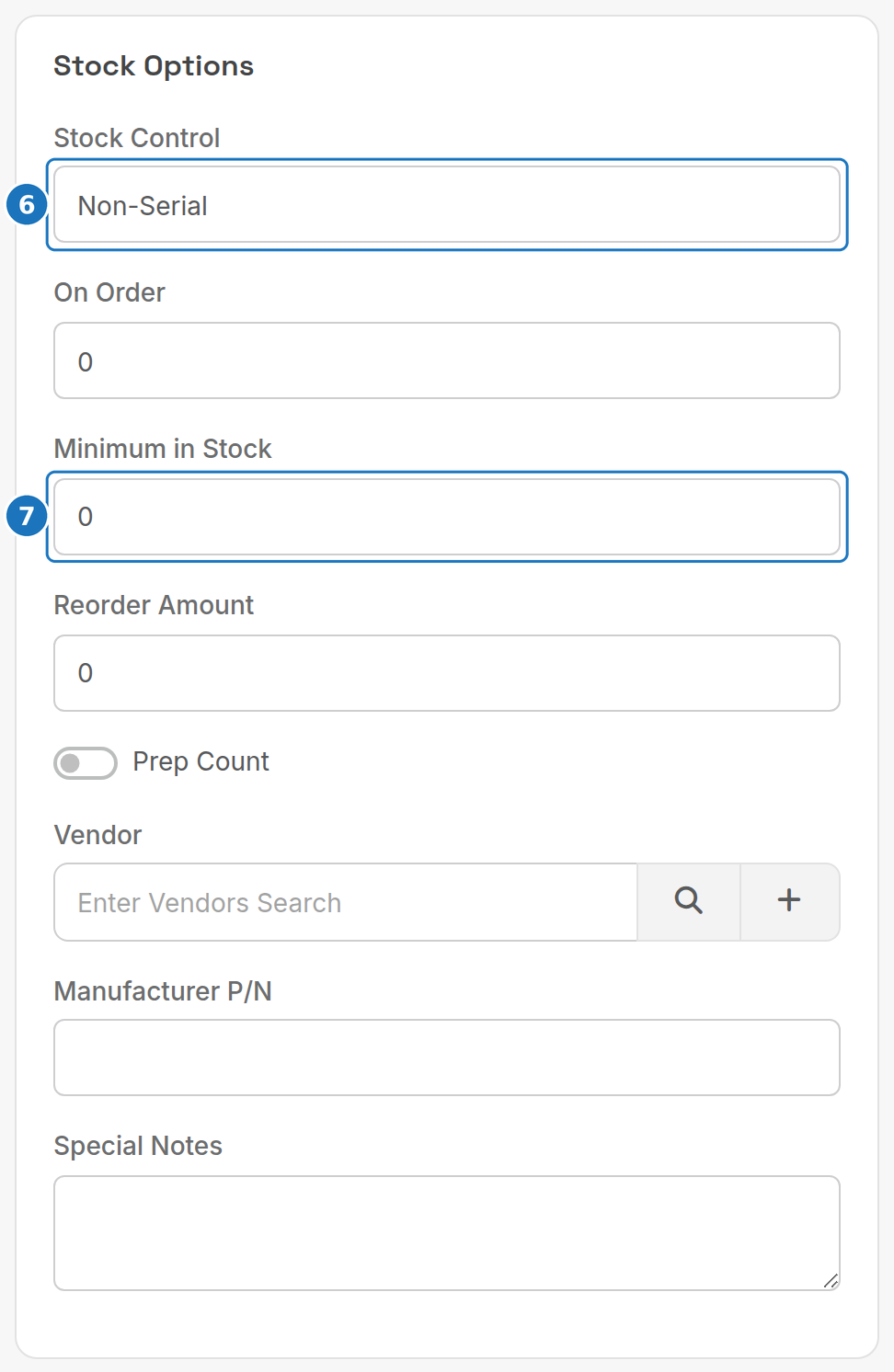
- Under Stock Options set Stock Control to None, Serial or Non-Serial.
- Set the Minimum in Stock and Reorder Amount, pick the Vendor, then click Save.
| Field | What it does |
|---|---|
| P/N / Vendor P/N / Manufacturer P/N | Your part number, the supplier's and the maker's. |
| Price Time Options | Different prices by time of day (Add Row). |
| Tax Code | BASEX, GSTFr, Free, EXPOR, INPUT, CAP or GST. |
| Account Income (when I sell item) / Account Expense (when I buy item) | GL accounts for the accounting integration: see Xero integration. |
| Non-Inventory Item | A charge with no stock, such as a fee. |
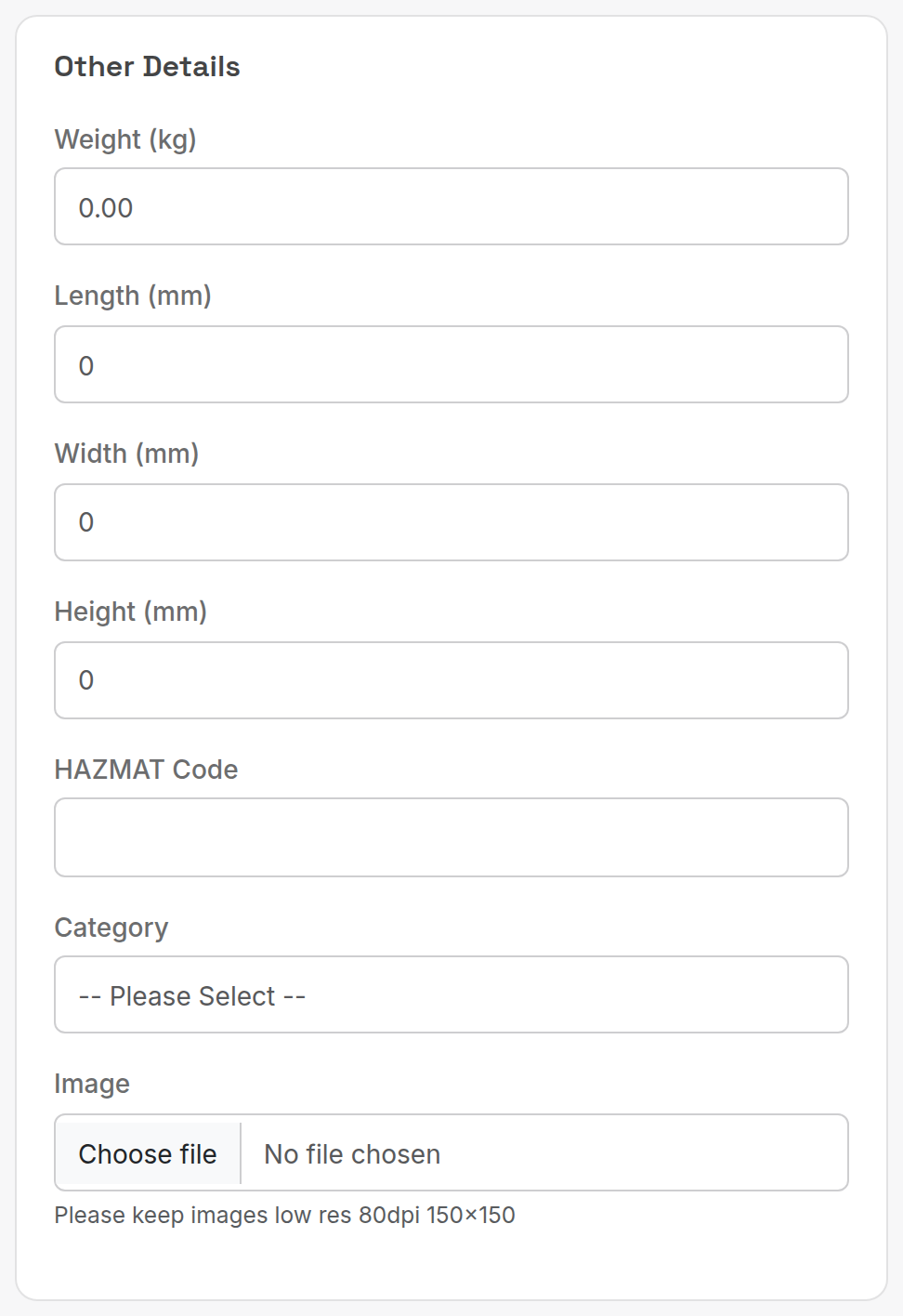
| Weight, Length, Width, Height, HAZMAT Code | Shipping details. |
| Category | Product category for lists and reports (Product Categories). |
| Image | Keep it small: 80 dpi, 150 x 150. |
| Stock Control | None (no tracking), Serial (each unit has a serial number) or Non-Serial (quantity only). |
| On Order | Units currently on purchase orders. |
| Prep Count | Include the product in the daily stocktake count. |
| Special Notes | Internal notes. |
| Webstore Item | Show the product on the public website. |
¶ Suppliers
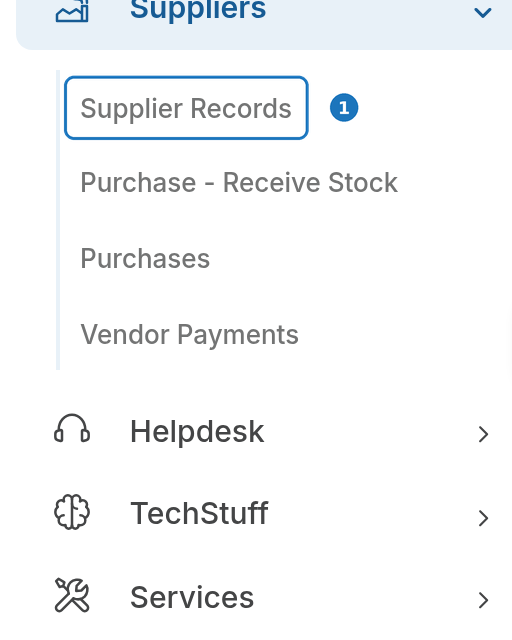
- In the sidebar open Suppliers, then click Supplier Records.
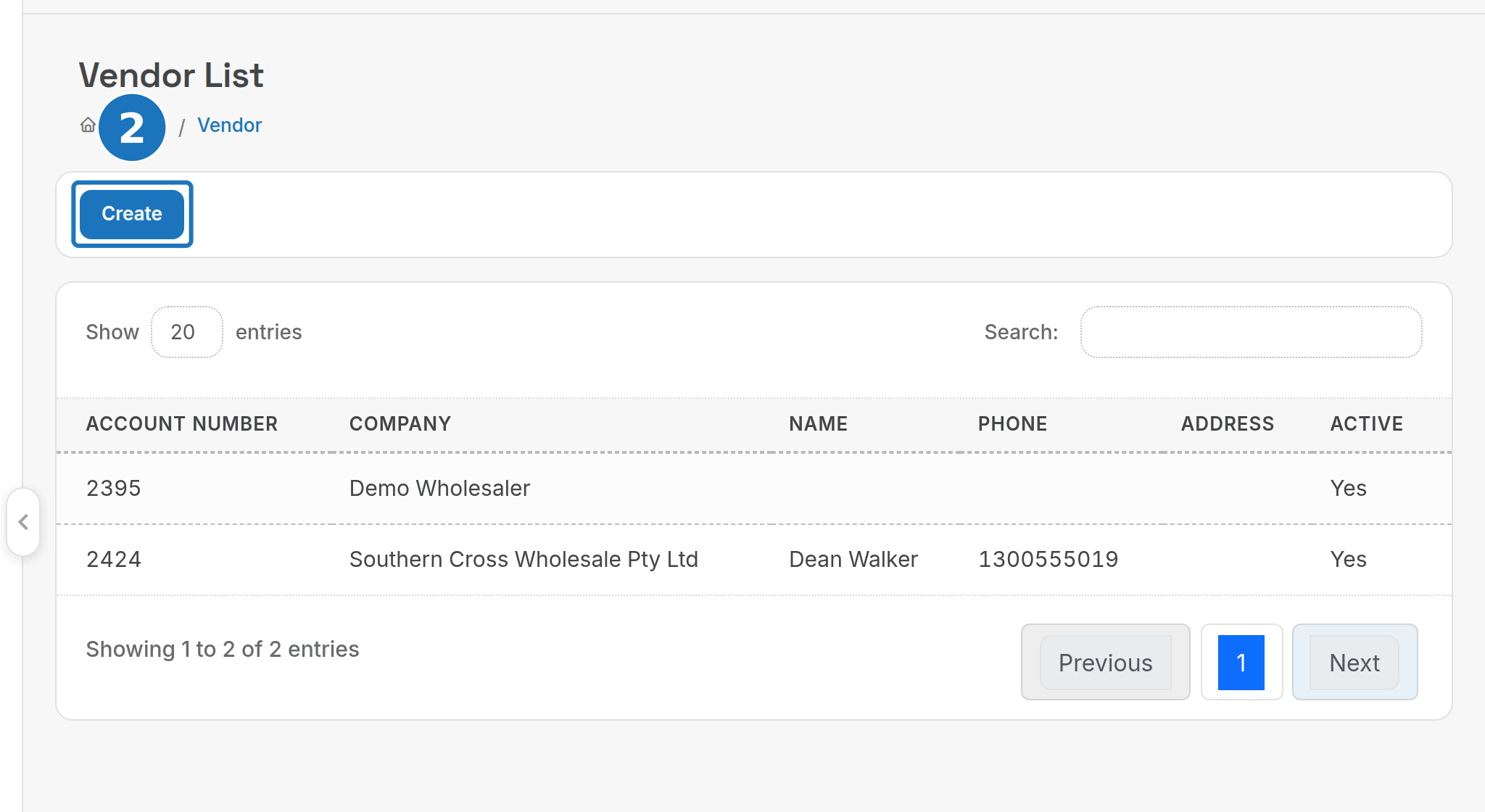
- Click Create.
- Under Supplier Details enter the Company and ABN.
- Enter the payment Terms and pick a Reporting Group. Tick In-Active to retire a supplier without deleting it.
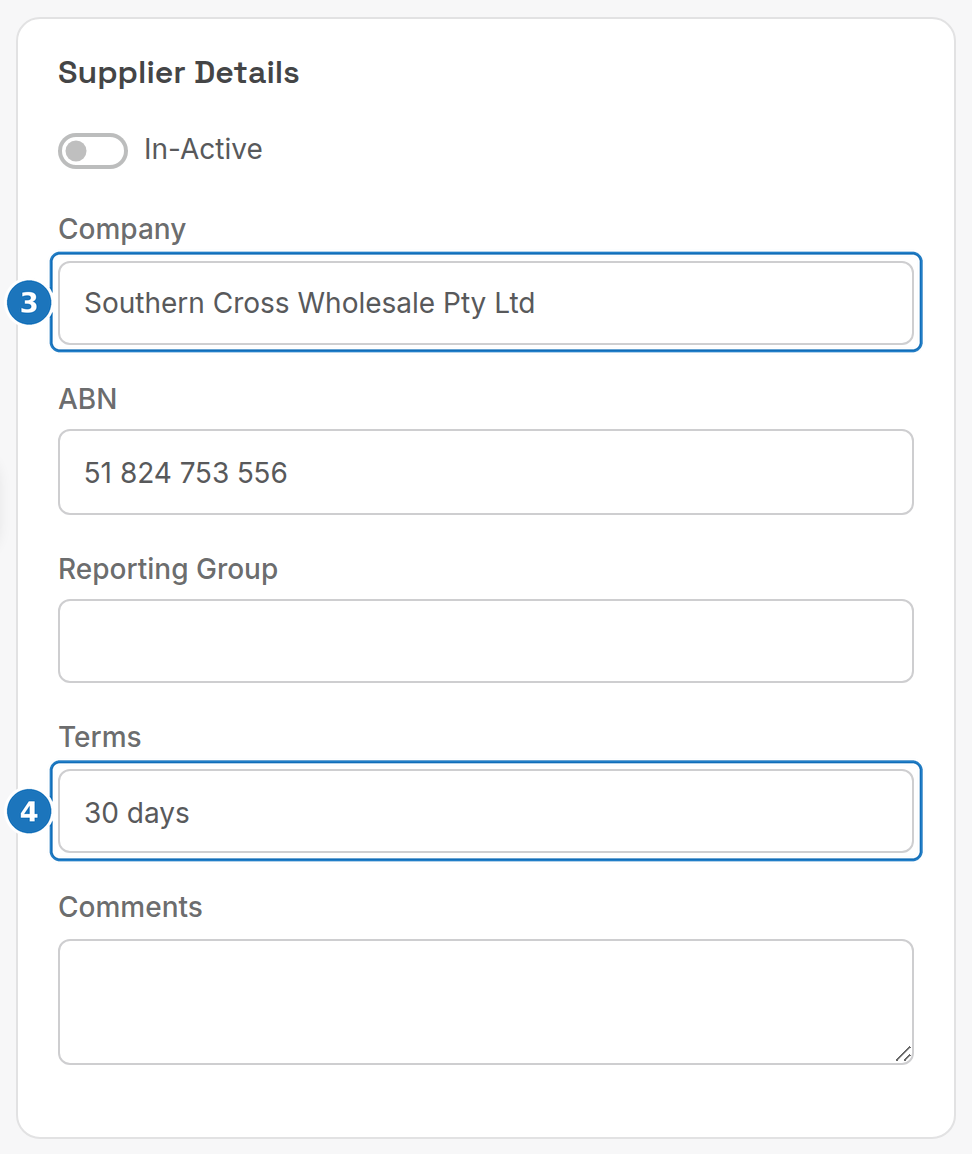
- Fill in Contact Details (name, phone, mobile, fax, email, web, address) and under Account Information the accounts contact and the supplier's Bank Account BSB, Number and Name for paying them, then click Save.
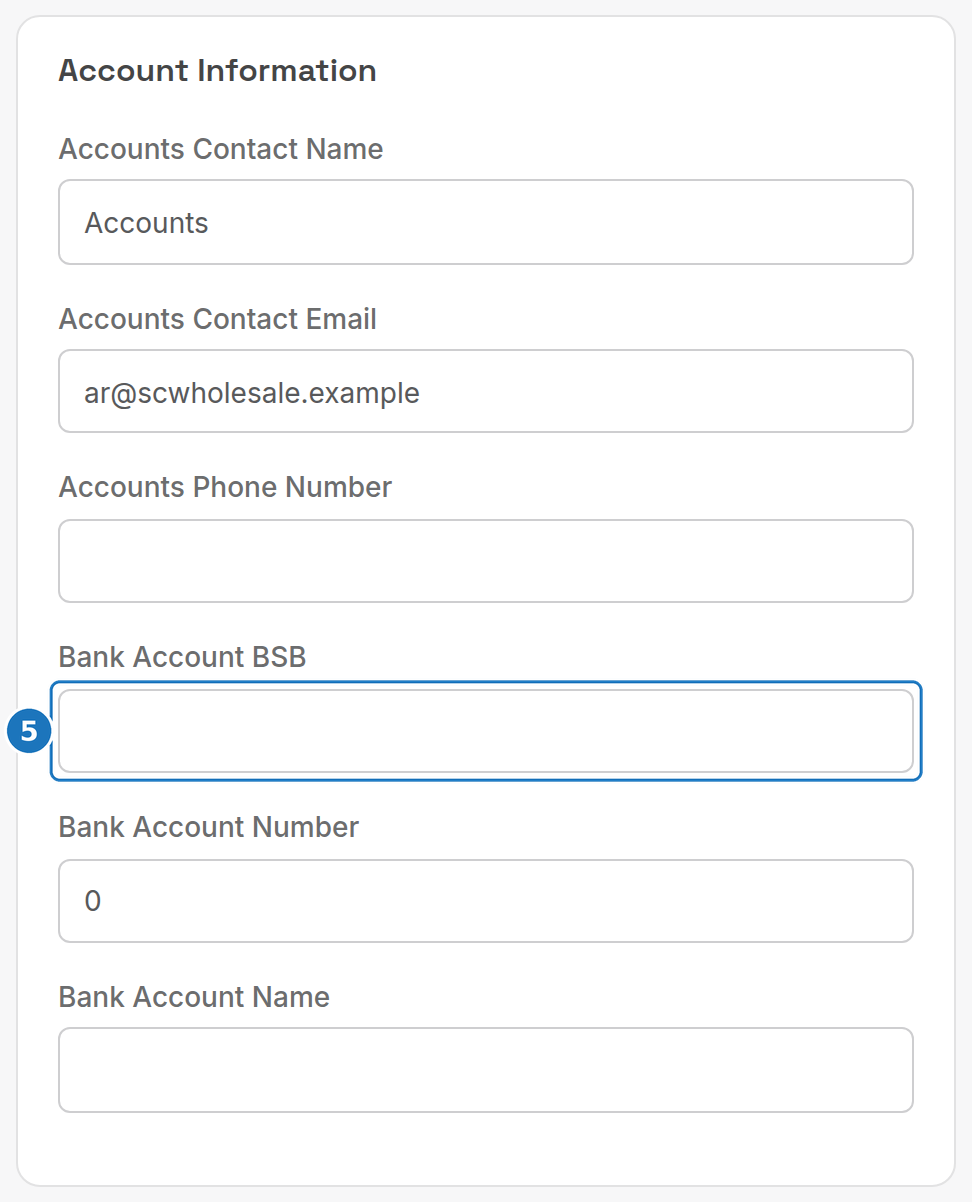
Suppliers are used by Purchases, Purchase - Receive Stock and Vendor Payments in the same menu, and appear in the Import and export Suppliers export.
¶ Wholesale providers
A wholesale provider is a supplier of services. Either you invoice them for a commission on the customer's paid invoice, or they invoice you for the service. It is an ordinary supplier record; attaching it to a service is what triggers the extra behaviour.
- Open the service (Services, Services, then the service) and click Edit.
- Under Wholesale Provider Details search for the Provider, enter the Provider ID (your account or service reference with them) and the Monthly Cost (ex or inc GST), then click Save.
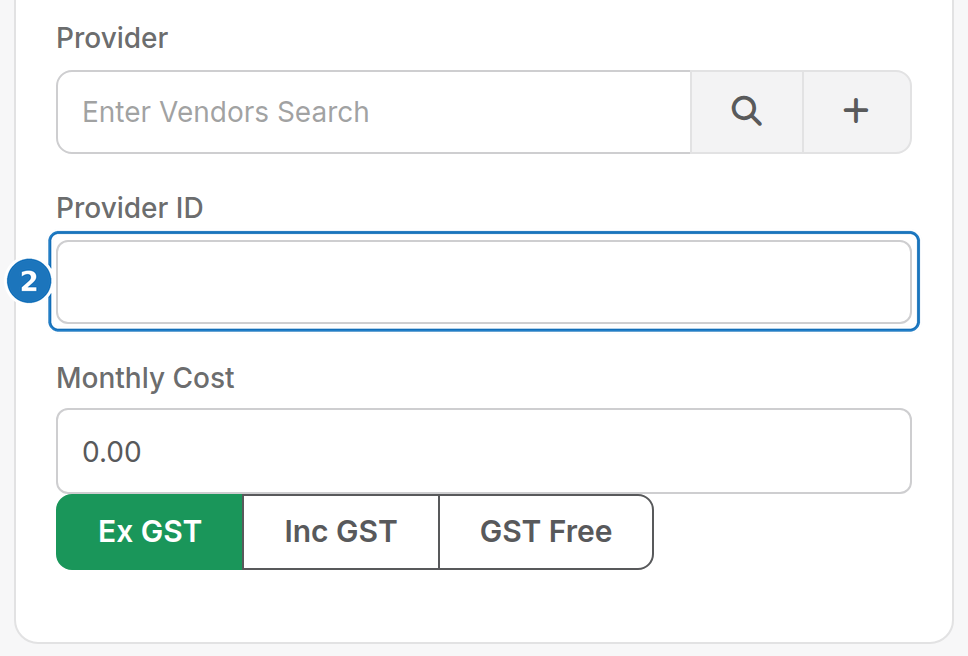
Liabilities and payables are reported under Commission and wholesale reports. Automatic generation of wholesale provider invoices is set up by PracBill support: email support@pracbill.com.au.
Next: Add a service.