The Export/Import module moves data in bulk: CSV and Excel imports into the main modules (with a history you can revert), and exports for spreadsheets, MYOB, MYOB EXO, Xero and BePOZ. This page is for the person migrating data into PracBill or handing it to an accountant.
¶ Open the module
- In the sidebar open General, then click Export/Import.
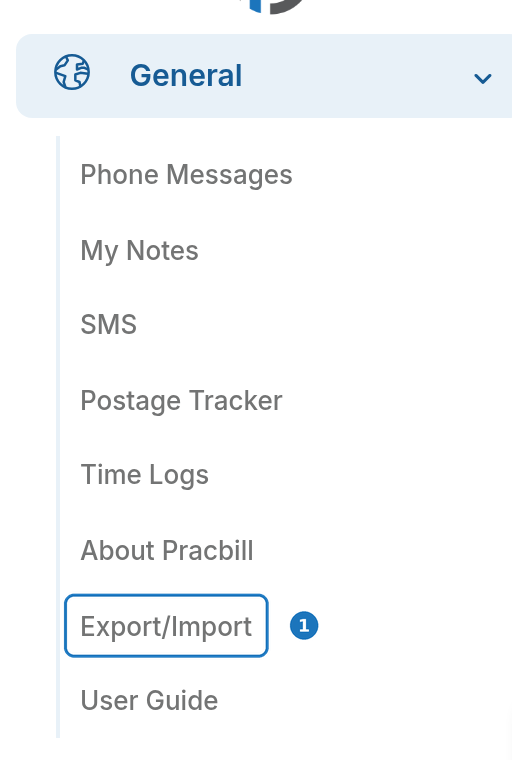
The page has an Import column and an Export column of cards.
¶ Import data from CSV or Excel
Import Data loads a .csv or .xlsx file into one module. Every import is tracked so you can review or undo it.
- In the Import CSV card click Import Data.
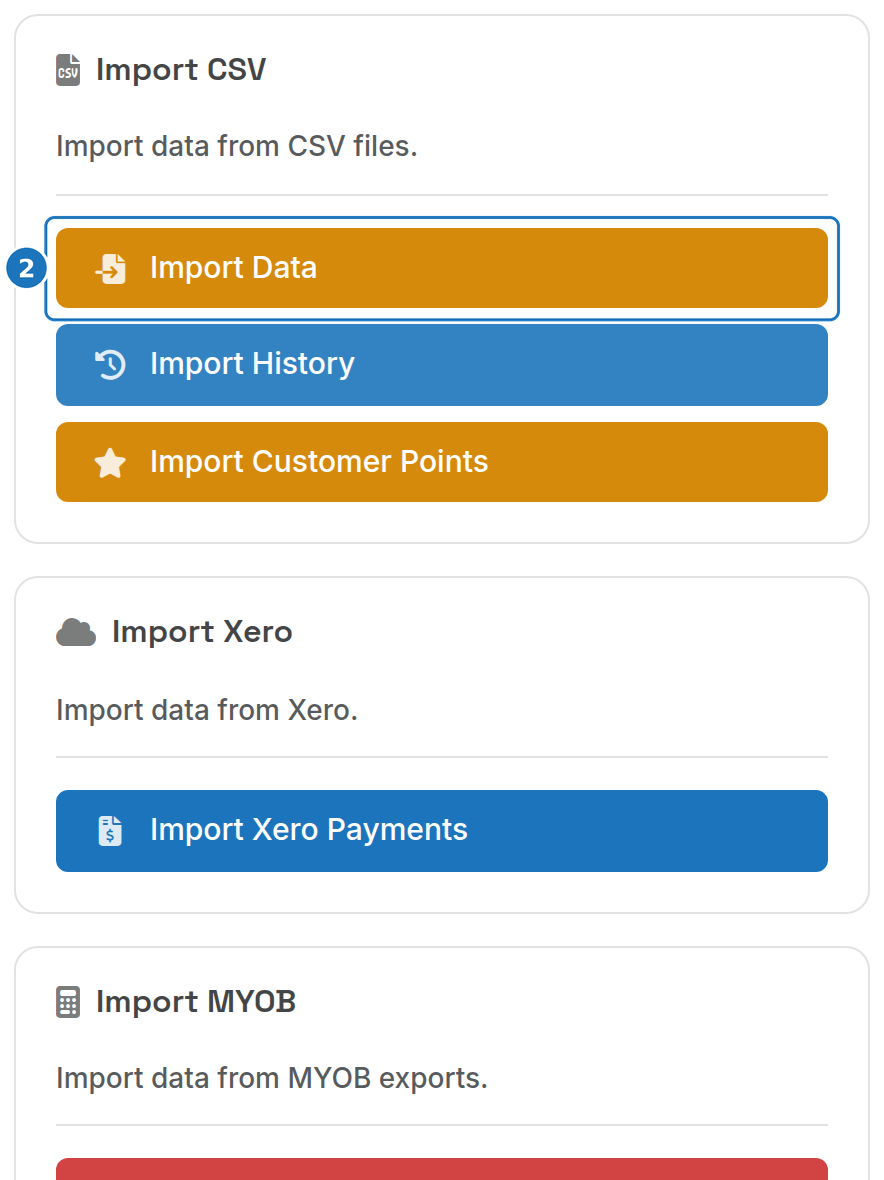
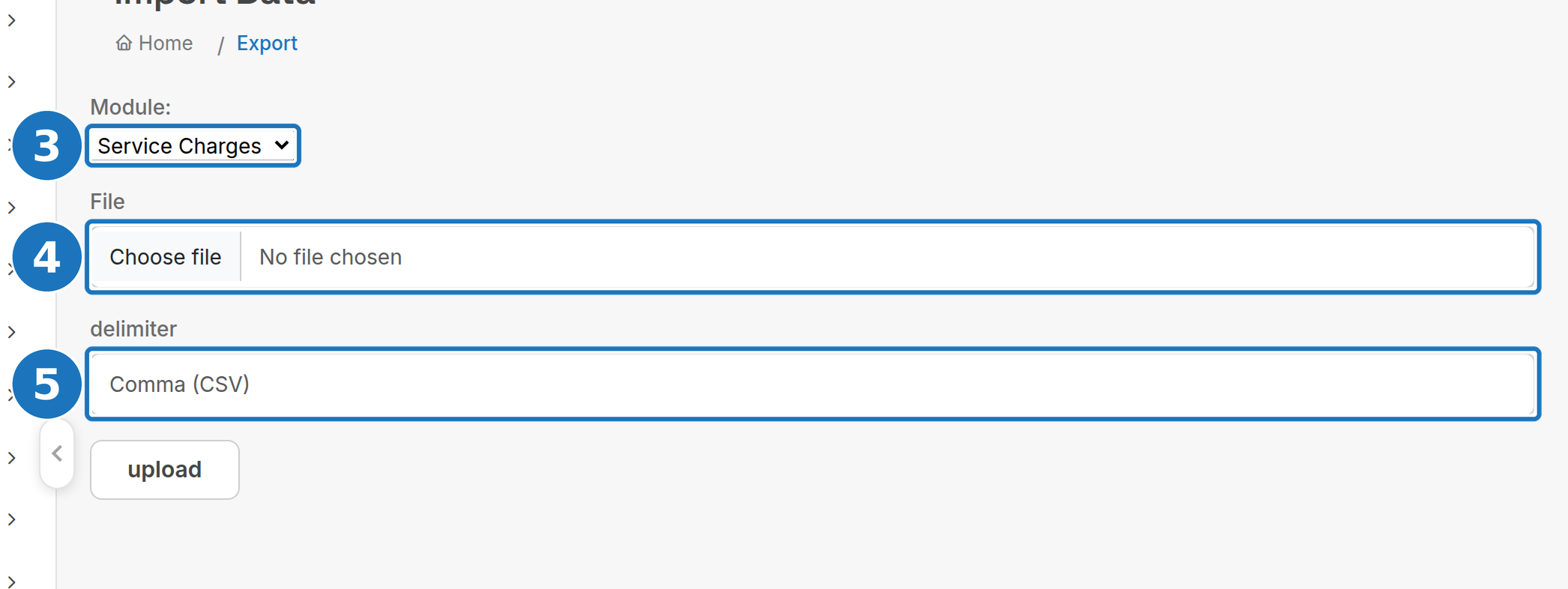
- Choose the Module: Products, Call Pack Types, Customers, Leads, Payments, Service Charges, Services or Service Types.
- Choose the File.
- Set the delimiter (Comma (CSV) or Tab) and click upload.
The result screen lists any rows that failed with the row number and reason. It is shown once; note the errors before you leave the page.
¶ Service charges file
Sample files: service_charges_with_product.csv and service_charges_with_no_product.csv.
| Field | Meaning | Notes |
|---|---|---|
id |
Charge ID | Auto-generated; only supply it to update an existing charge |
charge_date |
Date of the charge | YYYY-MM-DD |
enid_id or enid_name |
The service | Service ID, or the service number; with duplicate service numbers one is picked at random |
pid_id or pid_name |
The product | Product ID or part number. With a product, give only ex_tax_amount (tax is worked out from the product). Without a product, you must give the tax fields and both amounts |
taxrate_id |
Tax rate ID | No product only; the number from Admin, Tax Rates |
taxrate |
Tax percentage | No product only, e.g. 10 |
ex_tax_amount |
Ex tax amount | |
inc_tax_amount |
Inc tax amount | No product only |
description |
Charge description | Blank with a product means the product's description is used |
deleted |
0 or 1 |
1 deletes the charge; 0 keeps or restores it |
¶ Payments file
The Payments import only creates records; it never updates or deletes. It is meant for the initial migration.
| Field | Type | Meaning |
|---|---|---|
cid |
integer | Customer ID (this or iid is required) |
iid |
integer | Invoice ID |
date |
datetime | Date and time of the payment; time optional |
type |
string | Payment type: the name or integration name of a payment option set up in your department |
amount |
float | Positive for a payment, negative for a refund |
notes |
string | Payment notes |
¶ Import history and revert
Every import creates a batch that records each inserted or updated row, so a bad file can be undone.
- In the Import CSV card click Import History.
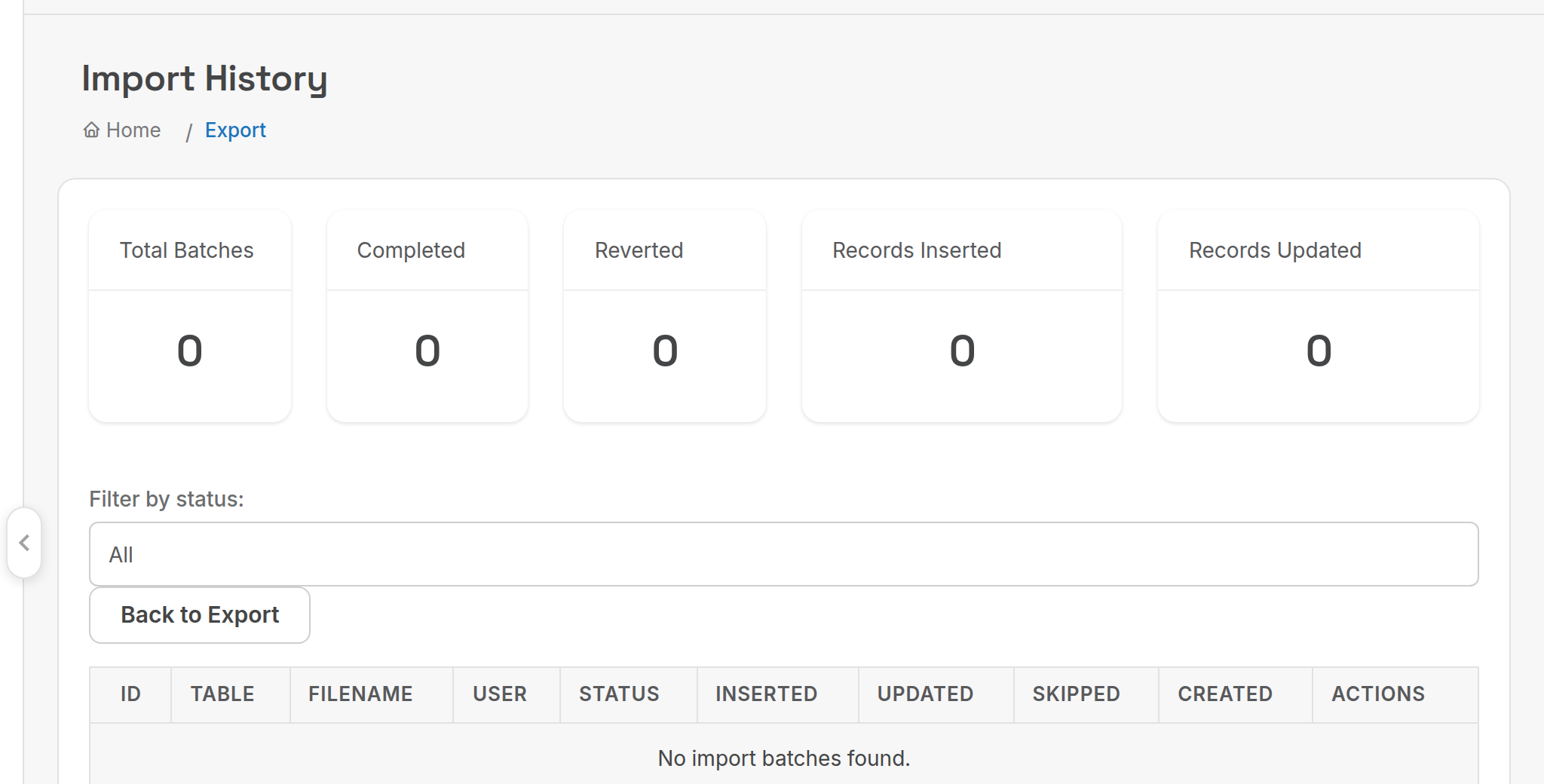
- Filter by status if needed, then click a batch to see its changes.
- Click Revert on a single change, or Revert All Changes in the batch panel to undo the whole batch, and confirm.
| Column | Meaning |
|---|---|
| ID, Table, Filename, User | Which import, into which table, from which file, by whom |
| Status | In Progress, Completed, Fully Reverted or Partially Reverted |
| Inserted, Updated, Skipped | Row counts |
| Created | When the import ran |
Reverting an inserted record soft-deletes it; reverting an update restores the old data. A change can only be reverted once, Revert All Changes is only offered while the batch is Completed, and the change log entry stays (marked reverted, with who and when). History is kept for 30 days, then purged.
¶ Other imports
| Card | Button | What it does |
|---|---|---|
| Import CSV | Import Customer Points | Loads loyalty points against customers |
| Import Xero | Import Xero Payments | Uploads a Xero statement export to match payments to invoices: see Xero integration |
| Import MYOB | Import MYOB Export | Loads data exported from MYOB |
| Import NBN | NBN Golden Addresses | Loads NBN location data |
| Record Changes | Import Customer ID Changes | Renumbers customers in bulk from a file |
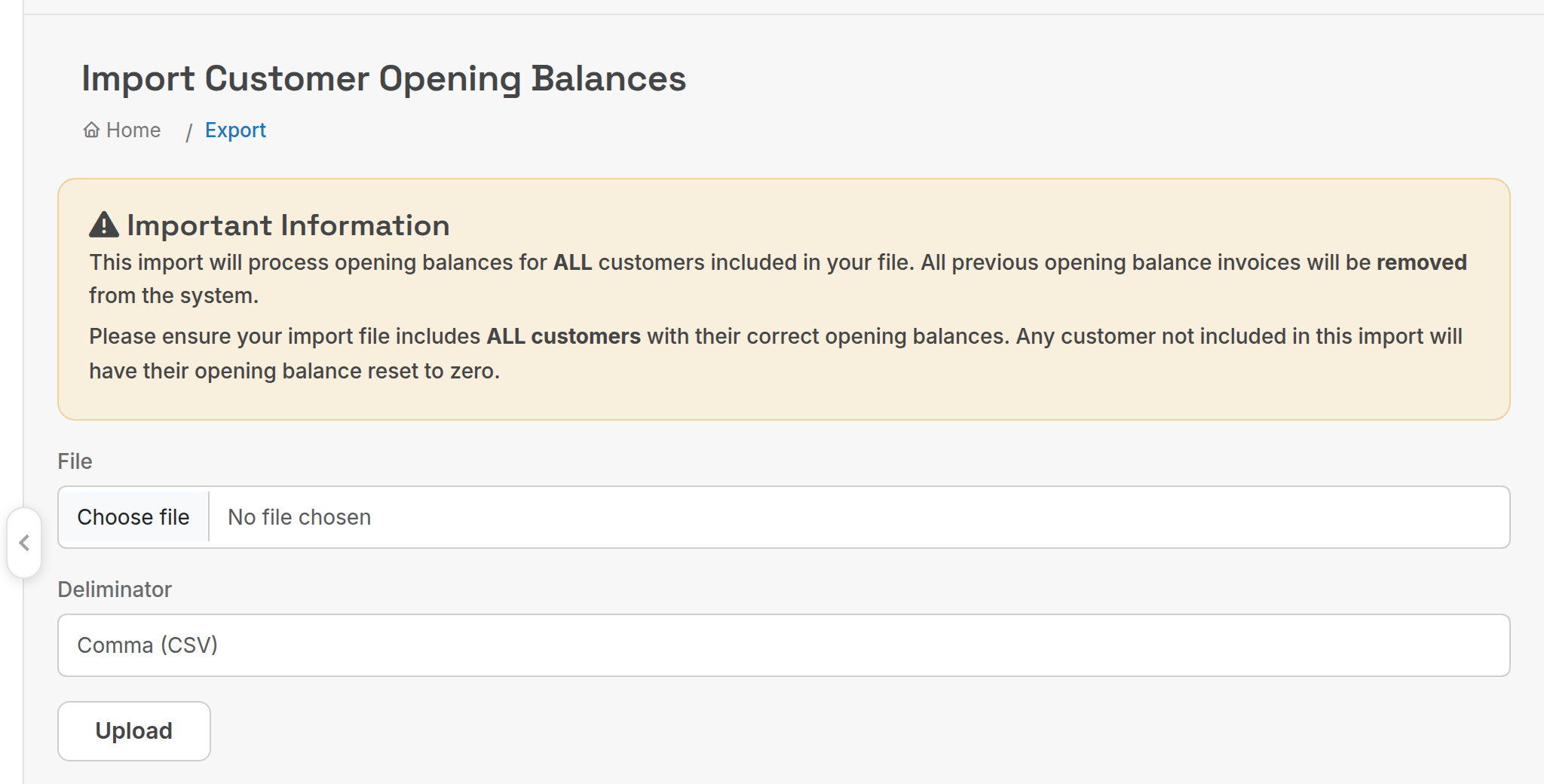
| Onboarding | Import Opening Balances | Creates opening balance invoices for all customers in the file |
| Onboarding | Import EziDebit Payers | Loads existing Ezidebit payer records as payment methods |
Opening balances: the file must contain every customer. All previous opening balance invoices are removed, and any customer missing from the file is reset to zero.
¶ Exports
| Card | Buttons | Output |
|---|---|---|
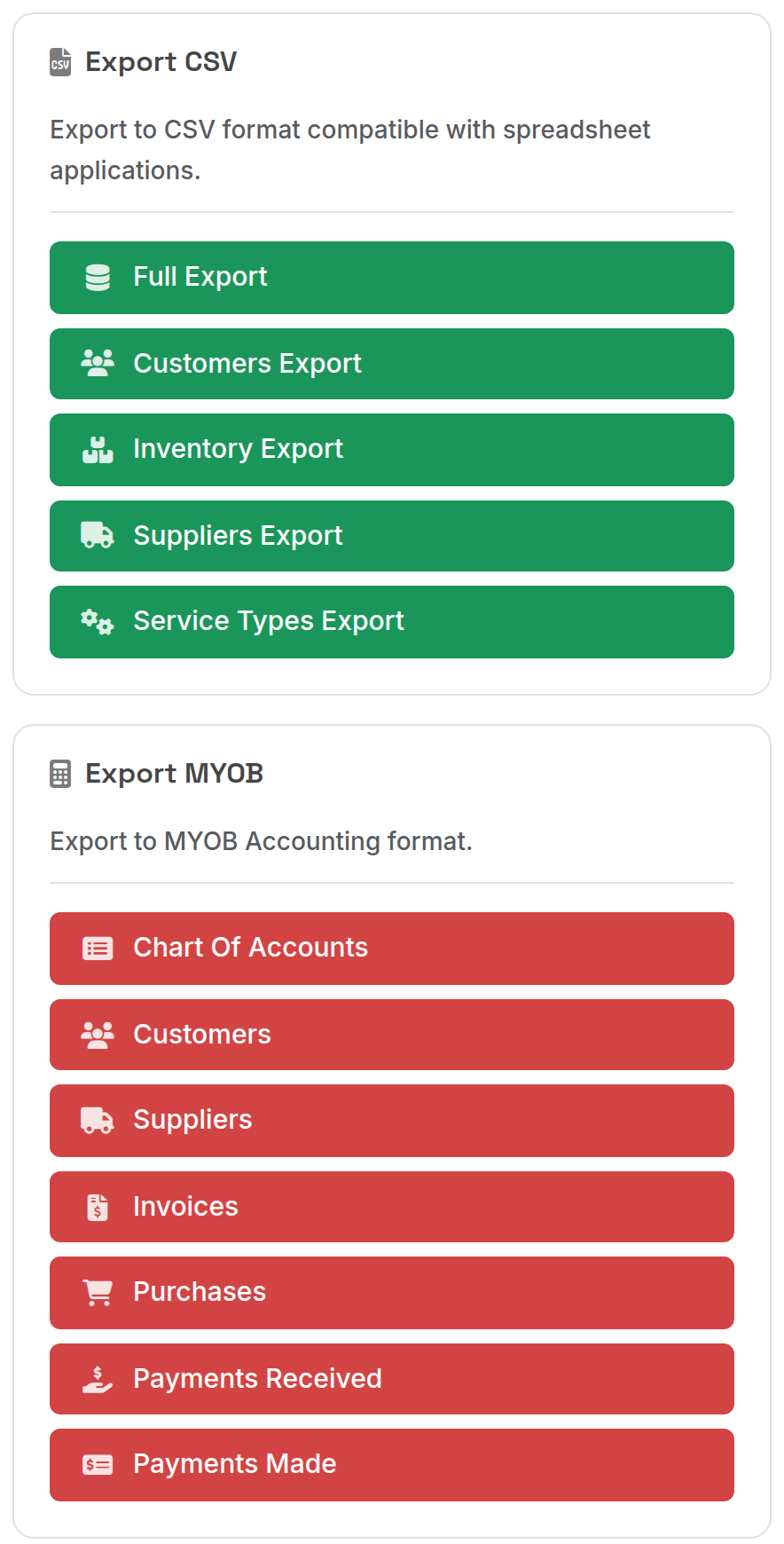
| Export CSV | Full Export, Customers Export, Inventory Export, Suppliers Export, Service Types Export | CSV files for spreadsheets |
| Export MYOB | Chart Of Accounts, Customers, Suppliers, Invoices, Purchases, Payments Received, Payments Made | MYOB AccountRight import files; the dated ones ask for a date range |
| Export MYOB EXO | Invoice Export | Excel file for MYOB EXO (date range) |
| Export Xero | Contacts, Inventory, Invoices | Xero import files; Invoices asks for a date range and whether amounts include tax |
| Export BePOZ | Customers, Invalid Customers | BePOZ point of sale customer files |
Access needs the Exports module permission on your role: see Roles and users.
¶ MYOB AccountRight
- Click Customers under Export MYOB to download
customers.txt, then Invoices and enter the date range to downloadinvoice.txt. - In MYOB take a backup of your company file first.
- File, Import, Cards, Customers: select
customers.txt, tab separated with a header row, automatch fields, import. - File, Import, Sales, Service Sales: select
invoice.txt, same settings, import. - Check the MYOB import log. Warnings are common on the invoice import; resolve any errors it lists.
¶ MYOB EXO
Invoice Export asks for a from and to date, then downloads an Excel file with these columns: Co./Last Name, MYOB Debtor Account Number, Invoice #, Description, MYOB Stock Item, Tax Code, Amount Ex-GST, GST, Invoice Total Ex-GST, Total GST. A results summary is shown after the download.
Next: Xero integration.