Reports answer questions about your customers, invoices, payments, services and commissions from the data already in PracBill. Run any report on demand, save the criteria you use often, and schedule a saved report to be emailed. This page covers the workflow; the group pages list every report.
¶ Run a report
- Open Management → Reports.
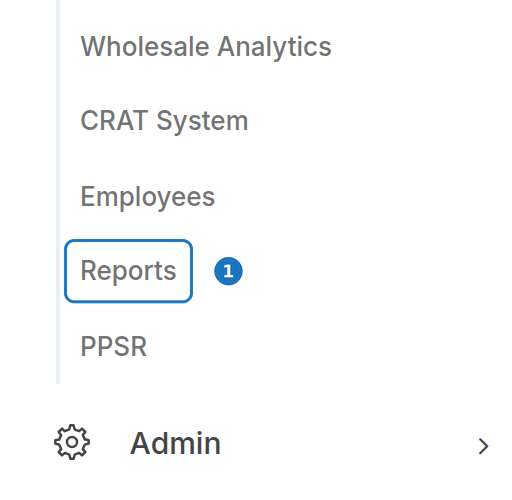
- Click New Report. (Reports you have saved are listed underneath.)

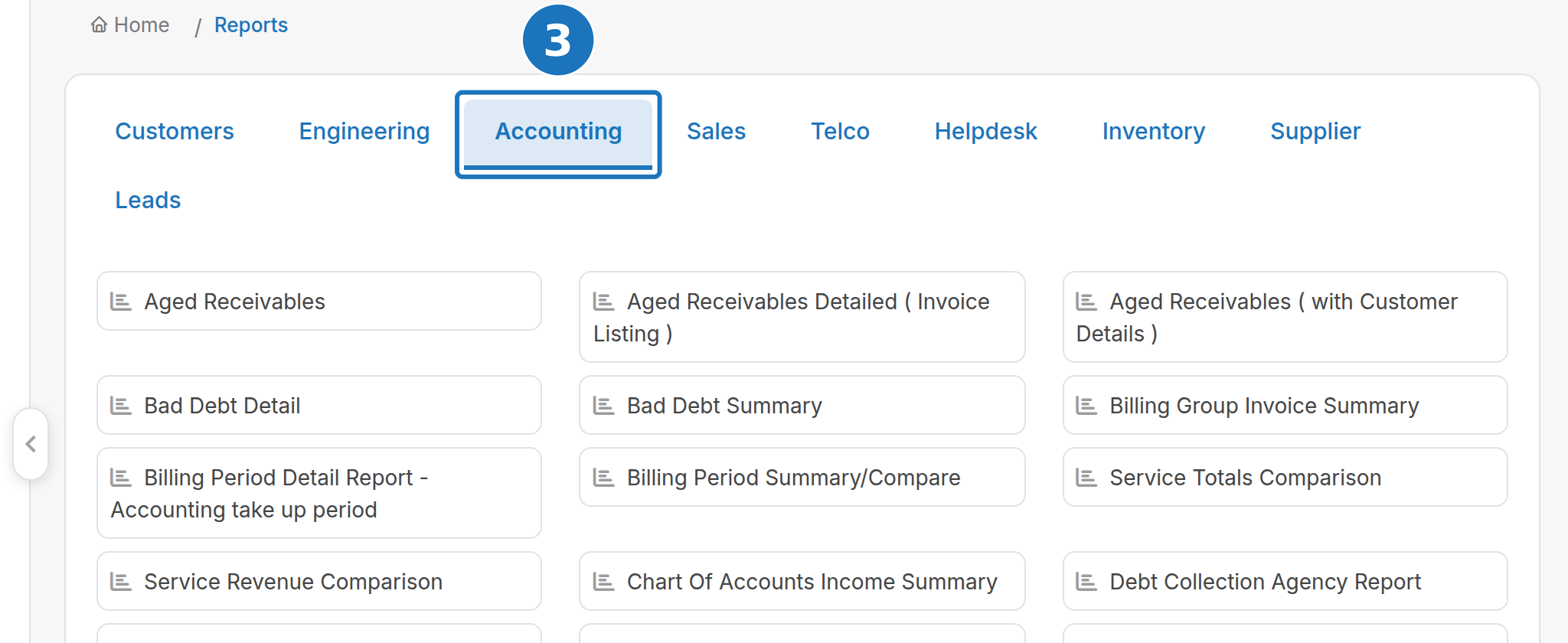
- Pick the tab for the area you want: Customers, Engineering, Accounting, Sales, Telco, Helpdesk, Inventory, Supplier or Leads.
- Click the report.
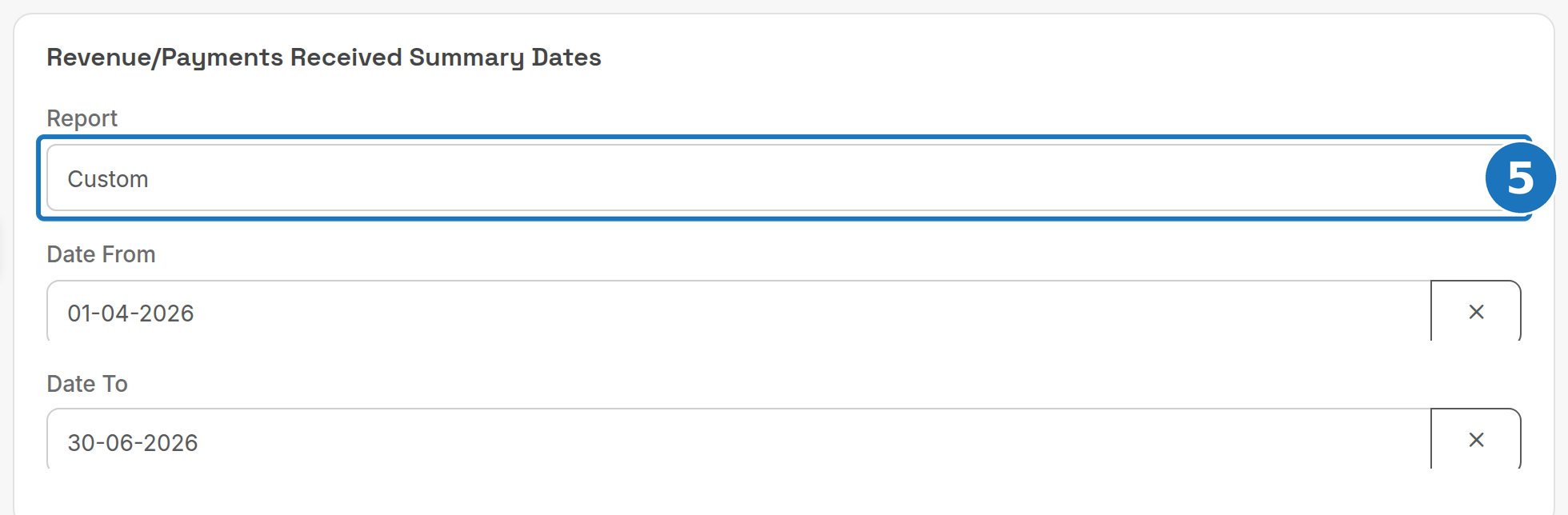
- Set the criteria. Most reports take a period: leave Report on a preset (Today, Previous Month, This Quarter and so on) or choose Custom and fill Date From and Date To. Other reports take a single Date (point in time), a billing group or service type filter, or nothing at all.
- Click Run Report.

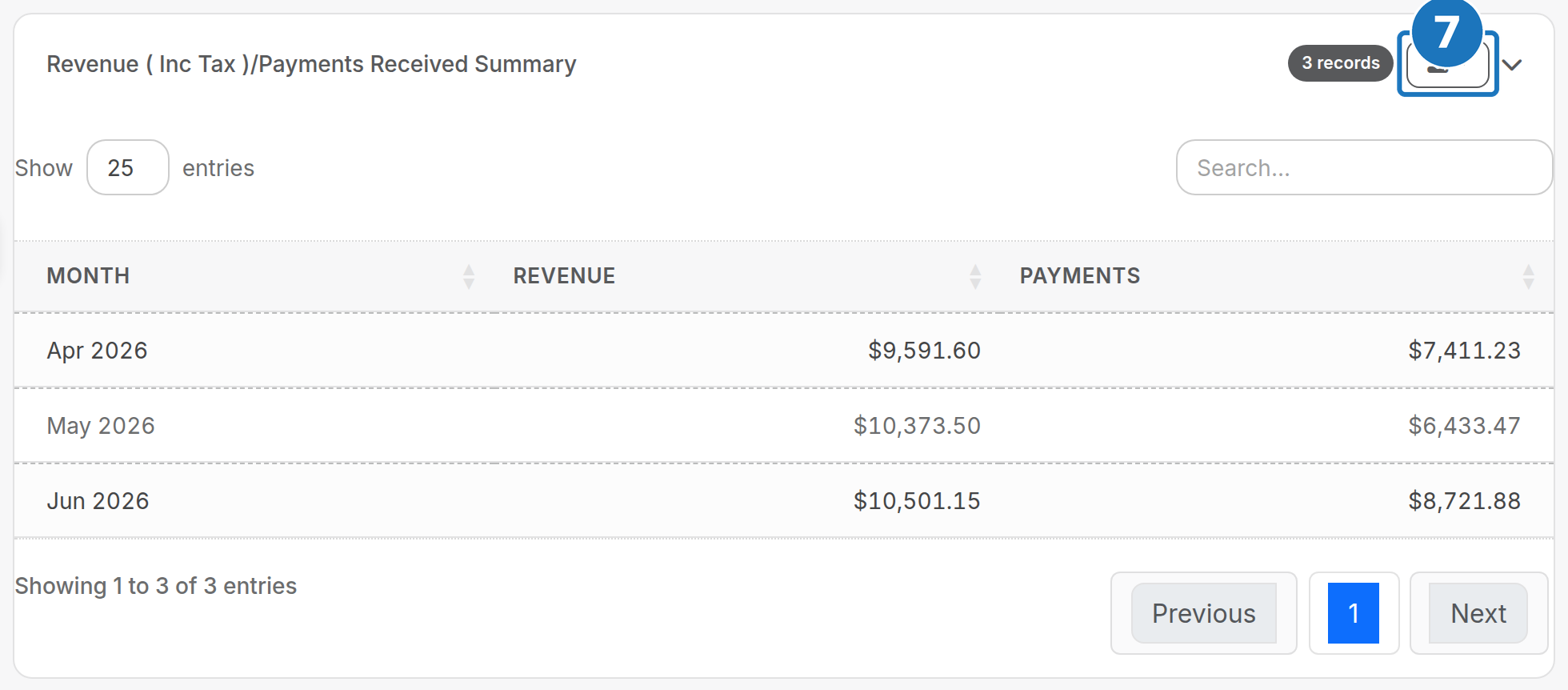
- Read the result. Wide reports open with a Summary Data card on top and a sortable, searchable table below; click the download icon to export the table as Excel or CSV.
Some reports run over every invoice and payment in the department and can take a minute. Wait for the Generating report dialog to close before clicking anything.
¶ Period presets
| Preset | Range |
|---|---|
| Today, Previous Day | one day |
| Current Week, Previous Week | Monday to Sunday |
| Current Month, Previous Month | calendar month |
| This Quarter, Last Quarter | calendar quarter |
| Current Year | 1 January to today |
| Custom | Date From and Date To you enter |
Which date a report compares against the period (invoice date, due date, payment date, service start date) differs per report; each group page says which.
¶ Save a report
Saving keeps the report and its criteria on the Reports home page so nobody has to scroll the full list again.
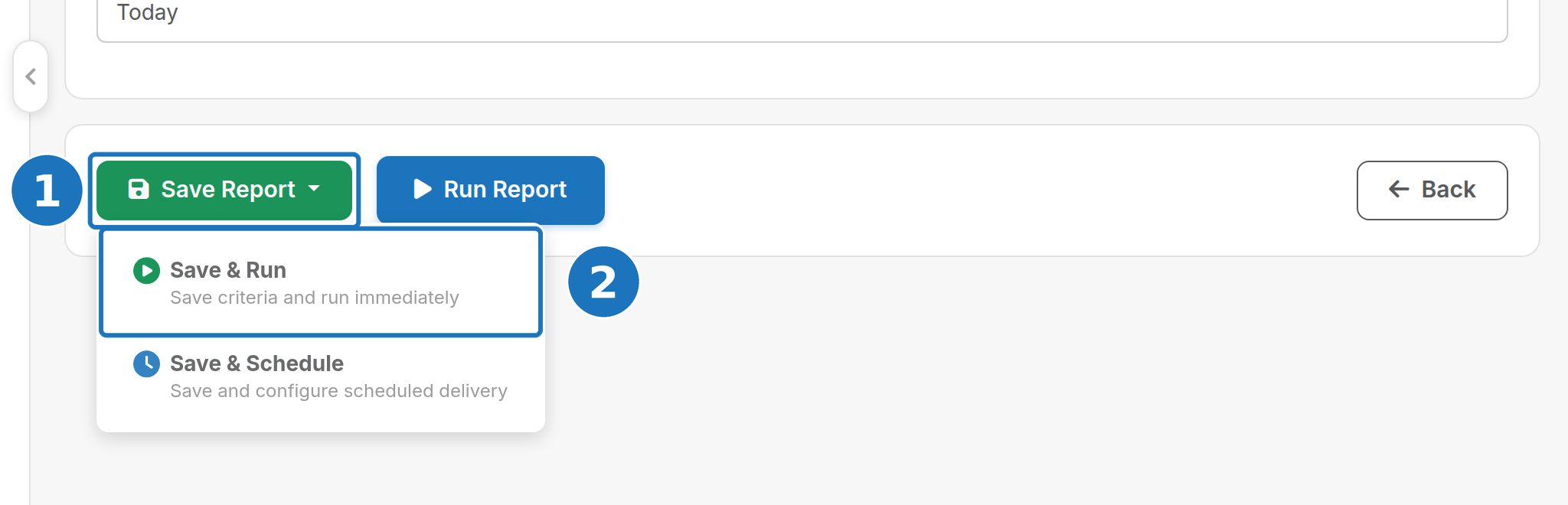
- Set the criteria as above, then click Save Report.
- Choose Save & Run (run it now) or Save & Schedule (go straight to the schedule form).
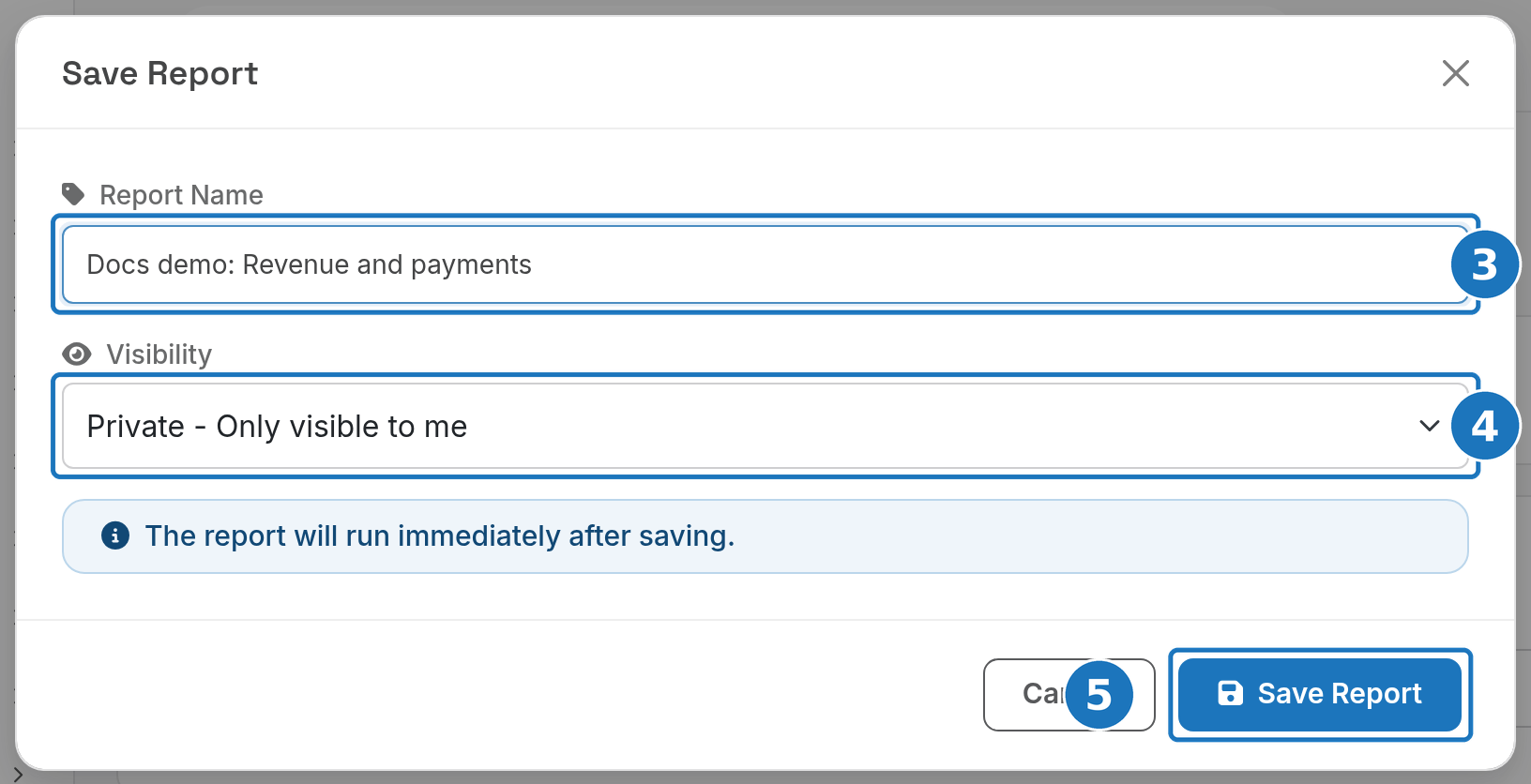
- Enter a Report Name.
- Set Visibility: Private (only you) or Public (every user in the department).
- Click Save Report.
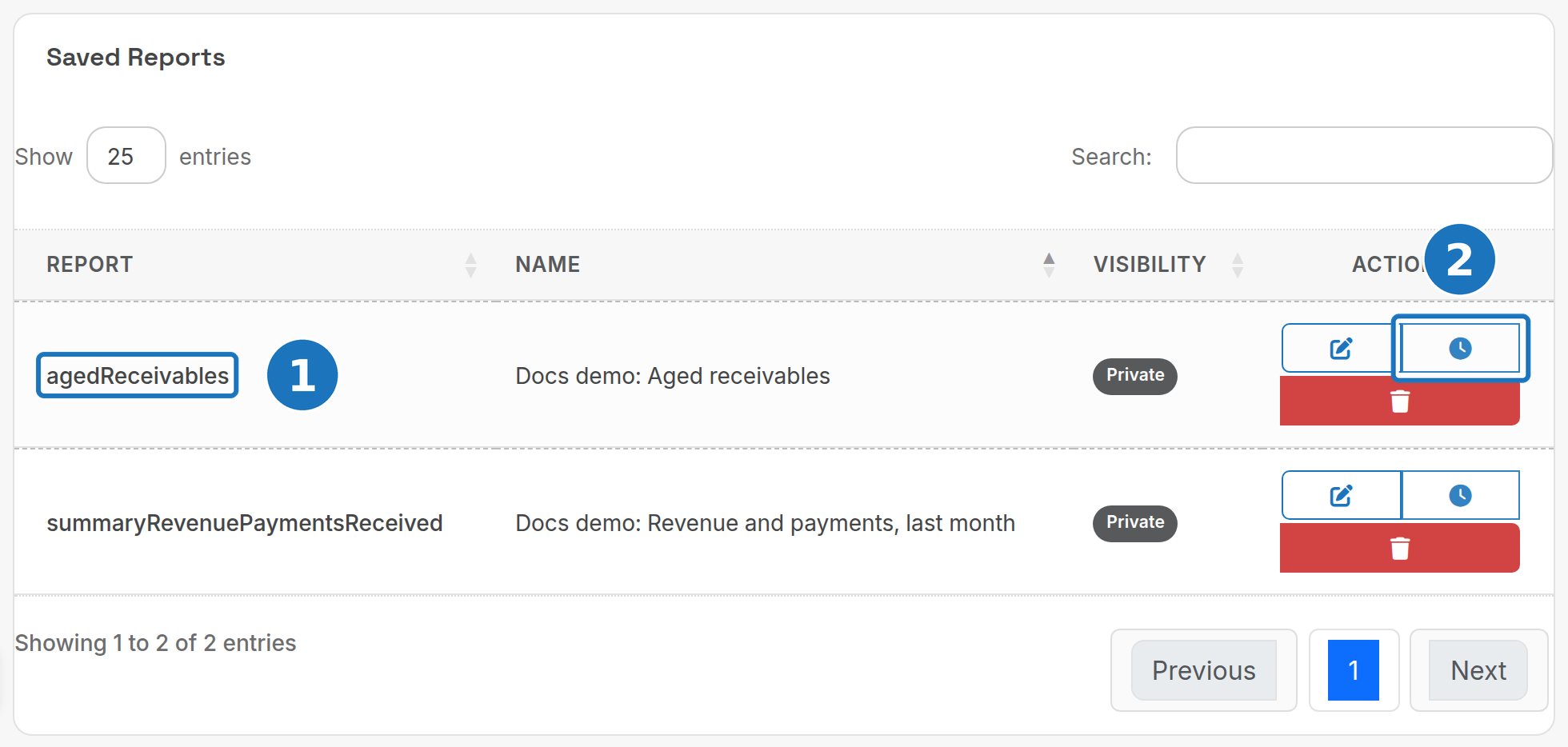
Saved reports appear under Saved Reports on the Reports home page. Click the name (1) to run it with the saved criteria, the pencil to change the criteria, the clock (2) to schedule it, or the bin to delete it.
¶ Schedule a report
A scheduled report runs on its own and emails the result to the recipients you list.
- On the Reports home page, click the clock icon next to the saved report (or choose Save & Schedule when saving).
- Set the Start Date: the first (or next) date and time the report runs.
- Choose the Frequency (Daily, Weekly, Fortnightly, Monthly, Quarterly or Yearly) and the Time. Weekly shows a day-of-week picker.
- Click Add Recipient and enter each email address.
- Click Save Schedule.
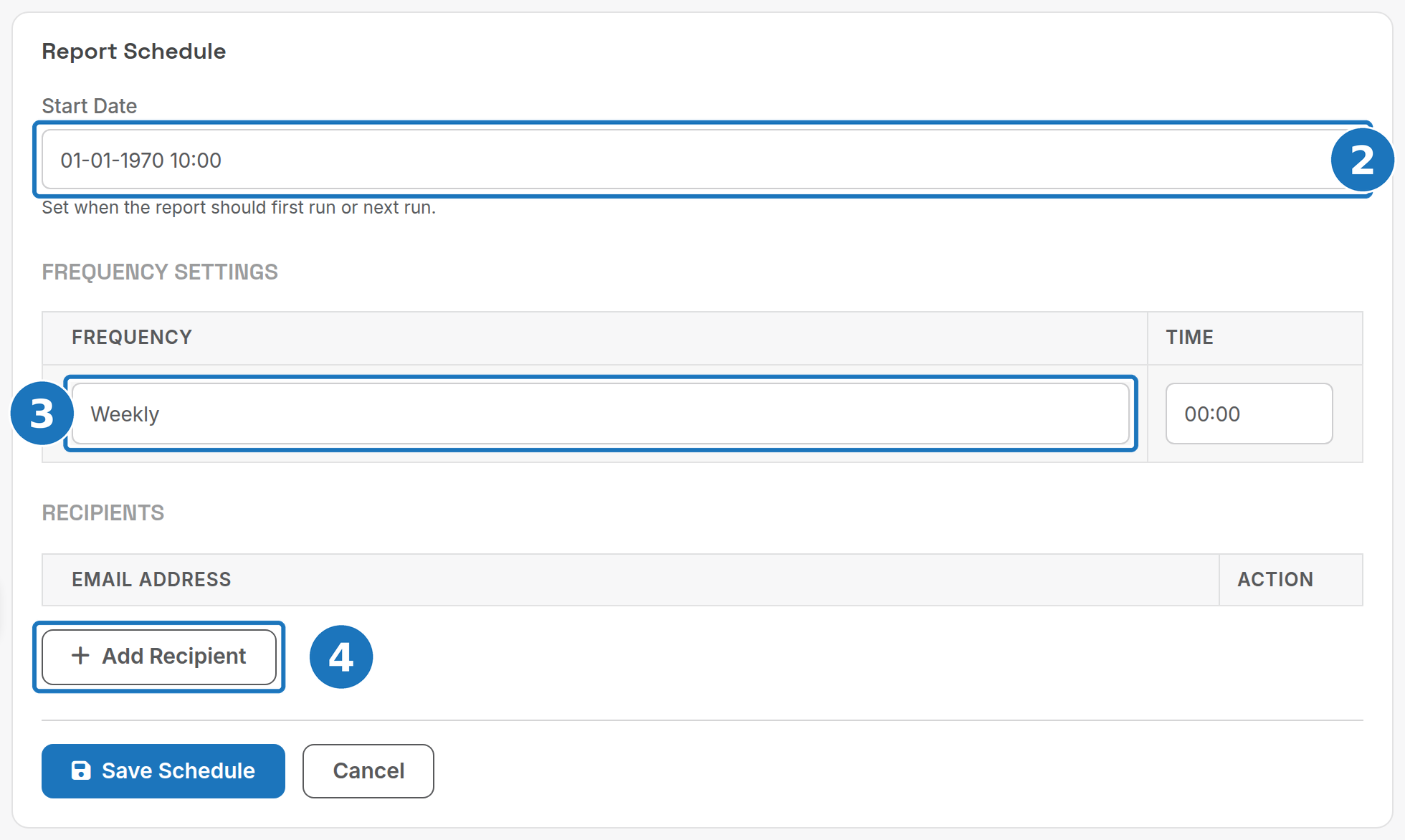
The Start Date defaults to 01-01-1970. Set it to a real date before saving or the schedule will not run when you expect.
¶ Report groups
| Page | Reports |
|---|---|
| Financial reports | Aged receivables, unpaid invoices, payments against aged debt, revenue and payment summaries, billing period analysis and comparison, bad debt, revenue by location, purchases |
| Customer reports | Active, new and ended customers, customer details and payment methods, signup profitability, validation issues, duplicate services, billing usage comparison, customer services by start date |
| Service and usage reports | Billed minutes, ancillary charges, service type list, engineering details, gross profit by product and by account |
| Payment and credit reports | Card and direct debit amounts to be charged, failed payments, credits and credit notes, Xero payment matching, invoice email delivery |
| Commission and wholesale reports | Reseller and services commissions, wholesale provider liability and payable |
| Lead reports | Leads with conversion statistics, leads by assigned user |
The Helpdesk, Inventory and Supplier tabs hold further reports for those modules. If a report you need is missing, email support@pracbill.com.au.
Next: Financial reports.