Reports on payments taken or attempted, credits raised, and whether invoices reached the customer. All are under Management → Reports → New Report; the tab column says where. See Reports for how to run, save and schedule a report.
¶ Xero payments example
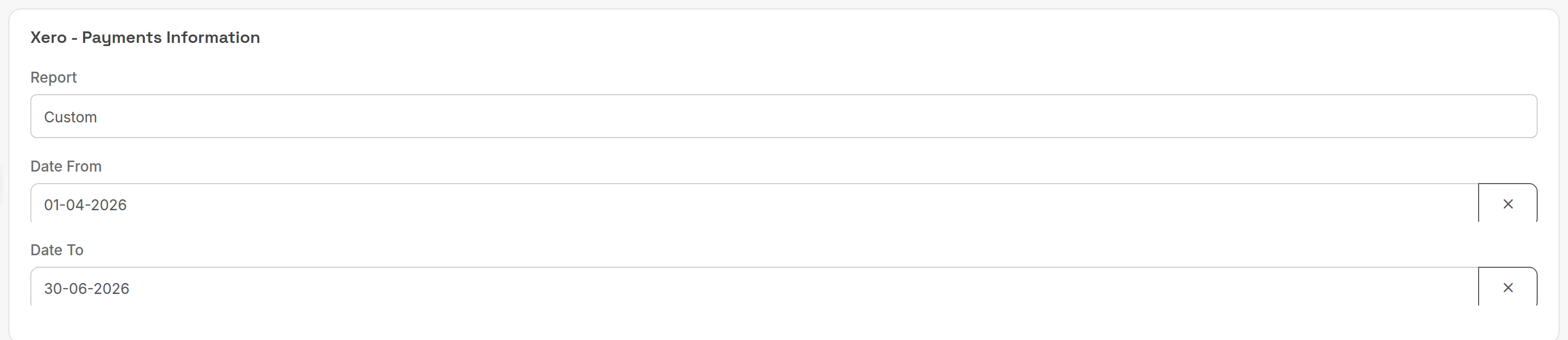
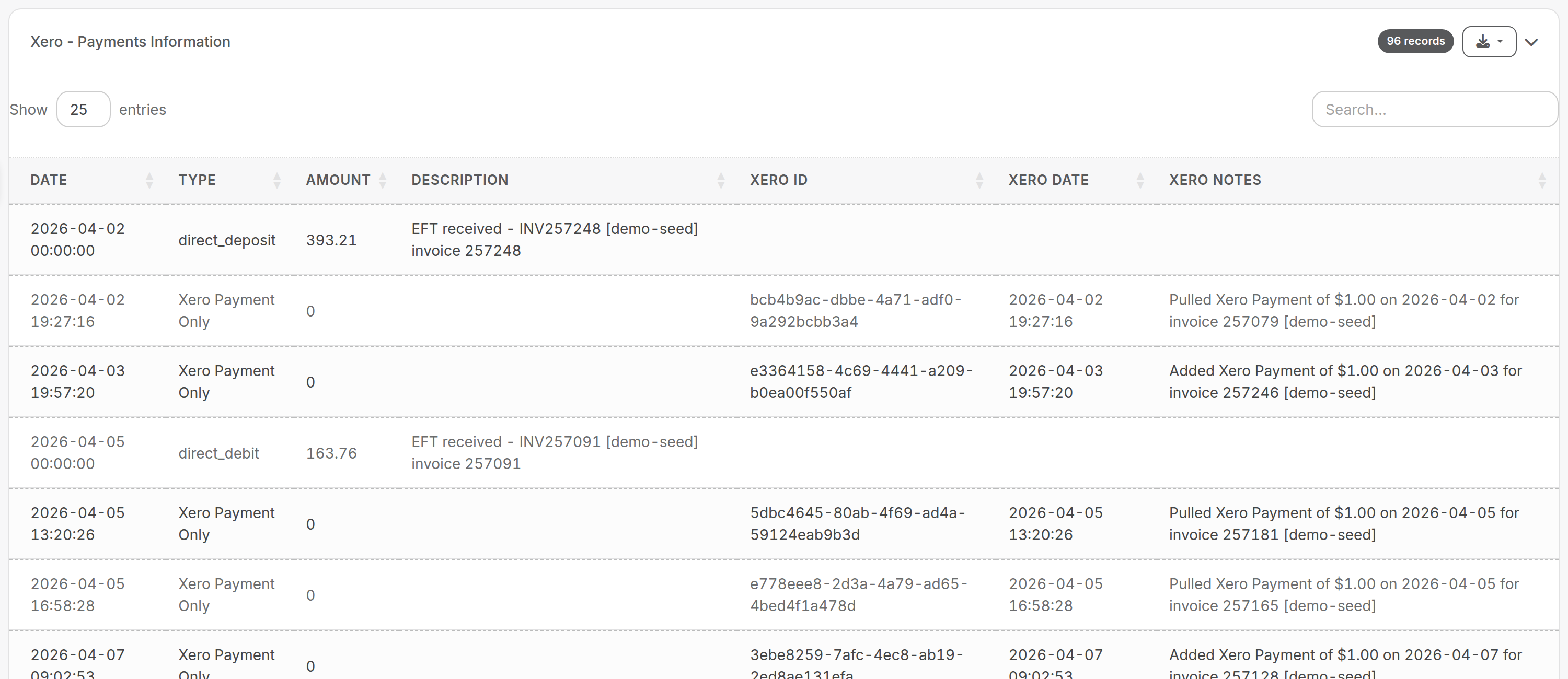
PracBill payments and Xero-only payments are listed together so accounts can reconcile them.
¶ Reports
| Report (tab) | What it answers | Key criteria | Columns and rules |
|---|---|---|---|
| Credit Card Amounts To Be Charged (Customers) | Which customers will be charged by card or direct debit, and how much. | Do Report (tick to run); period (invoice due date); Invoice Type. | A snapshot of what would be charged now, based on invoice due dates. The balance is taken live: any payment received before the payment date is already deducted. The amount is the customer's total balance, which is what an automated payment takes. |
| Credit Card Payment (Customers) | Card payments recorded in a period. | Period. | Lists card payments by payment date. |
| Failed Payments (Accounting) | Which card or direct debit payments the gateway rejected. | Period (date the payment was attempted). | Goes through every payment in the period and returns the failures. Negative payments are ignored. The note shows the gateway message in brackets, for example "Online Payment [The transaction ID '(1727437088):268188' already exists!]". A failure stays on the list even if the customer has since paid. |
| Credits Report (Sales) | Credits raised in a period, for checking. | Period (date the credit was raised, not applied). | Drill down into each credit. Amounts are inclusive of tax (a limit of the legacy credit system). If a credit was applied to several invoices, one is shown at random. |
| Credit Notes ( Approved ) (Customers) | Credit notes issued to customers in a period. | Period (date raised). | Drill down to review past credits. Amounts are ex tax. |
| Credit Notes ( Pending Approval ) (Customers) | Credit notes waiting for management approval. | Period (date raised). | Drill down to validate and approve each note so it applies to the customer's next invoice. Amounts are ex tax. |
| Xero - Payments Information (Accounting) | Which PracBill payments matched a Xero payment, and which Xero payments could not be imported. | Period. | Date, Type, Amount, Description, Xero ID, Xero Date, Xero Notes. Xero Date is the latest Xero attempt. An Amount of $0 means there is no matching PracBill payment. |
| Invoice Email Delivery Report (Sales) | Whether each invoice was emailed, and to whom. | Period (invoice date). | Customer ID, Invoice ID, Invoice Total, Email Sent, Email To. Only invoices with a value above $0 are listed. |
Failed Payments is the place to look after an automated payment run: take the payment manually from the invoice (see Take a payment).
Related: Credit notes, Payment methods, Xero.