A service type is a product definition: the name, price, invoice type and billing rules that every service of that kind inherits. This page is the reference for every card on the service type form. For the short version, see Create service types.
Open Services → Service Types, then click Create or open an existing type. The form has seven cards.
¶ General Info
| Field | What it does |
|---|---|
| Service Name | Shown to staff in PracBill and to customers on invoices. |
| Active | Inactive types can no longer be chosen when adding a service. Existing services keep billing. |
| Rate Code | The code that identifies this product in call records (CDRs) and carrier feeds. |
| List Price | Default monthly fee. Click Ex GST, Inc GST or GST Free to say what the figure includes. Price books and individual services can override it. |
| Cost Price | Your buy price. Feeds the gross profit reports. |
| Accounting Account / Usage Accounting Account | Ledger accounts for the recurring fee and for usage, from Accounting → Chart Of Accounts. |
| Display Record Type in Helpdesk? | Lets helpdesk jobs be linked to services of this type. |
| Reporting Category | Recurring or Special Services. Groups revenue in reports. |
| Invoice Type | Which invoice the charge lands on. Types are defined per department under Admin → Lookup Tables. |
| Billing Cycle | Default cycle for services of this type. Leave on Default to follow the customer's cycle. |
| Additional Fields Type / Additional Fields | Custom fields (text, checkbox, number, file) shown on every service of this type, as a single record or a list. |
¶ Call Related Options
| Field | What it does |
|---|---|
| Call Type | Yes if PracBill should expect call records for this service. No for licences, hardware and platform fees. |
| Call Rates | Default rate card for services of this type. Blank uses the customer's card. See Call rating. |
| Bill Only From Selected Sources | Only rate calls from the selected carriers. None selected means all sources. |
| Allow only these types of calls | Restrict which call types can be billed against this service. None selected means all. |
| These types of calls are the common billing ones | Pre-selects the usual call types when a service of this type is added. |
¶ Usage/Provisioning Options
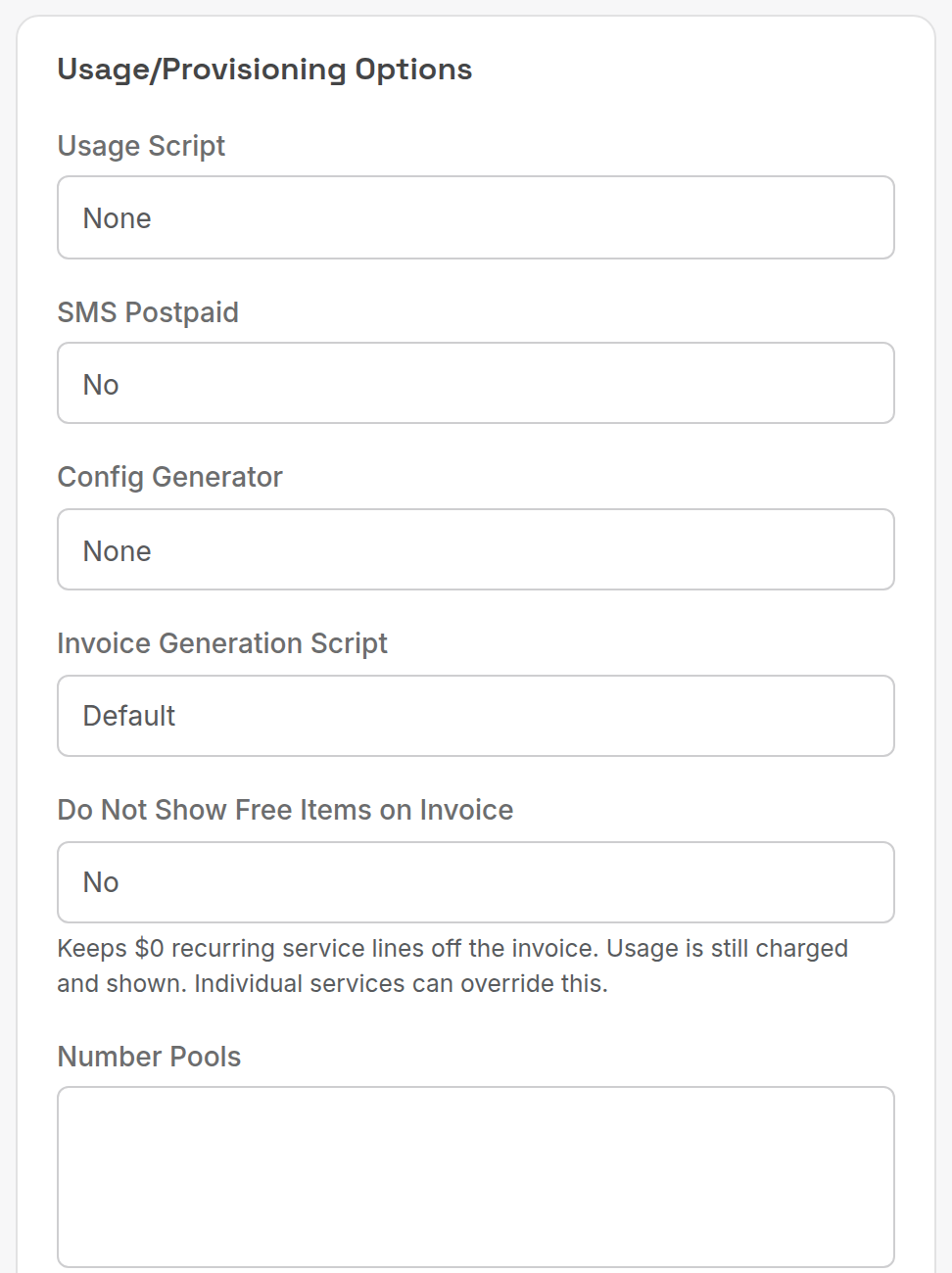
| Field | What it does |
|---|---|
| Usage Script | Script that imports usage for this product (set up under Services → Usage Scripts). None for most products. |
| SMS Postpaid | Bill SMS usage in arrears for this type. |
| Config Generator | Generates device or hosting configuration on order (Ubiquity router, Magento, WordPress). |
| Invoice Generation Script | Default, or a custom invoice layout for the product. |
| Do Not Show Free Items on Invoice | Keeps $0 recurring lines off the invoice. Usage is still charged and shown. Individual services can override this. |
| Number Pools | Number pools that services of this type draw from. |
| Public Website Signup / Signup Process / Public Website Signup Text / Website Features | Offer the plan on your public website, with the signup flow, plan text and feature banners (for example 5G, managed in the ServiceFeatures lookup table). |
| Allow Ordering through Orders Module / Order Type | Let staff order this product through Sales → Orders, using the chosen order type workflow. |
¶ Data Settings
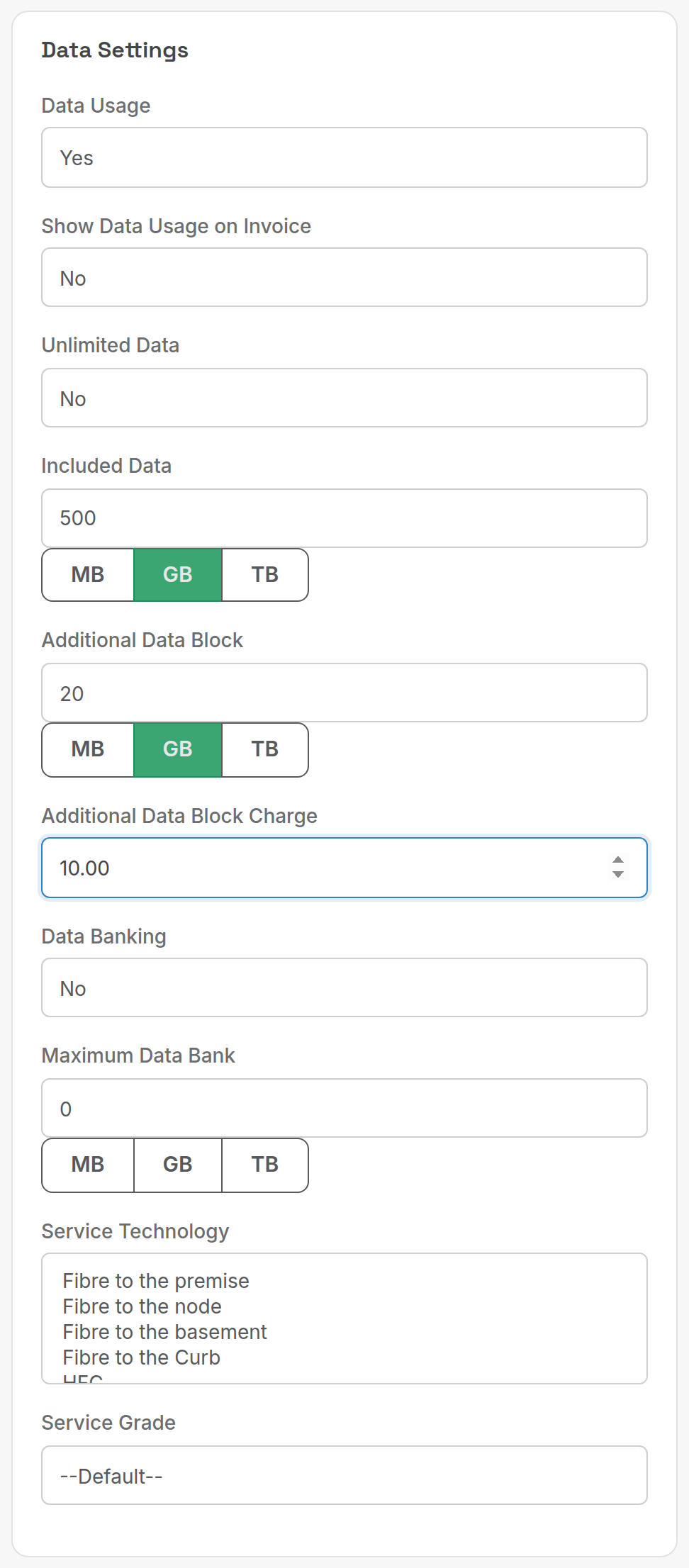
Only used when Data Usage is Yes. The example shows 500 GB included with 20 GB blocks at $10.
| Field | What it does |
|---|---|
| Data Usage | Yes to rate data usage records against this type. |
| Show Data Usage on Invoice | Print the usage total on the invoice. |
| Unlimited Data | No excess charges, whatever the usage. |
| Included Data | Allowance per billing period. Click MB, GB or TB to set the unit. |
| Additional Data Block / Additional Data Block Charge | Excess is sold in blocks of this size at this price (ex GST), for each block or part of a block. |
| Data Banking / Maximum Data Bank | Carry unused allowance forward, up to the cap. |
| Service Technology | FTTP, FTTN, FTTB, FTTC, HFC, Wireless, Mobile. Informational. |
| Service Grade | Residential, Business or Enterprise. |
See Data services for the full setup, including the call type that data usage needs.
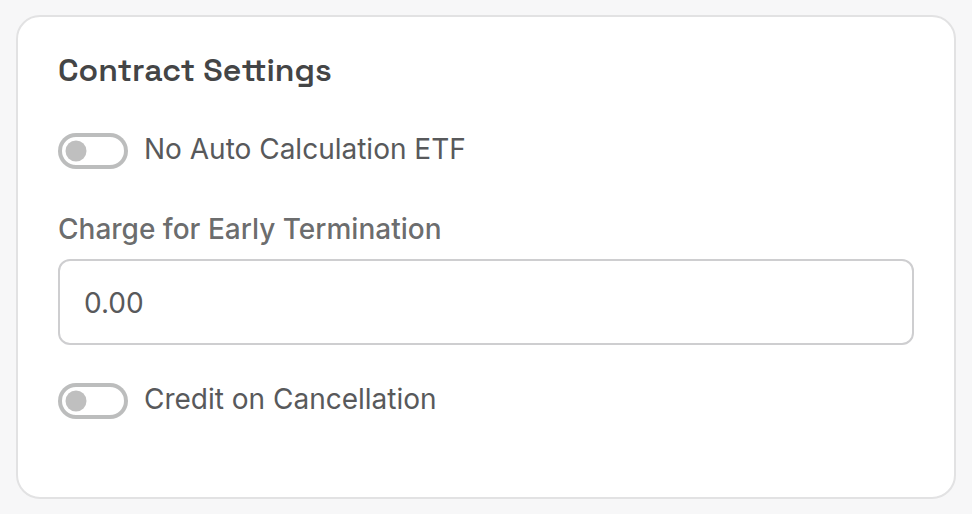
¶ Contract Settings
| Field | What it does |
|---|---|
| No Auto Calculation ETF | Turn off the automatic early-termination fee (remaining months x monthly fee). |
| Charge for Early Termination | Fixed ETF (ex GST) used instead of the automatic calculation. |
| Credit on Cancellation | Credit the unused part of the period when a service of this type is ended. |
Calculate ETF on a service page shows the fee before you cancel. See End a service.
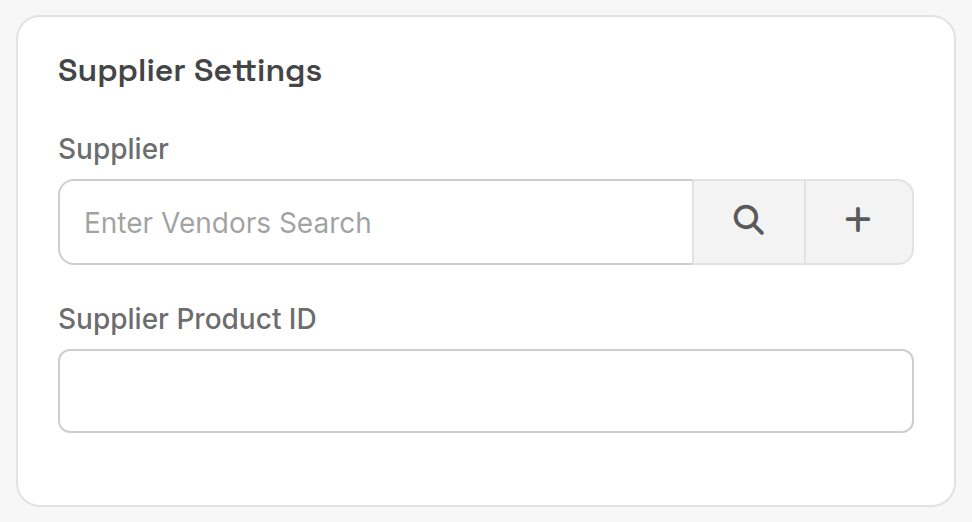
¶ Supplier Settings
| Field | What it does |
|---|---|
| Supplier | The wholesale supplier (from Suppliers → Supplier Records). Search by name, or click + to add one. |
| Supplier Product ID | The supplier's code for this product, used to match wholesale bills and analytics. |
¶ Bolt-On Groups
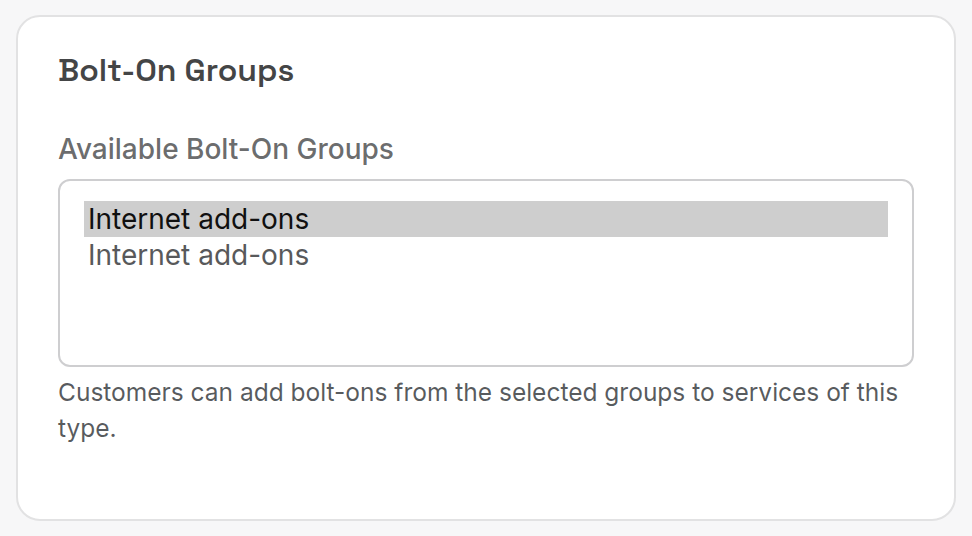
Select the groups whose bolt-ons customers can add to services of this type. Groups and bolt-ons are set up under Services → Bolt-On Groups and Bolt-Ons; see Bundles, bolt-ons and promos.
Related: Services and subscriptions, Call rating.