A service record is one billable thing a customer has: a phone number, an NBN connection, a licence. This page is the reference for the whole service record, the actions on a service page, adding an AVC to an NBN service, and moving services between accounts. For adding your first service, see Add a service.
¶ Find a service
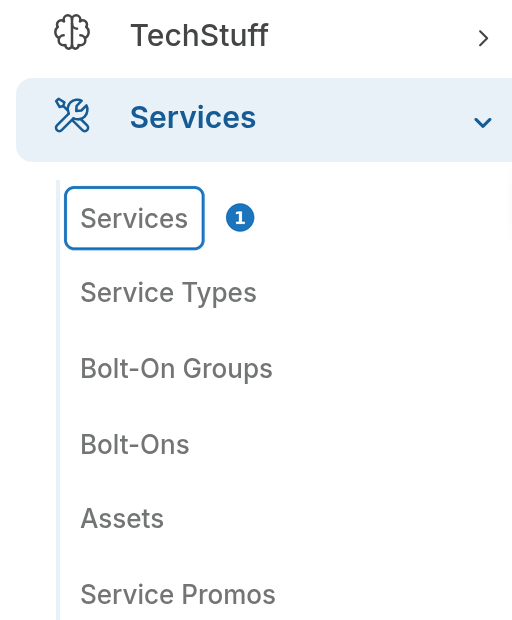
- In the sidebar open Services, then click Services for the list of every service in the department. Search by number, name or status.
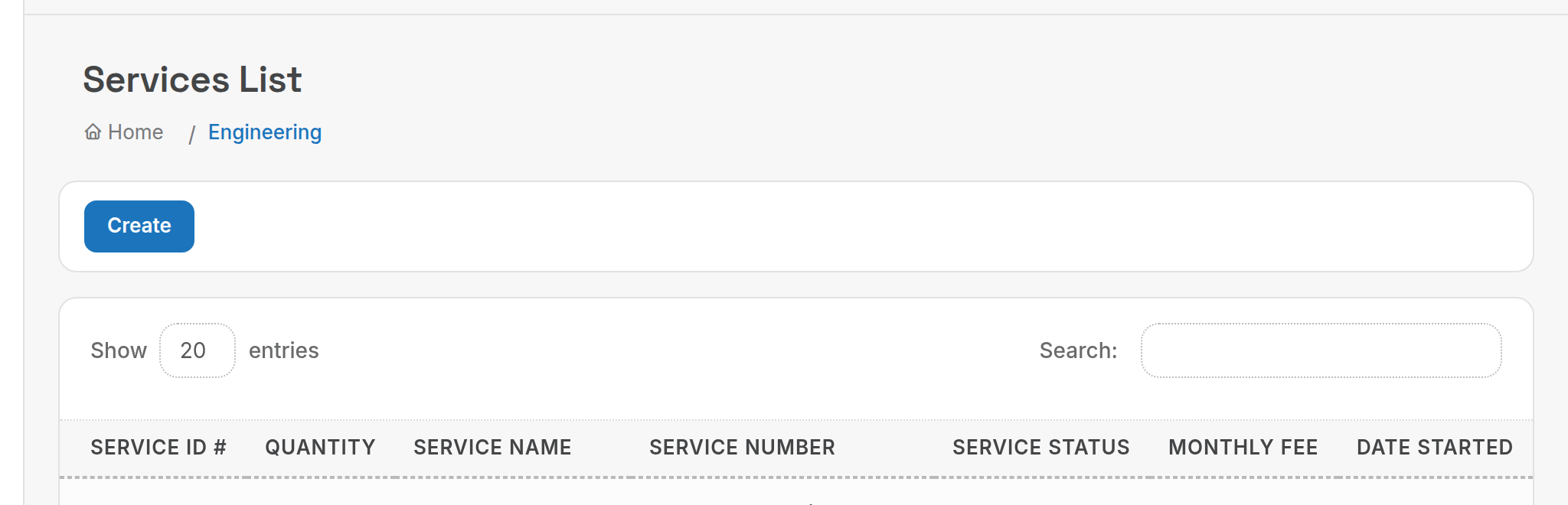
A customer's own services are also listed on the customer page under Services, with Create Service Record and Order New Service buttons.
¶ Service page actions

| Button | What it does |
|---|---|
| Services List | Back to the list. |
| Call History Report | Calls rated against this service. |
| Rate Calls | Re-rate this service's calls (or SMS) for a date range, for example after fixing a rate card. |
| Calculate ETF | Early termination fee if the service ended today. |
| Edit | Open the form below. |
| Email the service details. | |
| Delete | Removes the record and its history. End the service instead; see End a service. |
Below the details, the service page also lists Service Promos, Invoices, Misc Charges (one-off charges billed with this service) and a Timeline of notes and events.
¶ Service record cards
General Info and Billing Options are covered on Add a service. The remaining cards hold provisioning detail. All are optional.
¶ Service status
Service Status (Billing Options) decides whether the bill run charges the service.
| Status | Billed? | When to use |
|---|---|---|
| Active | Yes | Live services. |
| Pending | No. The bill run skips the service entirely. | Ordered but not yet activated. |
| Suspended | Yes | Account suspended (for example overdue) but charges keep accruing. |
| Pending Disconnection | Yes | Disconnection requested, not yet processed. |
| Disconnected / Churned | Yes, until Date Ended | Set Date Ended to the last day of service; the bill run pro-ratas the final period. |
To stop all billing immediately, set the status to Pending. For a service that has really ended, set Date Ended.
¶ Wholesale Provider Details
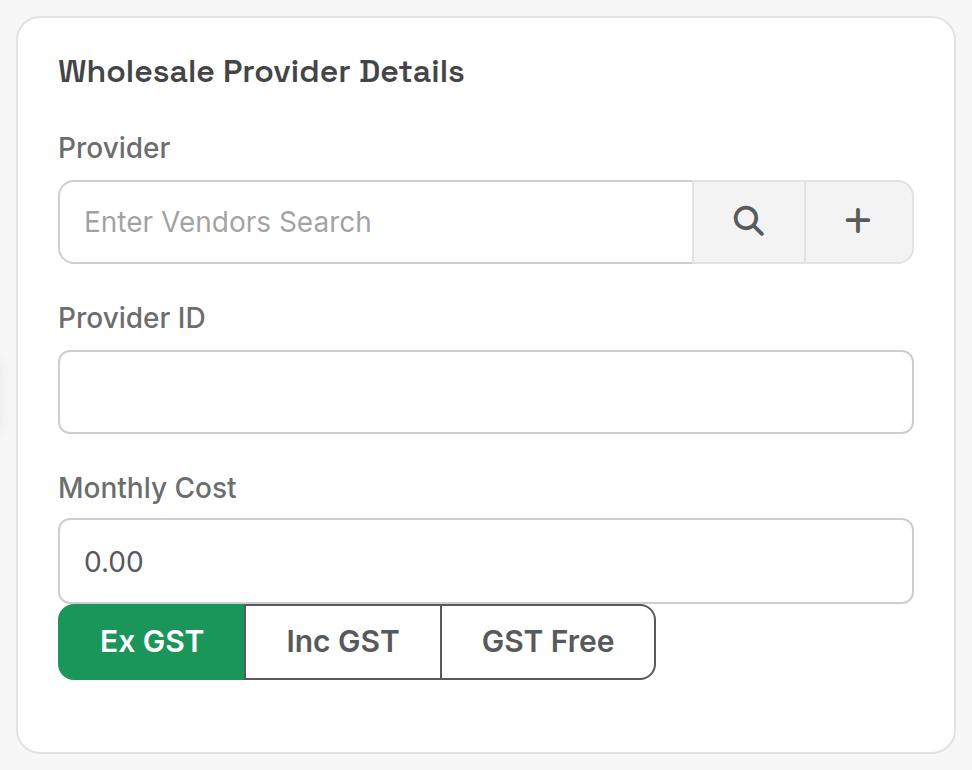
| Field | What it does |
|---|---|
| Provider | The supplier you buy the service from (Suppliers → Supplier Records). |
| Provider ID | The supplier's reference for this service. |
| Monthly Cost | Your buy price. Drives margin reporting and wholesale analytics. |
¶ Site Details
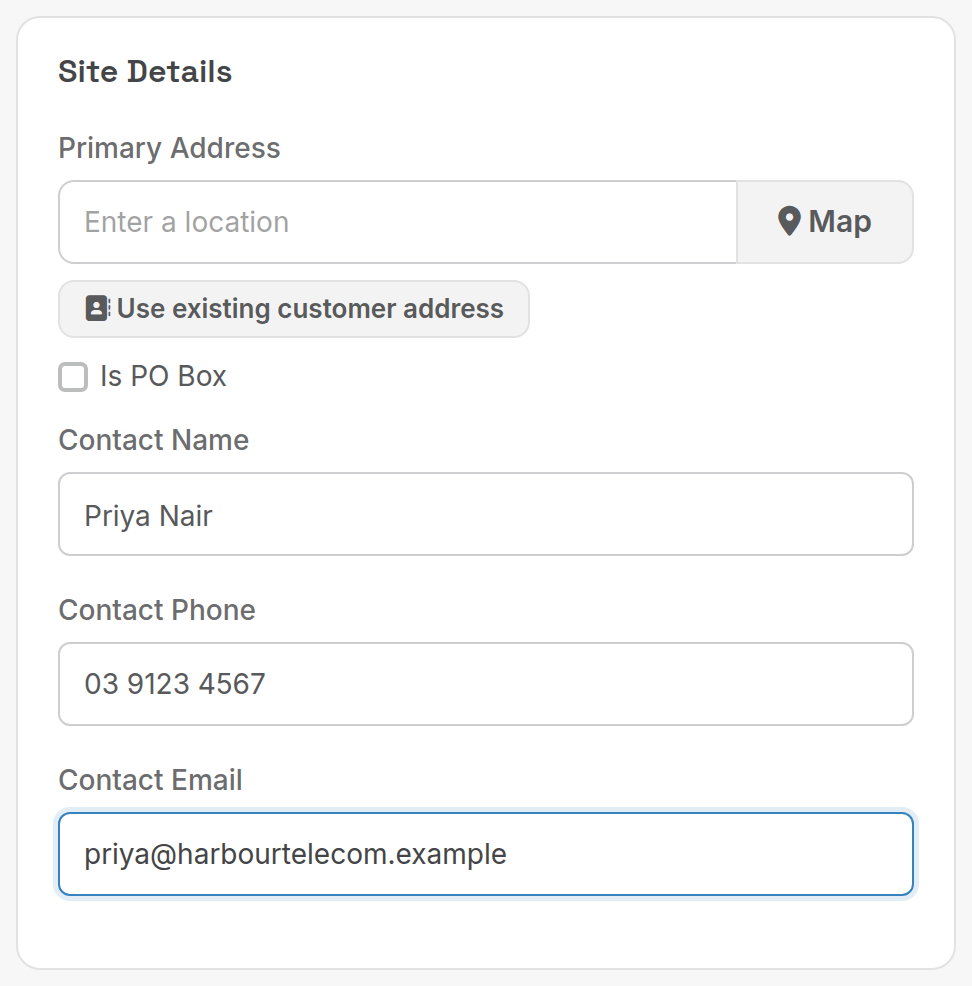
| Field | What it does |
|---|---|
| Primary Address | Where the service is installed. Use existing customer address copies it from the customer. |
| Contact Name / Phone / Email | The on-site contact for technicians. |
¶ IP Details
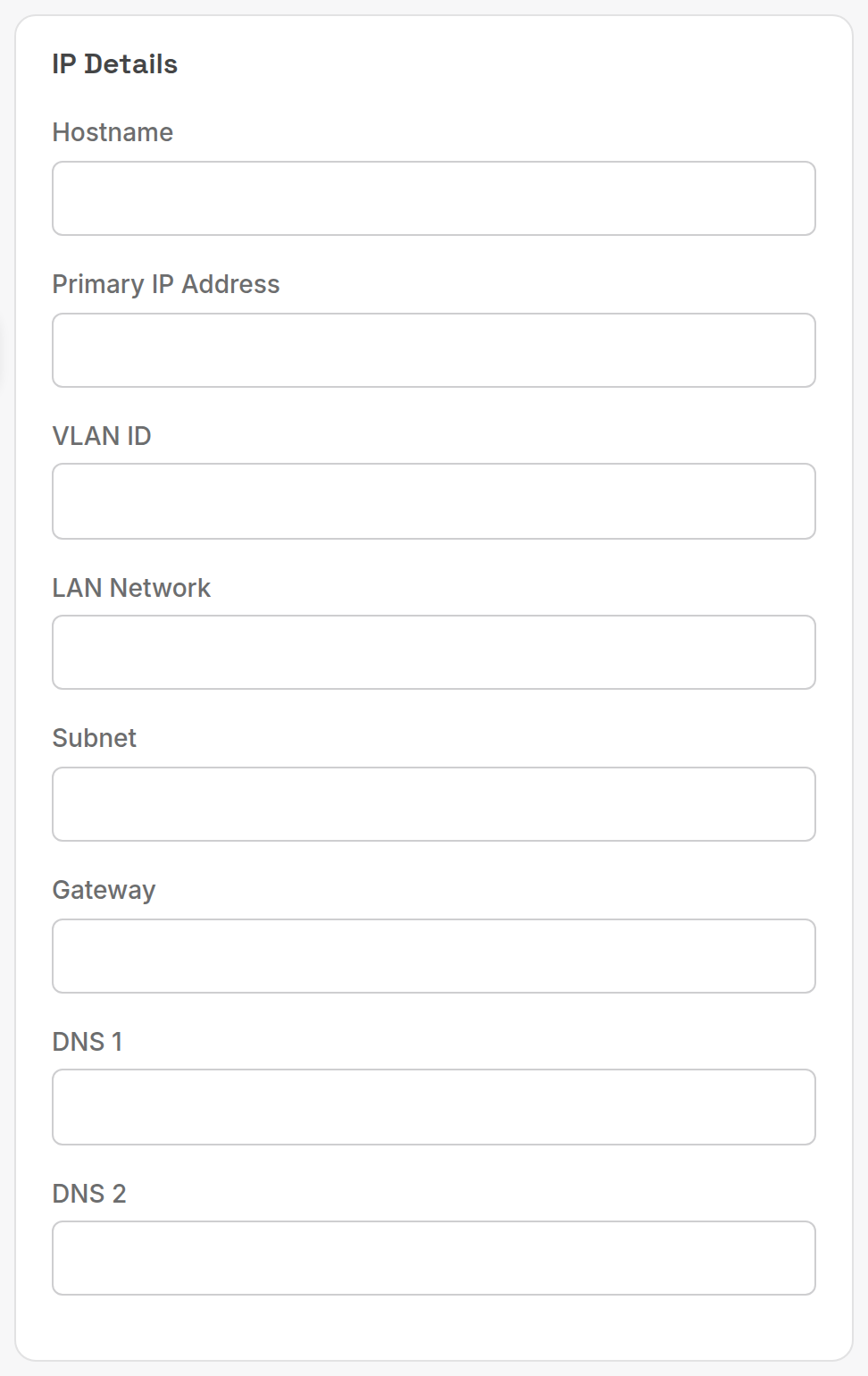
Hostname, primary IP address, VLAN ID, LAN network, subnet, gateway and DNS 1 and 2. Free text; nothing here affects billing.
¶ User Details
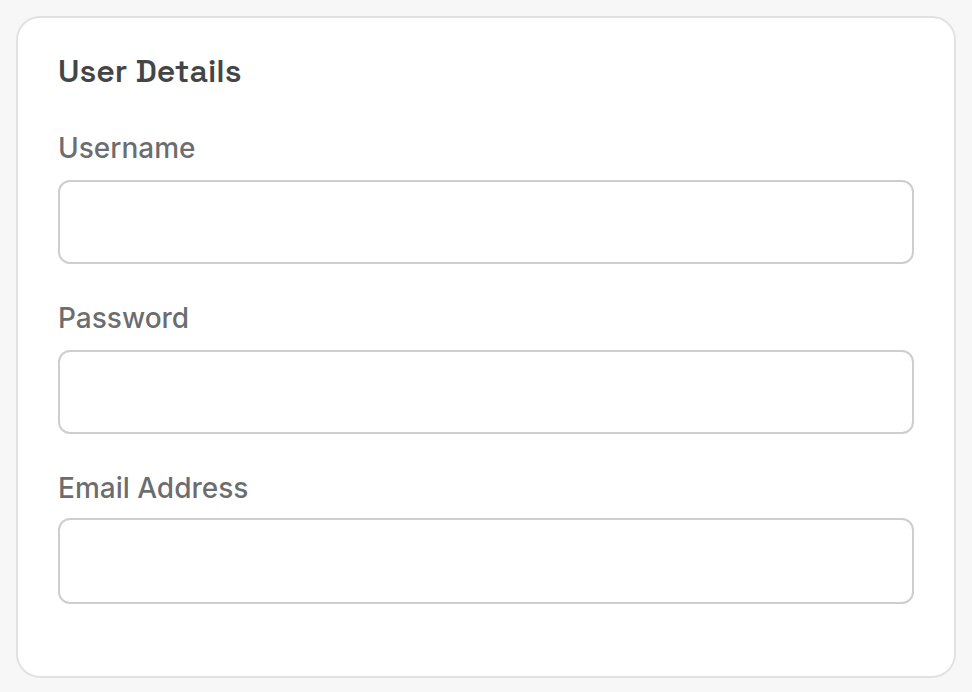
Username, password and email address for the service login (PPPoE, SIP, portal). Anyone who can view the service can read the password.
¶ NBN Details
See Add an AVC to an NBN service below.
¶ CPE Details
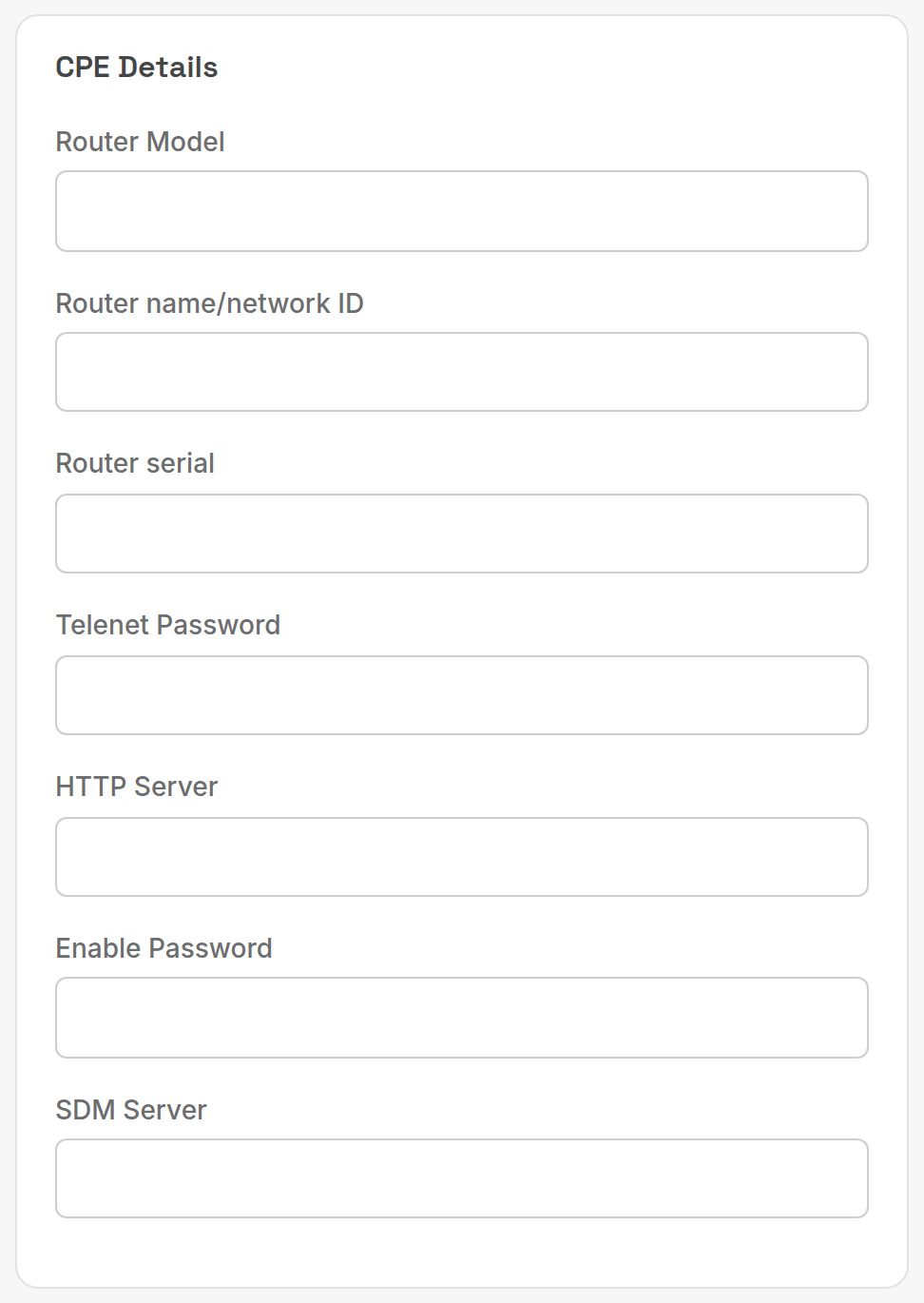
Router model, router name or network ID, serial, telnet password, HTTP server, enable password and SDM server for the customer's equipment.
¶ Additional Details
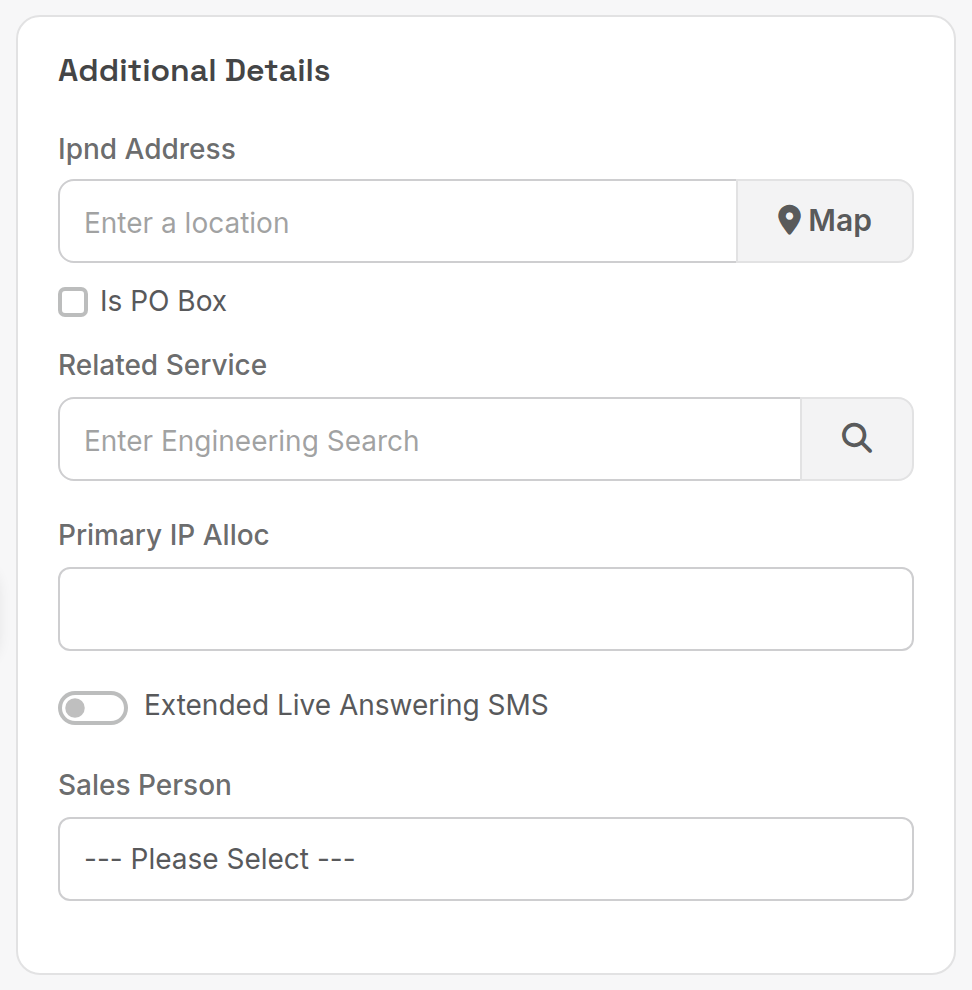
| Field | What it does |
|---|---|
| Ipnd Address | Address sent to the IPND for this number, if it differs from the site address. |
| Related Service | Parent service, for example the trunk a DID belongs to. |
| Primary IP Alloc | Allocation from TechStuff → IPM. |
| Extended Live Answering SMS | Turn on extended SMS for live-answering services. |
| Sales Person | Who sold it; used by commission reports. |
¶ Data Settings
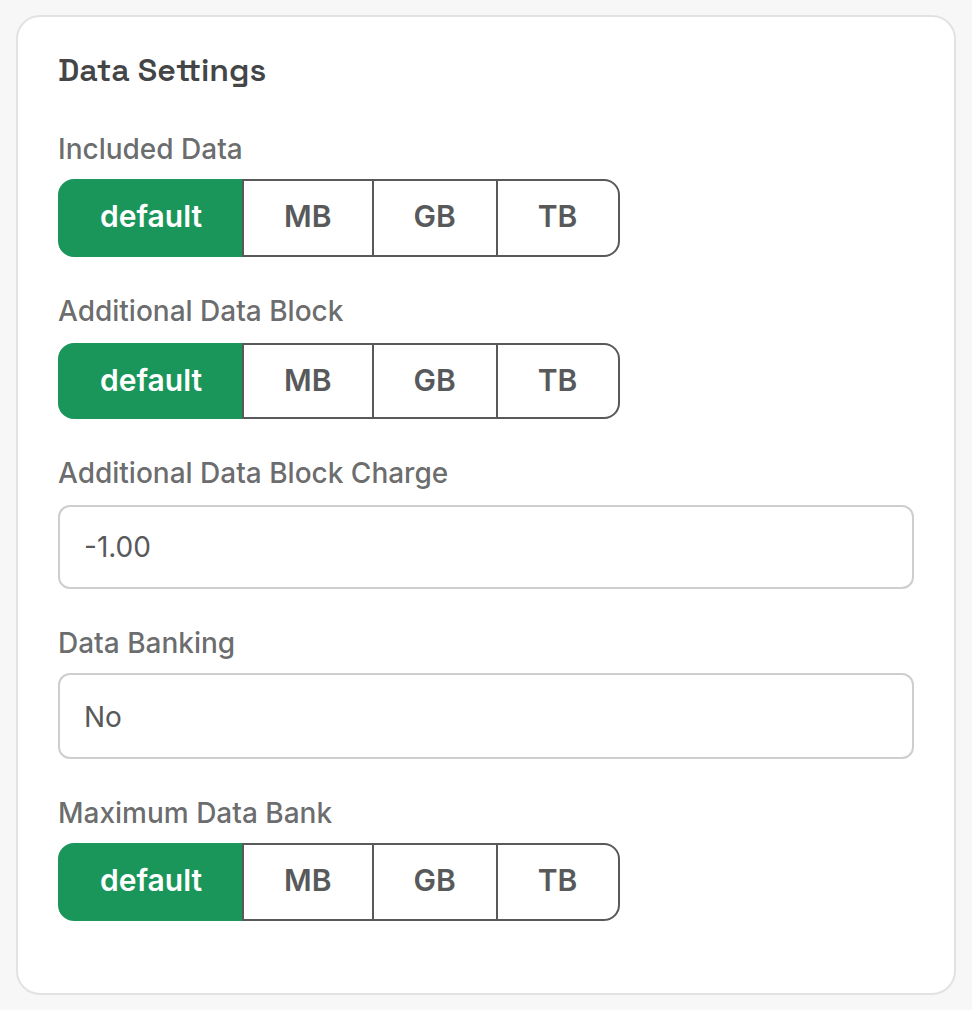
Shown only when the service type has Data Usage set to Yes. default (stored as -1) uses the service type's figures. Pick MB, GB or TB and enter a value to override included data, block size or block charge for this service alone. See Data services.
¶ Add an AVC to an NBN service
The AVC ID is the NBN circuit identifier for the connection. Record it so usage feeds match and so support has it to hand.
- Open the NBN service and click Edit.
- Under NBN Details, enter the AVC ID (for example
AVC000012345678).
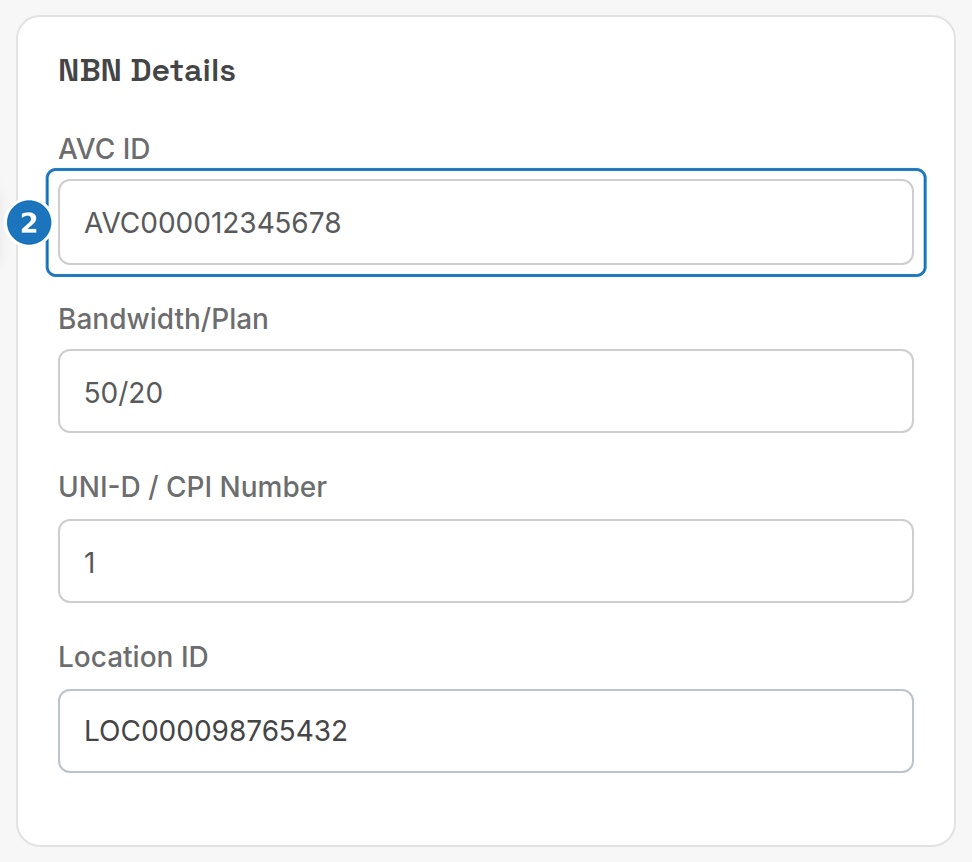
- Fill in Bandwidth/Plan, UNI-D / CPI Number and Location ID (the NBN
LOCcode) if you have them, then click Save.
¶ Migrate services between accounts
When a customer changes entity or splits an account, don't move the service records. Recreate them on the new account so each entity's invoices show only its own charges.
- End-date every service on the old account the day before the changeover (End a service).
- Create the new customer account.
- Add the services to the new account with Date Started on the changeover date.
- Check the new account's first invoice and remove any unwanted pro-rata lines.
Example: Johnson Marine becomes Southern Marine Services on 15-01-2026. End the Johnson Marine services on 14-01-2026, create Southern Marine Services, add its services from 15-01-2026, and check the invoice dated 01-02-2026 for pro-rata.
Related: Service types, Bundles, bolt-ons and promos.