Three ways to shape what a customer pays beyond the plain monthly fee: bundles group a customer's services, bolt-ons are optional extras sold on top of a service, and promos discount the monthly fee for a set time. Included value that is tailored per customer (dollars, minutes or a call count) is a call pack.
¶ Bundles
A bundle groups several of one customer's services under one name, so they appear together and can share a price. Bundles belong to the customer, not the department.
- Open the customer page, scroll to Service Bundles and click Create New Bundle.

- Name the bundle and save it.
- On each service, set Bundle under Billing Options to the new bundle.
Creating a bundle needs a role with the Service Bundles permission. If you see "Unauthorized Access", ask your administrator.
¶ Bolt-ons
Bolt-ons are add-ons a customer can put on a service: a static IP, extra minutes, a data top-up. Each bolt-on belongs to a group, and a service type lists the groups its services may use.
¶ Create a bolt-on group
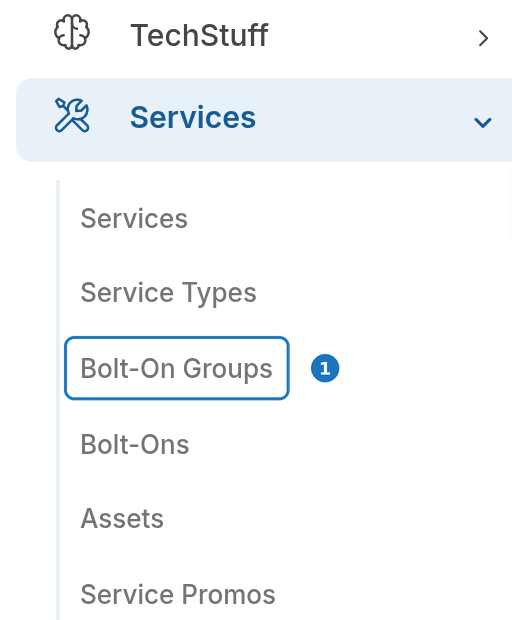
- In the sidebar open Services, then click Bolt-On Groups.
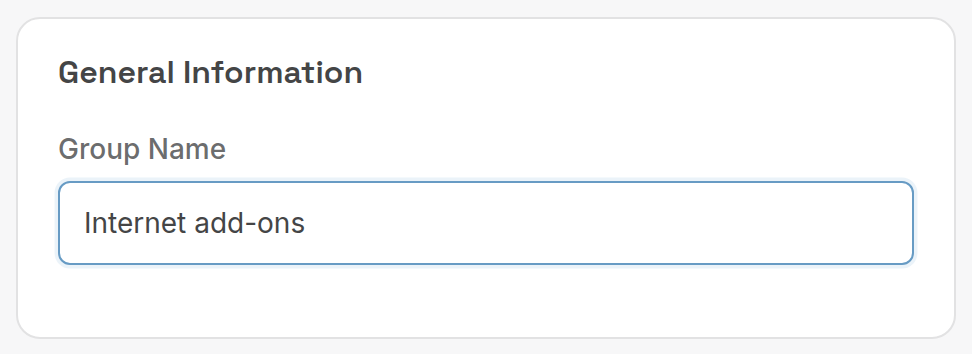
- Click Create, enter the Group Name and click Save.
¶ Create a bolt-on
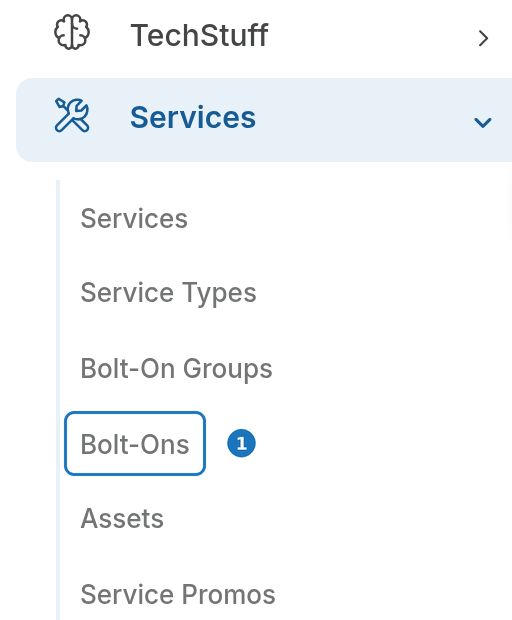
- Open Services, then click Bolt-Ons.
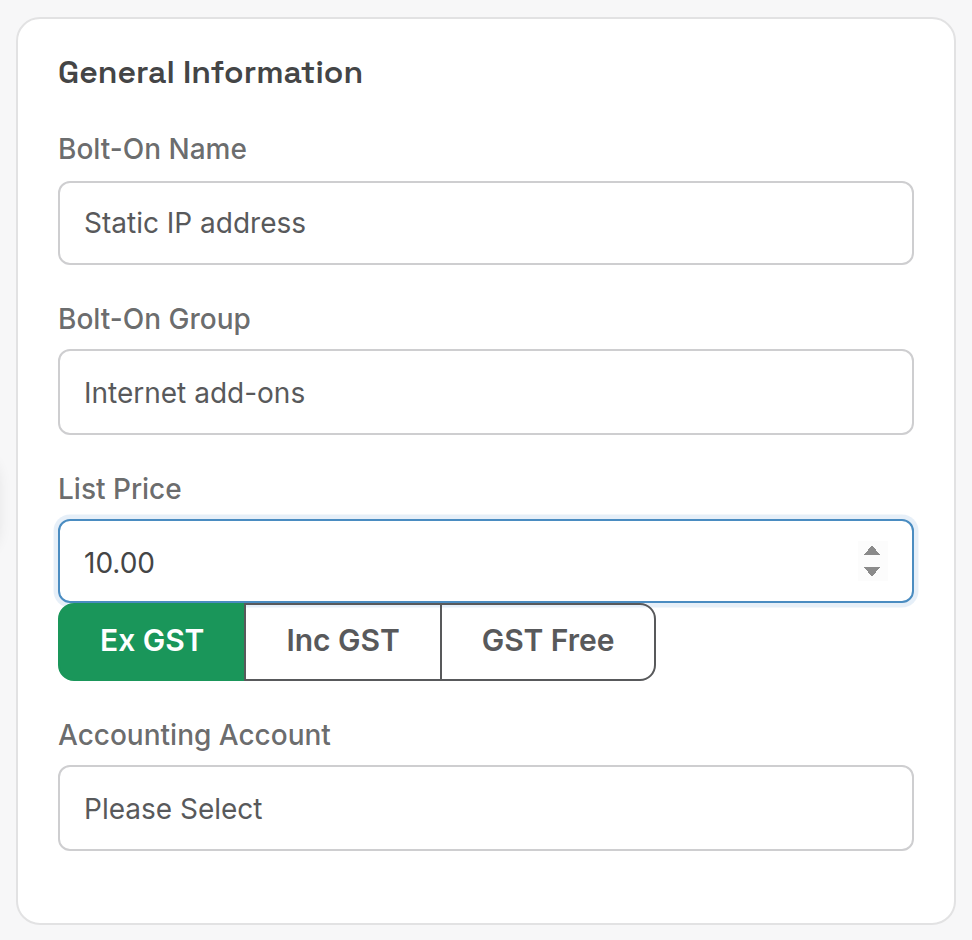
- Click Create. Enter the Bolt-On Name, choose the Bolt-On Group and set the List Price (with Ex GST, Inc GST or GST Free).
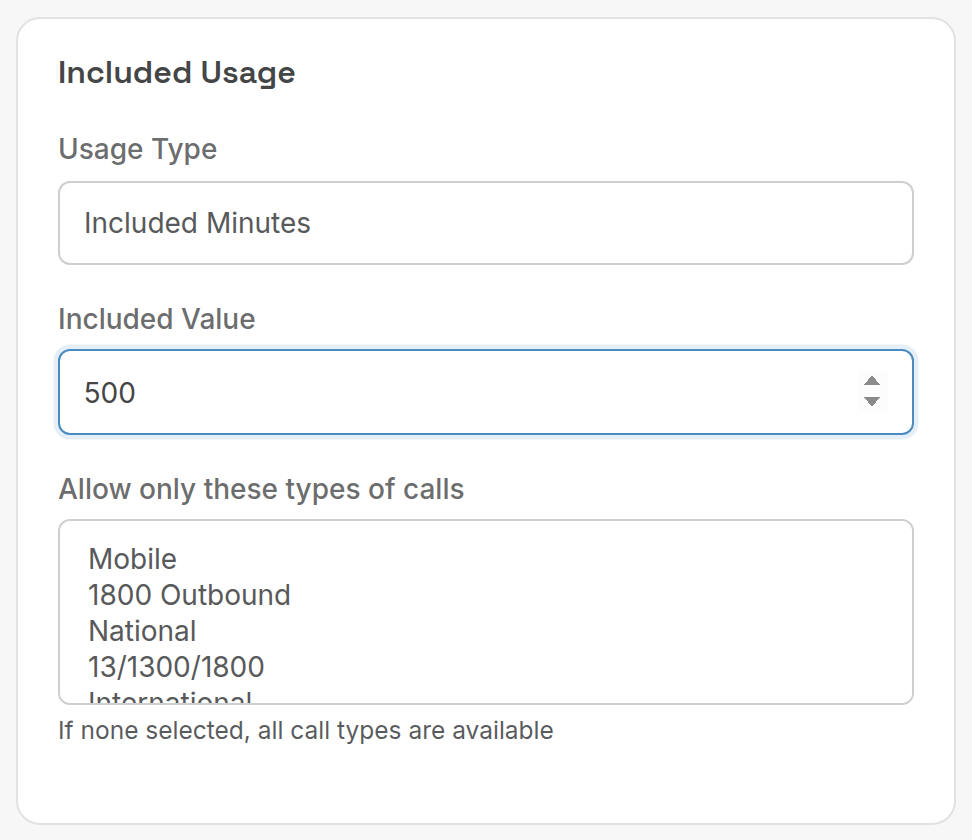
- Under Included Usage, choose what the bolt-on includes, then click Save.
| Setting | What it does |
|---|---|
| Usage Type | None (a plain recurring extra), Included Dollars, Included Minutes or Included Call Count. |
| Included Value | How much is included per billing period. |
| Allow only these types of calls | Which call types the included value can be spent on. None selected means all. |
| Accounting Account | Ledger account for the bolt-on revenue. |
¶ Make bolt-ons available
Edit the service type and select the group under Bolt-On Groups. Customers (and staff) can then add bolt-ons from that group to services of that type, each with its own start and end date.
¶ Promos
A promo reduces a service's monthly fee by a percentage or a fixed amount for a number of months. The invoice shows the reduced fee; there is no separate discount line.
¶ Create a promo
- Open Services, then click Service Promos.
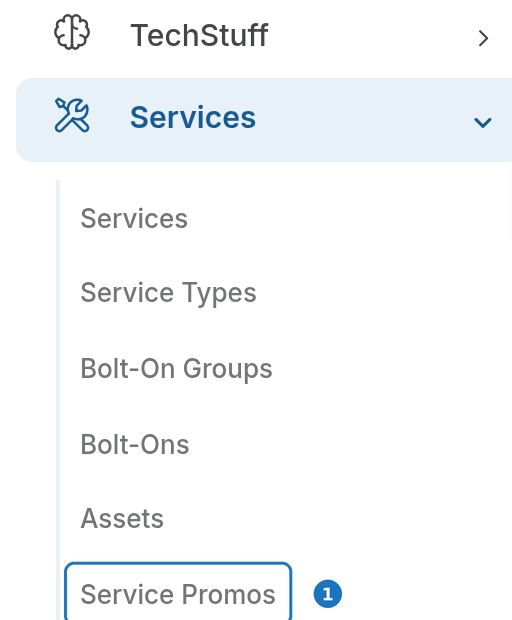
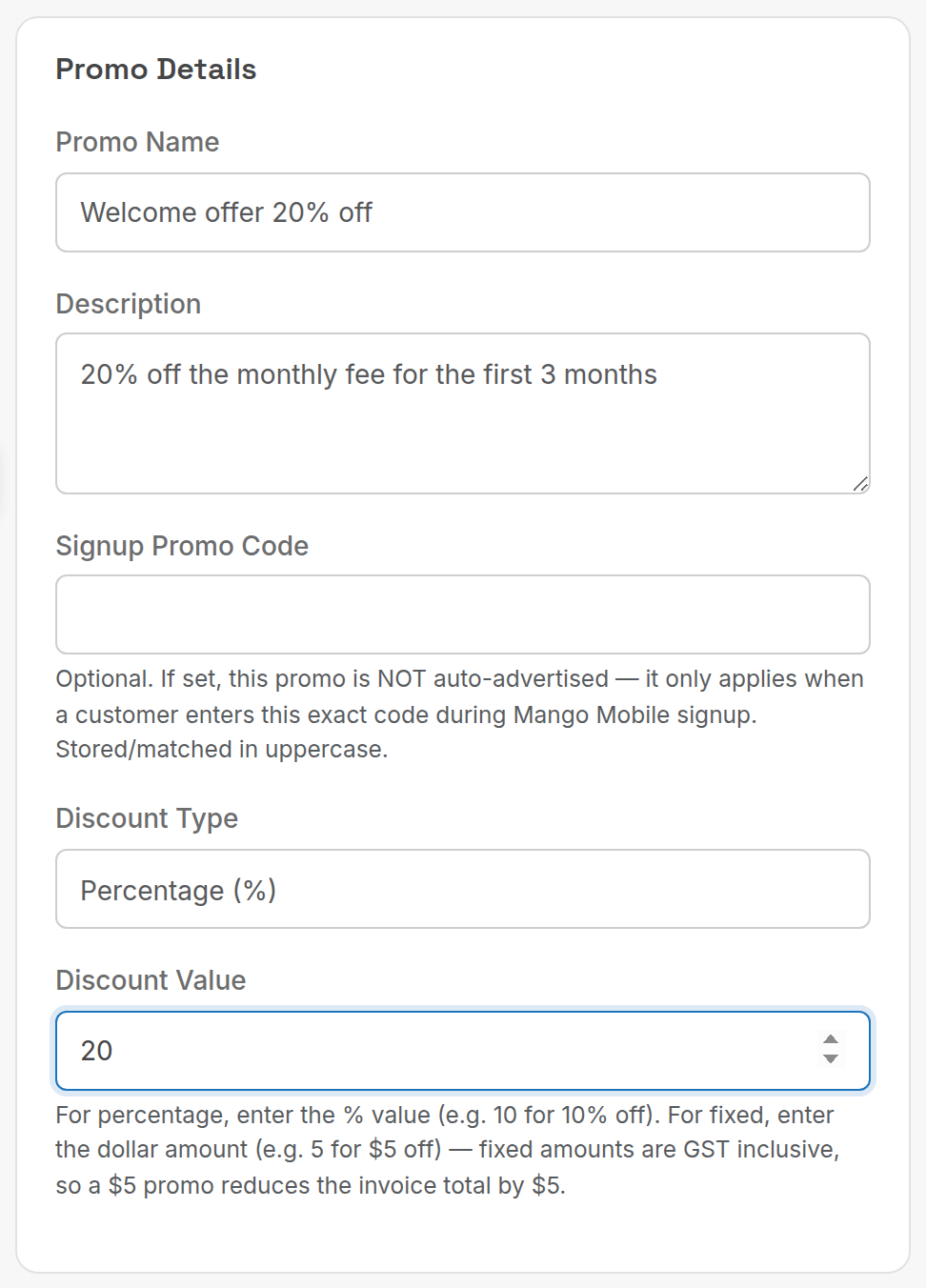
- Click Create and fill in Promo Details.
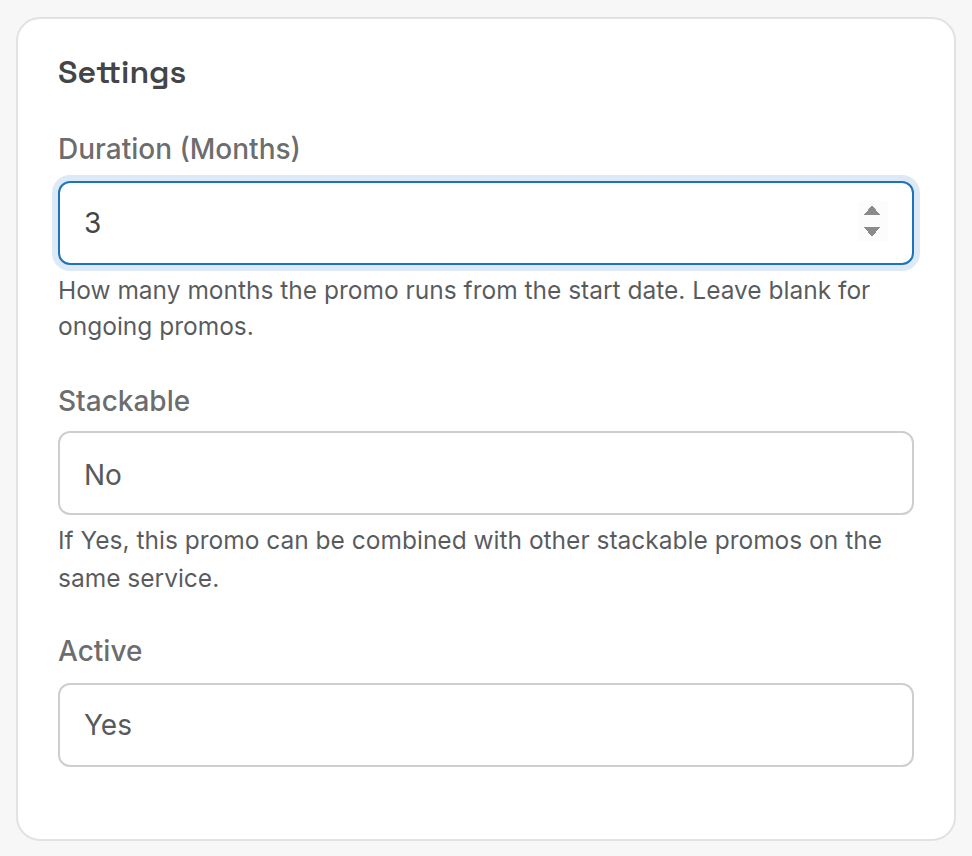
- Fill in Settings and click Save.
| Setting | What it does |
|---|---|
| Promo Name / Description | Name shown when assigning the promo. |
| Signup Promo Code | Optional. If set, the promo is not advertised and only applies when a customer enters the code at public signup. Matched in upper case. |
| Discount Type | Percentage (%) or Fixed Amount ($). |
| Discount Value | 20 for 20% off, or 5 for $5 off. Fixed amounts are GST inclusive: a $5 promo reduces the invoice total by $5. |
| Duration (Months) | How long the promo runs from its start date. Blank means ongoing. |
| Stackable | Whether it can combine with other stackable promos on the same service. |
| Active | Only active promos can be assigned. |
Changing a promo's type or value affects future invoices for every service using it. Invoices already generated are not touched.
¶ Assign a promo to a service
- Open the service, scroll to Service Promos and click Add Promo.

- Choose the Promotion, check the Start Date, and click Save.
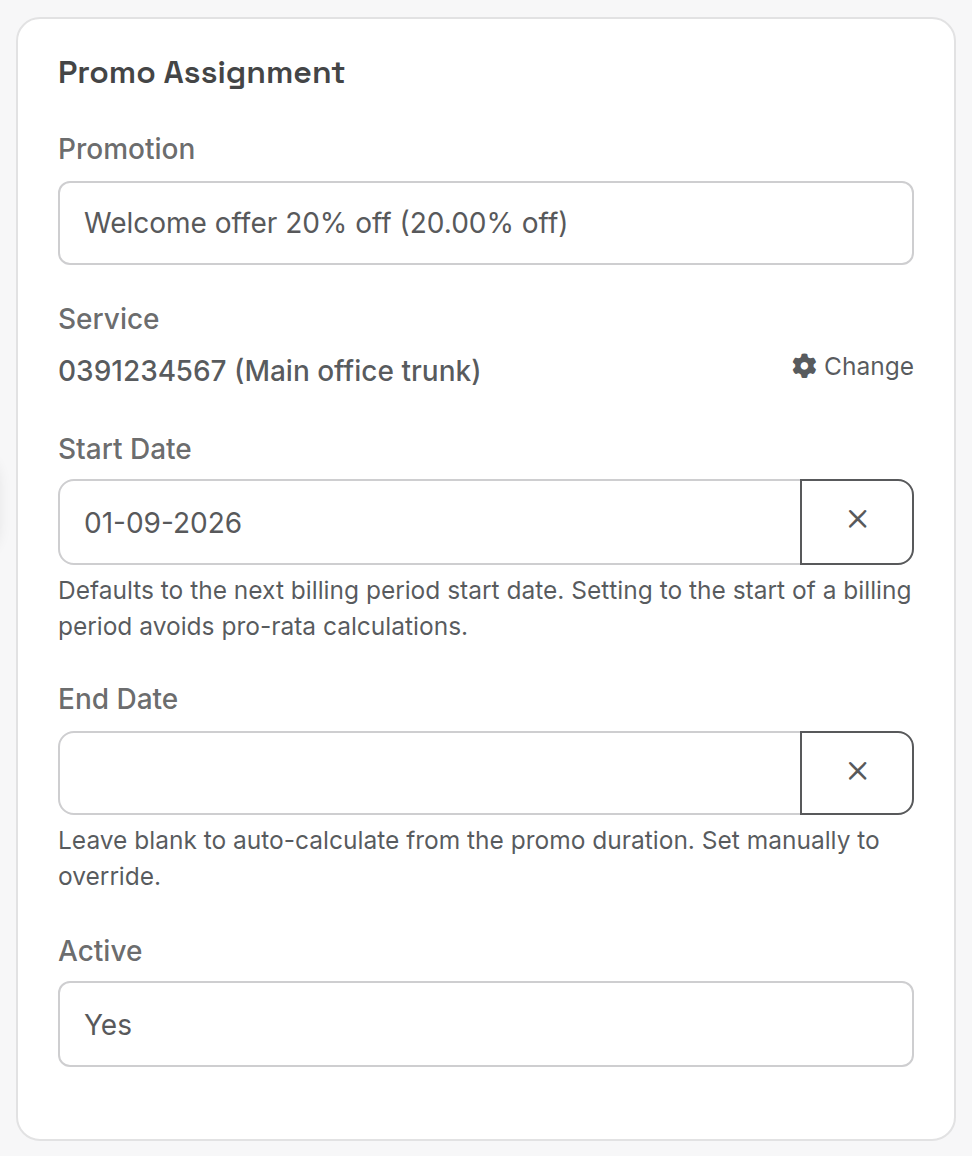
| Setting | What it does |
|---|---|
| Start Date | Defaults to the start of the service's next billing period. |
| End Date | Blank calculates it from the promo duration. Set it to override. |
| Active | Turn off to end the promo early. |
Keep the default Start Date. A promo that starts mid-period is pro-rated by the day for the rest of that period, which is hard to check on the invoice. Starting on the next billing period gives a clean discounted fee for full cycles.
Example: Internet Basic is $100 a month, billed 01/03 to 31/03. Add a 20% promo starting 01/04 and the next invoice shows $80.00. Start it on 15/03 instead and the current invoice shows 14 days at full price plus a pro-rata discounted amount for the remaining 17 days.
¶ How promos apply on invoices
- For each billing period, PracBill checks the service for active promo assignments and applies the discount to the monthly fee.
- The discounted fee is used for everything downstream: pro-rata charges, tax and credits.
- When the promo ends, the next invoice returns to the full fee.
- A 100% promo leaves a $0.00 line on the invoice.
Stacking. If every promo on a service is stackable, discounts apply one after another: $100, 20% off gives $80, then 10% off gives $72. If any promo on the service is not stackable, only the single best discount applies: 20% off ($20) versus $25 fixed, the $25 promo wins and the fee is $75.
¶ Call packs
A call pack gives one customer a block of included value (dollars, minutes or calls) that their calls draw down before normal rates apply.
- Define the pack under Services → Call Pack Types: Name, Cost To Customer, Value To Customer and the Rate Card the included value is priced against.
- On the customer page, scroll to Call Packs and click Create New Pack. Choose the Subscription Discount (the pack type), adjust Cost To Customer and Value To Customer for this customer, and set Date Started.
The Min Call Pack and Max Call Pack columns on a rate card line control which rates apply while a pack still has value. See Create a rate card.
Related: Service types, Services and subscriptions.