A service type is the product you sell: a SIP trunk, an NBN plan, a software licence. Every service you add to a customer is an instance of a service type, so set these up before adding services.
¶ Create a service type
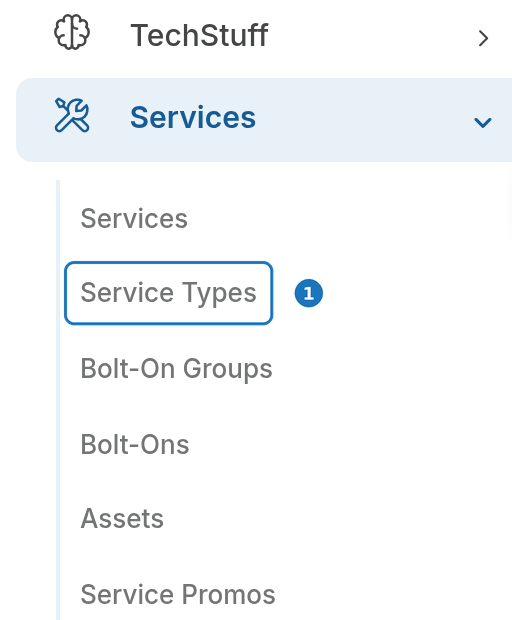
- In the sidebar open Services, then click Service Types.
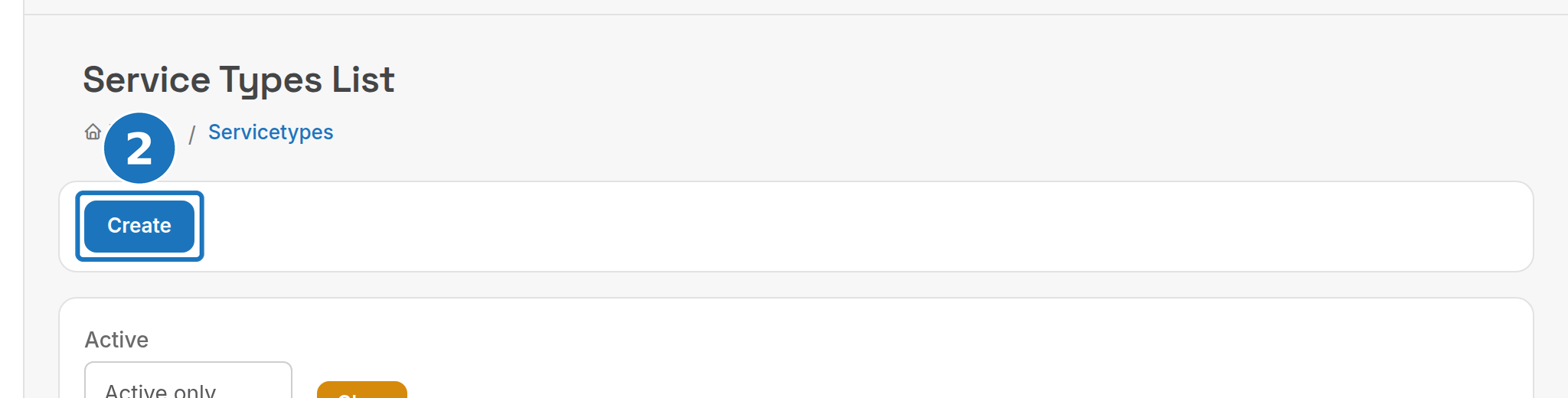
- Click Create.
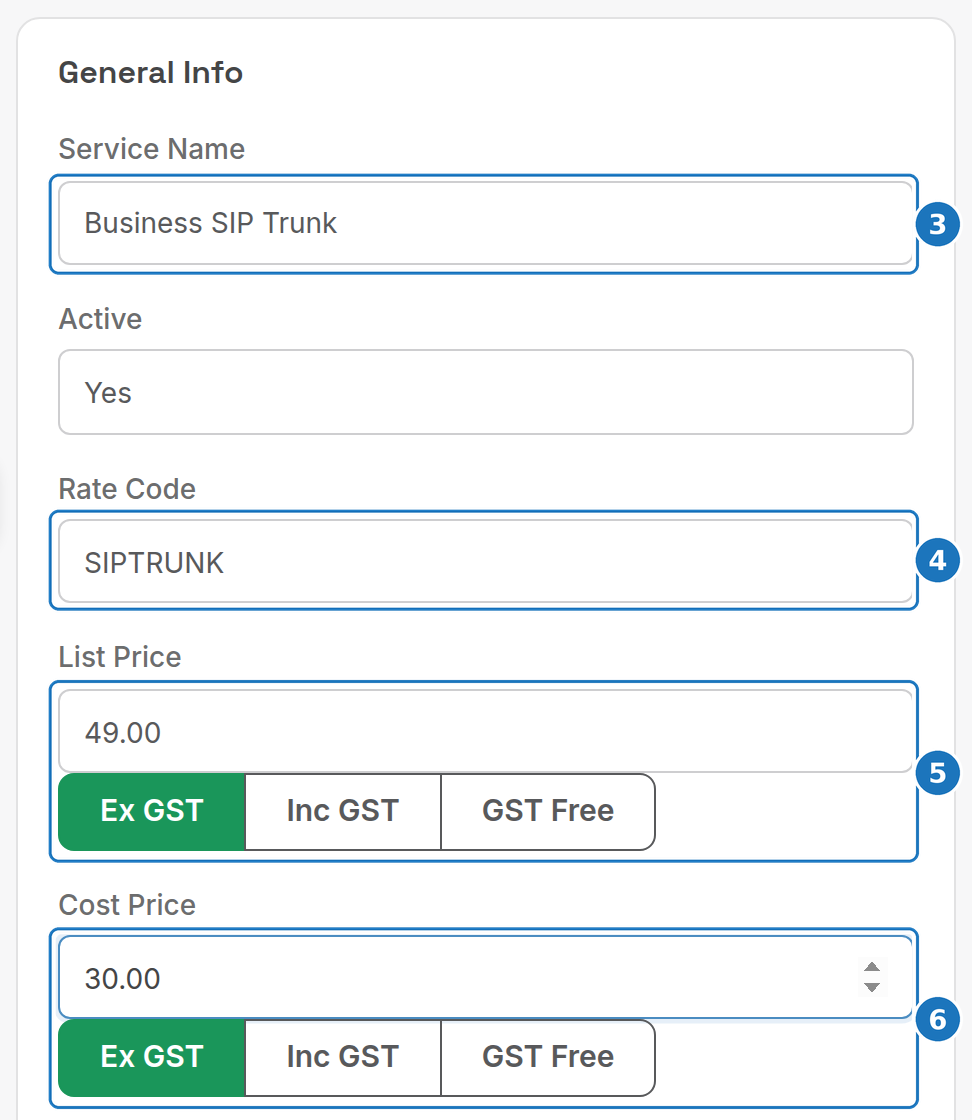
- Enter the Service Name. Your staff see it in PracBill and customers see it on invoices.
- Enter a Rate Code, the code that identifies this service in call records (CDRs).
- Enter the List Price, and click Ex GST, Inc GST or GST Free to say what the figure includes. Price books and individual services can override this.
- Enter the Cost Price, your buy price. Filling it in makes the gross profit reports useful.
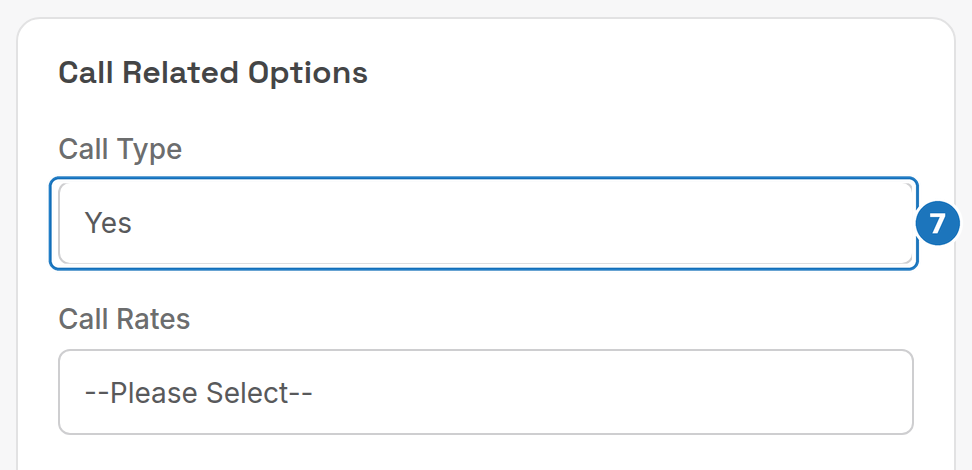
- Set Call Type to Yes if PracBill should expect call records for this service (a phone line or SIP trunk), or No if it never has calls (licences, platform fees, hardware).
- Click Save.
Invoice Type and Billing Cycle (in General Info) control which invoice the charge lands on and how often it bills. Invoice types are defined per department under Admin → Lookup Tables. Leave Billing Cycle on Default to follow the customer's cycle.
¶ Call-related options
| Option | What it does |
|---|---|
| Call Rates | The default rate card for services of this type. Leave blank to use the customer's rate card. |
| Bill Only From Selected Sources | Only bill calls from the selected carriers. Leave blank to bill from all sources. |
| Allow only these types of calls | Restrict which call types can be billed against this service. Blank allows all. |
| These types of calls are the common billing ones | Pre-selects the usual call types when adding a service. |
The remaining cards (Usage/Provisioning, Data Settings, Contract Settings, Supplier Settings and Bolt-On Groups) are covered in Service types.
Next: create a rate card, then add a service to a customer.