Credit management is how you keep overdue accounts under control: flag the customers you are chasing, report on them, hand the worst to a collection agency, and stop paid invoices being altered. This page is for accounts staff and managers.
¶ Customers in credit management
The Customers in Credit Management report lists every active customer with credit management enabled, when they entered it, who manages them and their balance. Inactive customers are left out even if flagged.
- In the sidebar open Management, then click Reports.
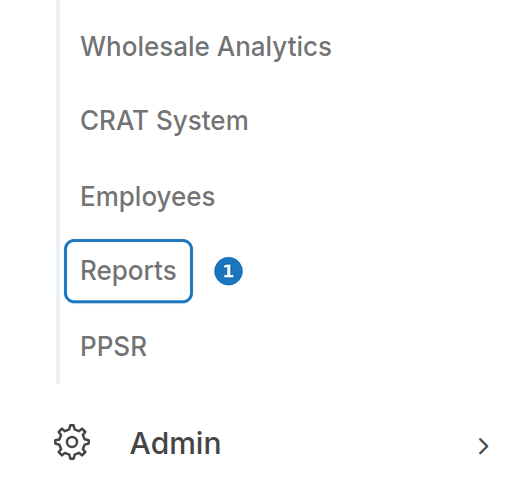
- Click New Report, then open the Customers tab.
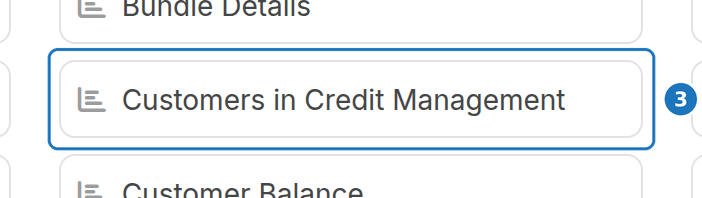
- Click Customers in Credit Management.
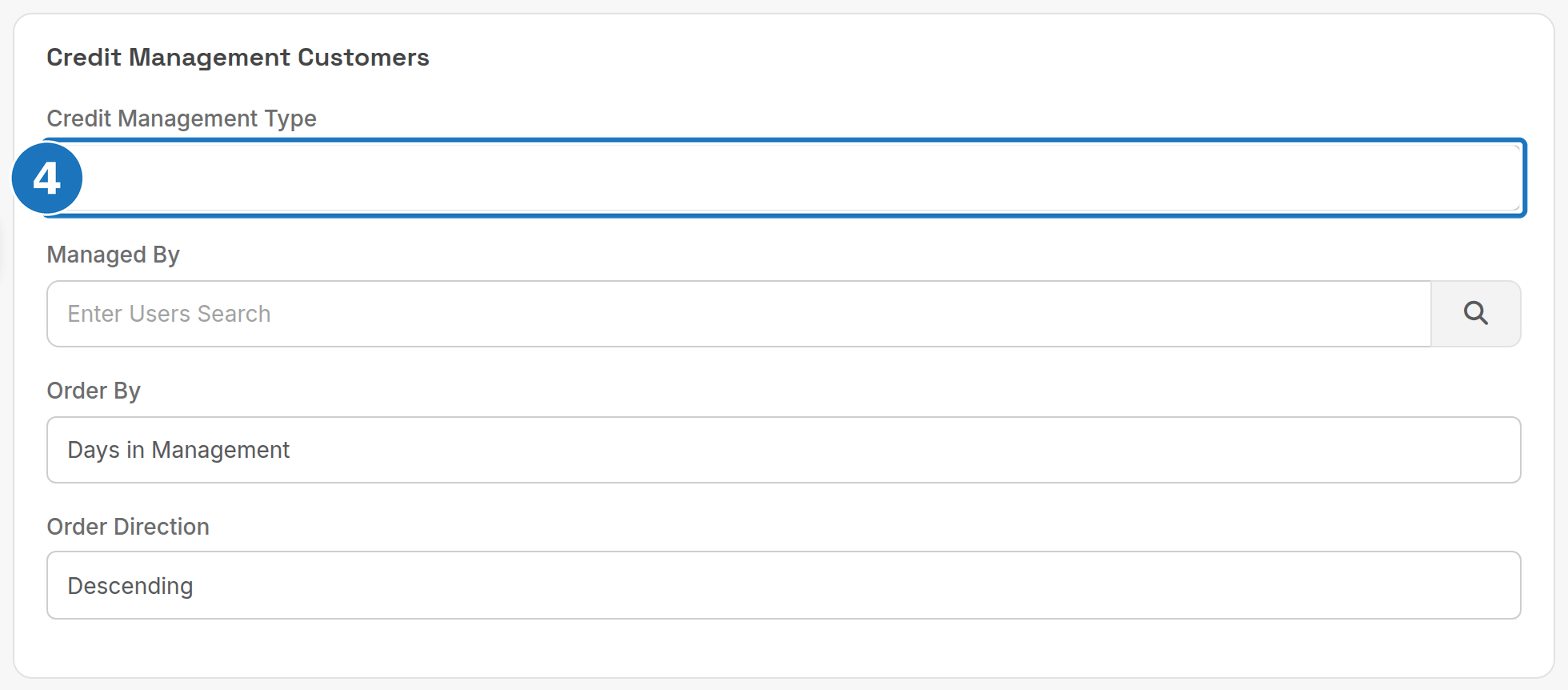
- Optionally filter by Credit Management Type and Managed By, and pick an Order By column and direction.
- Click Run Report. Use Save Report to keep the filters for next time, and Export on the result to download a CSV.
| Column | Meaning |
|---|---|
| Account ID | Customer number, linked to the customer record |
| Company/Name | Company, or the customer name if there is no company |
| Type | Credit management type, e.g. Payment Plan, Suspended, Review |
| Start Date | Date the customer entered credit management |
| Days | Days since the start date |
| Approved By | Who approved putting the customer in credit management |
| Managed By | User assigned to manage the account |
| Balance | Current account balance |
| Notes | Credit management notes, cut to 100 characters |
Order By offers Days in Management, Balance, Company Name or Start Date, ascending or descending. See Reports for saving and scheduling.
¶ Credit limits and overdue notices (CRAT)
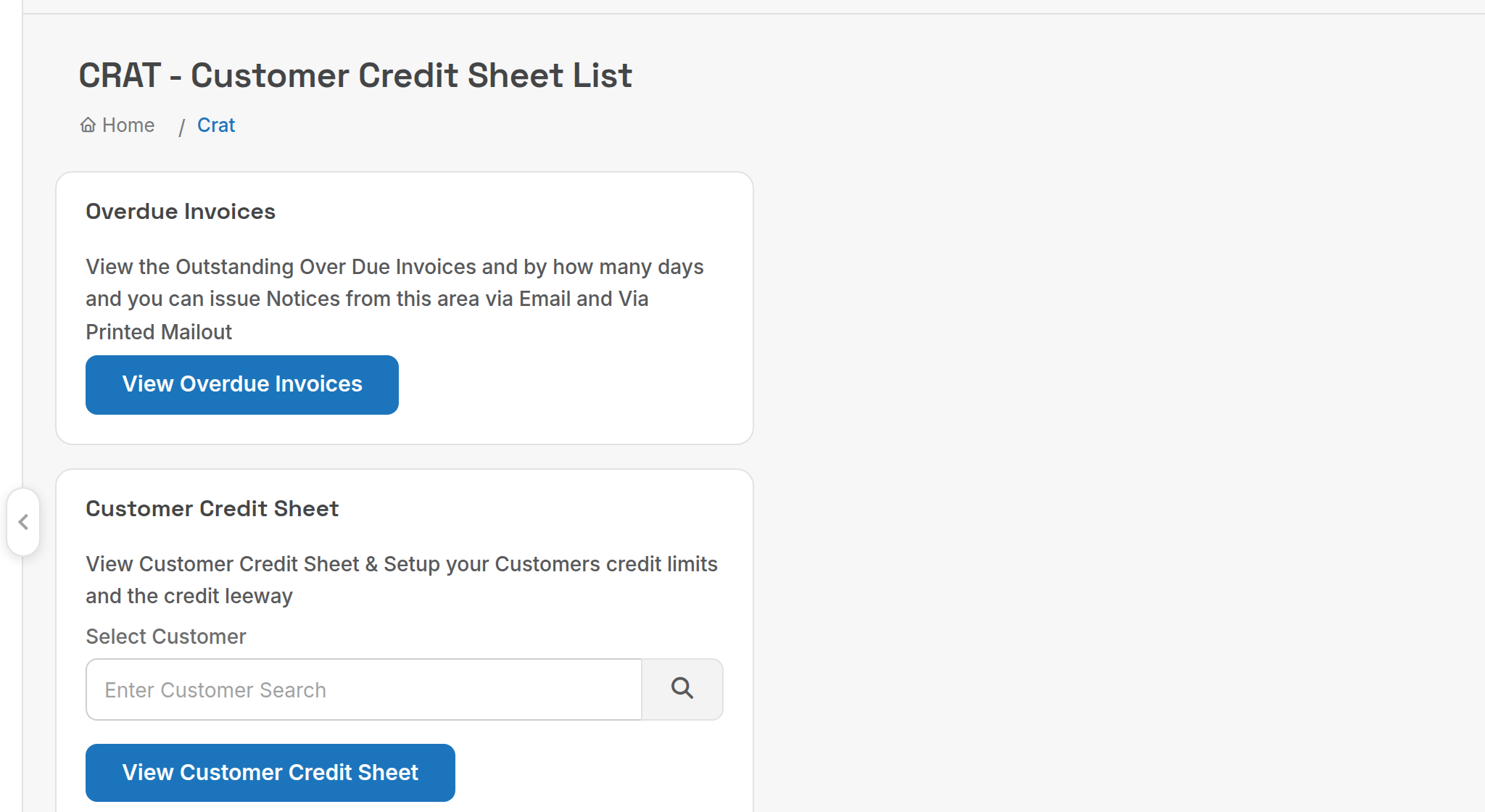
Management, CRAT System (Customer Credit Sheet) holds two tools:
| Tool | What it does |
|---|---|
| View Overdue Invoices | Lists outstanding invoices by days overdue and lets you send notices by email or as a printed mail-out. |
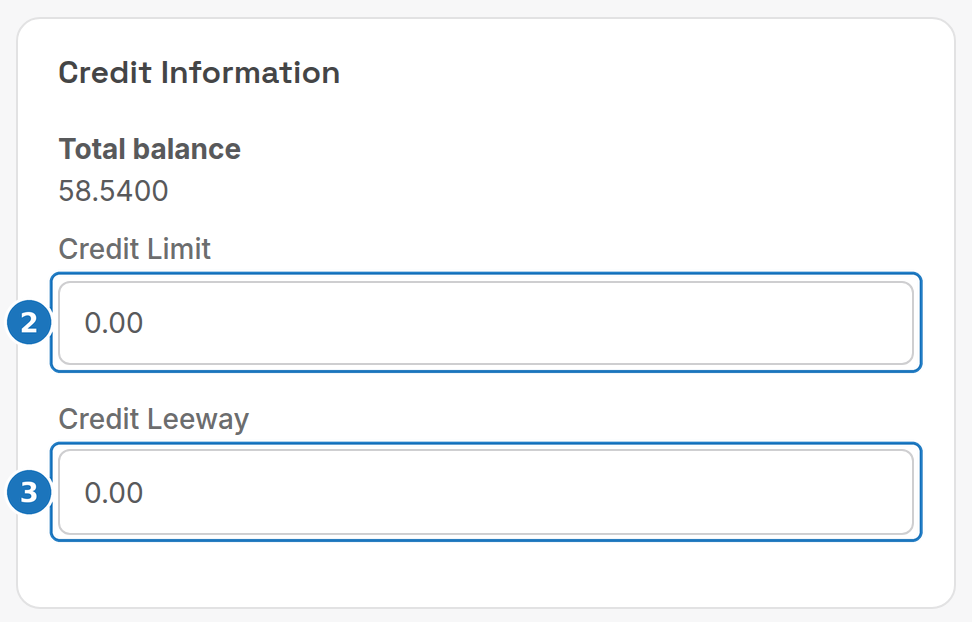
| View Customer Credit Sheet | Opens a customer's credit sheet, showing their total balance and letting you set a credit limit. |
To set a customer's credit limit:
- Under Customer Credit Sheet search for the customer and click View Customer Credit Sheet.
- Enter the Credit Limit.
- Enter the Credit Leeway (how far past the limit the account may go), then click Save.
To stop a customer being billed further, tick Credit Hold on the customer record: see Customer details.
¶ Debt collection agency report
The Debt Collection Agency Report (report list, Accounting tab) is an aged receivables snapshot at a chosen date, formatted for handing to a collection agency. It walks every customer, their invoices and the payments against them.

| Point | Detail |
|---|---|
| As of Date | The point in time the balances are calculated at |
| Ageing | Periods are counted from the invoice due date, not the invoice date |
| Negative invoices | Treated as a payment or credit on the invoice date |
| Back-dated items | A payment or credit entered today but dated a year ago counts on the earlier date, so the report for a past date can change |
| Bad debt | Invoices marked as bad debt are excluded |
To write an invoice off, click Mark Bad Debt on the invoice; written-off invoices are listed under Management, Bad Debt and in the Bad Debt reports: see Financial reports.
¶ Lock due invoices
Once an invoice is paid, editing it causes problems: accounting integrations such as Xero reject changes to paid invoices, and automatic payments usually run on the due date. Locking invoices on their due date prevents those edits.
- Open Admin, Department Settings, then Edit.
- In the Billing Behaviour card turn on Lock Due Invoices, then click Submit.
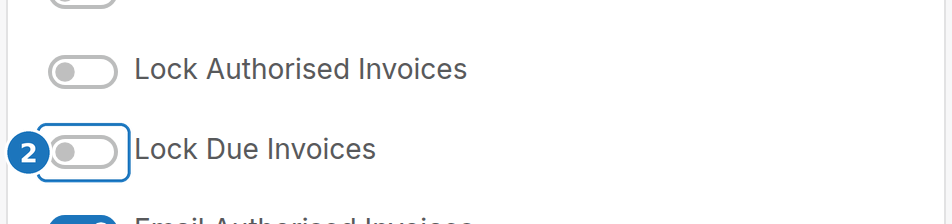
Lock Authorised Invoices locks invoices as soon as their bill run is approved instead. Both live in Department settings.
Next: Payment and credit reports.