An invoice type groups a customer's services onto one invoice and decides when that invoice generates and which PDF layout it uses. Most departments have one type; add more only if you need separate invoices (for example phone and subscriptions) for the same customer. For administrators.
¶ How invoice types are used
- Every service type carries an Invoice Type. A bill run creates one invoice per customer per invoice type, so services on different types land on different invoices.
- Creating an invoice by hand asks for the Invoice Type only when the department has more than one.
- The Type column on Sales → Invoices shows it, and Invoice Admin bulk actions filter by it.
¶ Add an invoice type
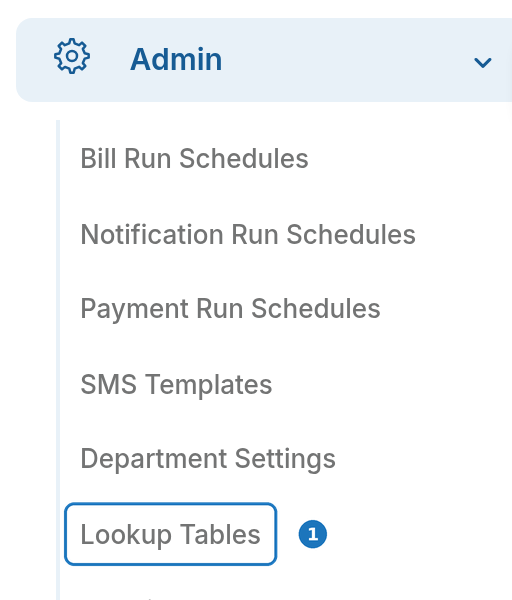
- Open Admin → Lookup Tables and choose Invoice Types in the section list.
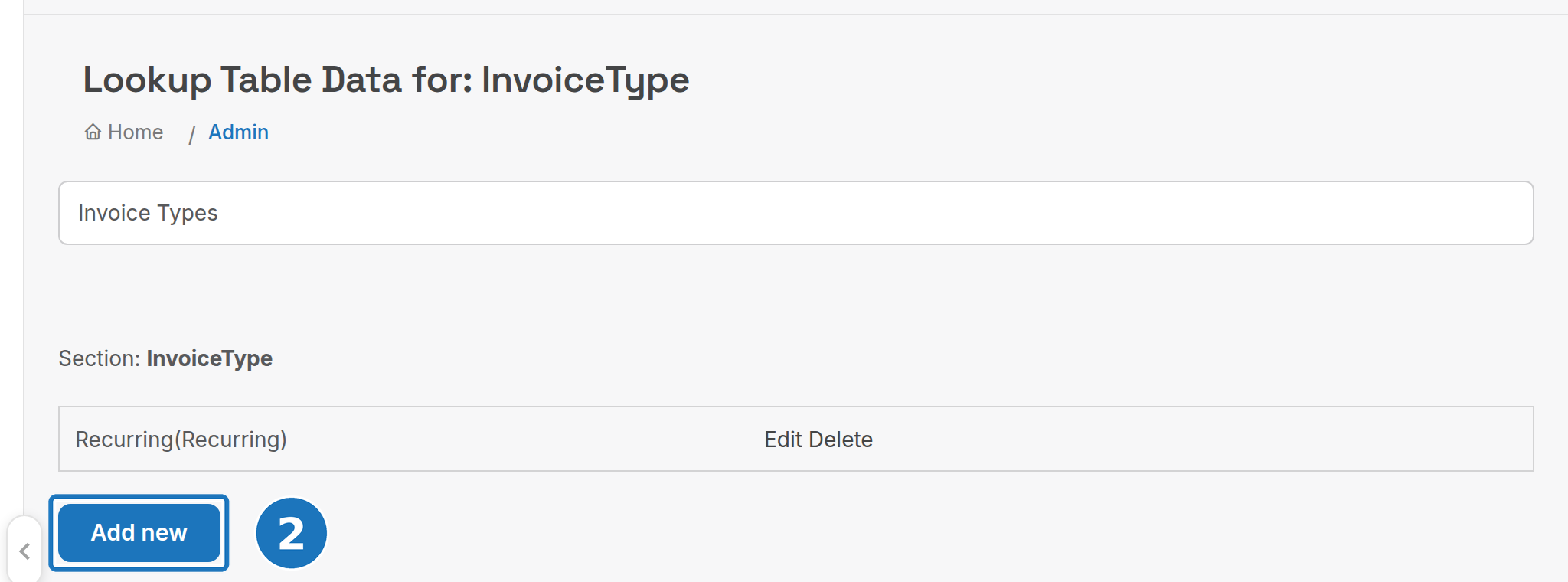
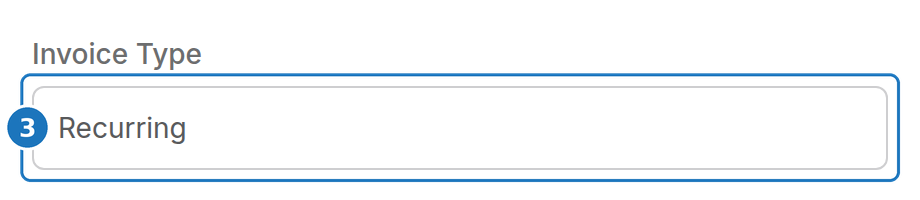
- Click Add new, enter a Name and Value, and click Add. Edit and Delete sit beside each existing type.
- Set the Invoice Type on each service type that should bill on it (Services → Service Types → Edit).
Deleting a type that service types still use leaves those services with no invoice to land on. Move the service types first.
¶ Generation settings
Generation timing and layout for each invoice type are configured by PracBill support for your department. Ask for them when you set up a new type.
| Setting | What it does |
|---|---|
| Generation | Monthly: invoices on a fixed day of the month (usually the 1st) and bills the previous month's usage. Anniversary: each customer bills on their own billing cycle, counted from the day their first service on this type started. |
| Generation Day | Day of the month, Monthly generation only. |
| Generation Time | 24-hour time, in the department's default time zone. |
| Charge Upcoming Month Fees | Usually on: service fees are billed in advance, so an invoice dated 1 April carries the fixed charges for 1 to 30 April. |
| Disable Pro-Rata | Off by default. When on, a service that starts during the period is charged a full month and a service that ends during it is not charged. See Pro-rata, back billing and prepaid. |
| Pre-Flight Checks | A check that must pass before generation starts, for example that the carrier's call records have arrived. If it fails, the system retries every hour. |
| Auto Approve Invoice | Approves and sends each invoice as soon as it generates, except drafts (see Invoices). With auto approve off, an invoice admin approves the run under Management → Bill Runs. |
| Layout | The PDF layout. Custom layouts are built by PracBill on request (support@pracbill.com.au); a layout that can be shared with other departments costs less. |
Bill run schedules (Admin → Bill Run Schedules) drive the runs themselves: see Your first bill run.