Orders track the provisioning of a new service from request to activation, with a workflow of steps that can email the customer or staff and run automations. For staff who provision services.
¶ Create an order
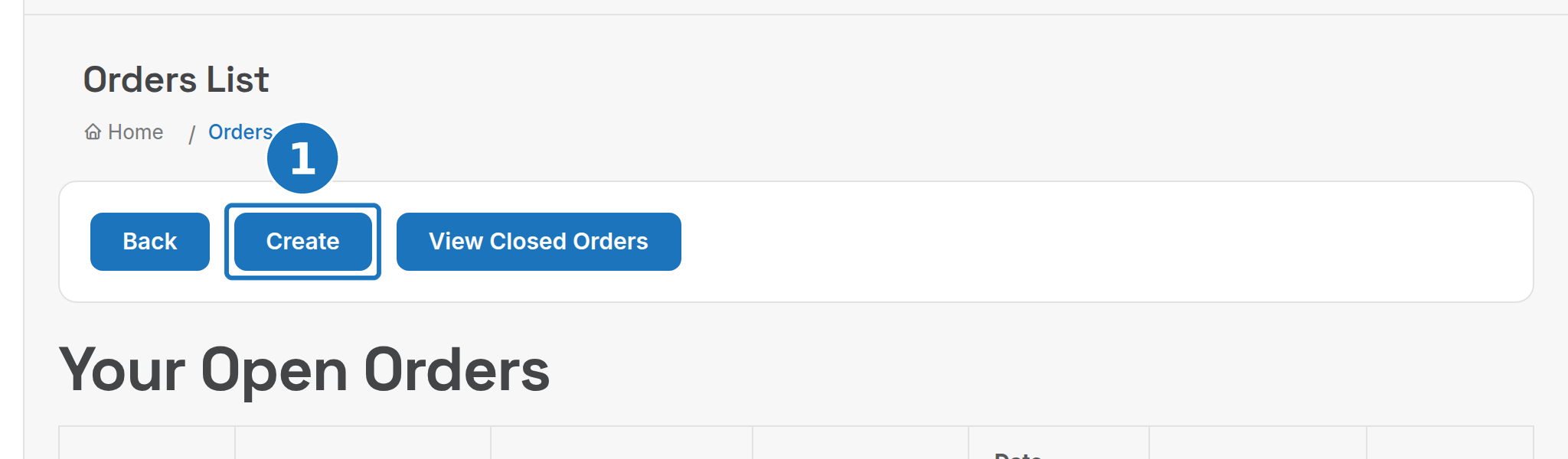
- Open Sales → Orders and click Create. Order New Service on a customer page does the same with the customer filled in. The list shows Your Open Orders and everyone's Open Orders; View Closed Orders shows finished ones.
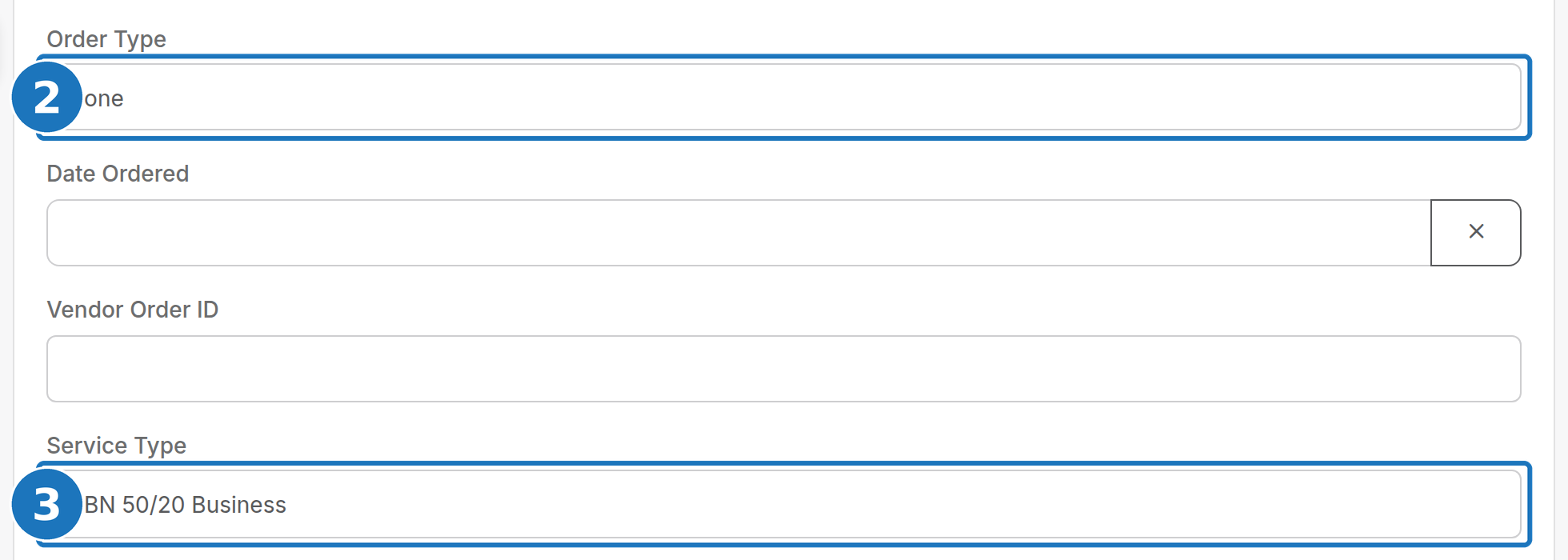
- Give it a Title and choose the Order Type (this sets the workflow).
- Choose the Service Type to order. The Supplier fills itself from the service type. A service type can use any order type; many service types usually share one.
- Set Date Ordered and Date Expected, pick the Customer, link an existing Service if there is one, and click Save.
| Field | Notes |
|---|---|
| Handled By | The staff member responsible; defaults to you. |
| Vendor Order ID | The supplier's reference. |
| Supplier | Auto-filled from the service type; change it if needed. |
¶ Work through the steps
The order page lists the workflow steps. Click a step to mark the order up to that point; you can move back and forward to correct the current step. Each step can require customer, supplier or staff input, send a notification, and run an action.
¶ Limit which service types can be ordered
- Open Services → Service Types, edit the service type and turn off Allow Ordering through Orders Module. It drops out of the Service Type list on the order form.

¶ Order types and workflows
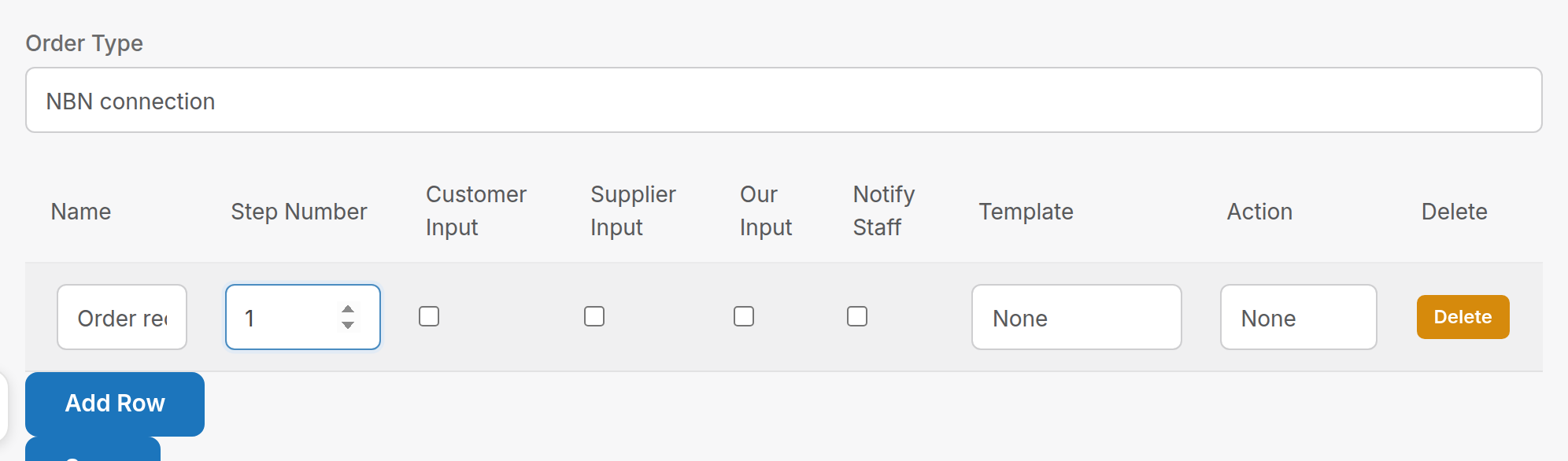
Sales → Order Types names each order type and links it to a workflow. Sales → Ordering Workflows defines the steps: for each row a Name, Step Number, who must provide input (Customer, Supplier, Our Input), Notify Staff, an email Template and an Action.
¶ Workflow actions
Actions are automations attached to a step. Most are built for a carrier integration; the ones with fields are:
Connection Credit (for Vocus: Create Service Record). Collects a credit to apply to the service on connection. If the service creates a credit anyway, these values override the defaults. A custom product always applies the credit for that product, even if none would have applied.
| Field | Type | Notes |
|---|---|---|
| Custom Credit Amount | Number | Only change for a custom amount |
| Custom Credit Description | Text | Only change for a custom description |
| Custom Product ID | Related product | Forces a credit of that product onto the connection |
Vocus: Site and Contact Information. Collects the data the Vocus integration needs later.
| Field | Type | Notes |
|---|---|---|
| Site Contact Name | Text | : |
| Site Contact Number | Text | : |
| Site Street Address | Text | Full address including suburb, used to find the LOCID |
| Location ID | Text | : |
| NBN Technology | Select | : |
| Password | Text | Connection or RADIUS password |
| Fibre Upgrade | Checkbox | : |
| Is Churn | Checkbox | : |
| AVC (for churn) | Text | : |
| Invoice | Related invoice | The initial charge invoice |
Vocus: Create Service Record. Creates the service records for the order from what happens at Vocus.
Other actions in the list: Add Phone Provision Charge, Add Router Provision Charge, Close Order, Create Card Proof, Create VOCPhone Trunk, New Phone Details, Porting Information, Service Information, Service Verified, Set Porting Date/Time, Site And Contact Information, Ubiquity Router Config, Verify Sent, Vocus: Close Order, Vocus: NBN Appointment, Watt Grid Ordering, Wifi Details, n8n Workflow Trigger.
Next: Add a service once the order is complete.